A station of your own, and a ship that is never stranded
Pilots can now build a second ship and set up mines and stations of their own, and research and building run aboard. A nuclear drive that refills from the star's wind means no ship is stranded for good, and the universe moved closer to the real one, three suns included.
A course to a moon you can read
Until today, a flight to one of Galuromus d’s moons drew its course as two long lines running far across the screen, nowhere near the moon. The course itself was right. It was drawn the way the sun sees it. While the ship flies to the moon, the planet travels about three million kilometers along its orbit and takes the ship and the moon with it. Seen from the sun, the trip is a long stretch along the planet’s path with a small wiggle in it.
The course is now drawn around the body the whole trip stays close to. For a flight to a moon that is the planet, so the course is the arc from the planet out to the moon’s orbit, 30 000 kilometers instead of three million. A flight between planets is still drawn around the sun, where it belongs.
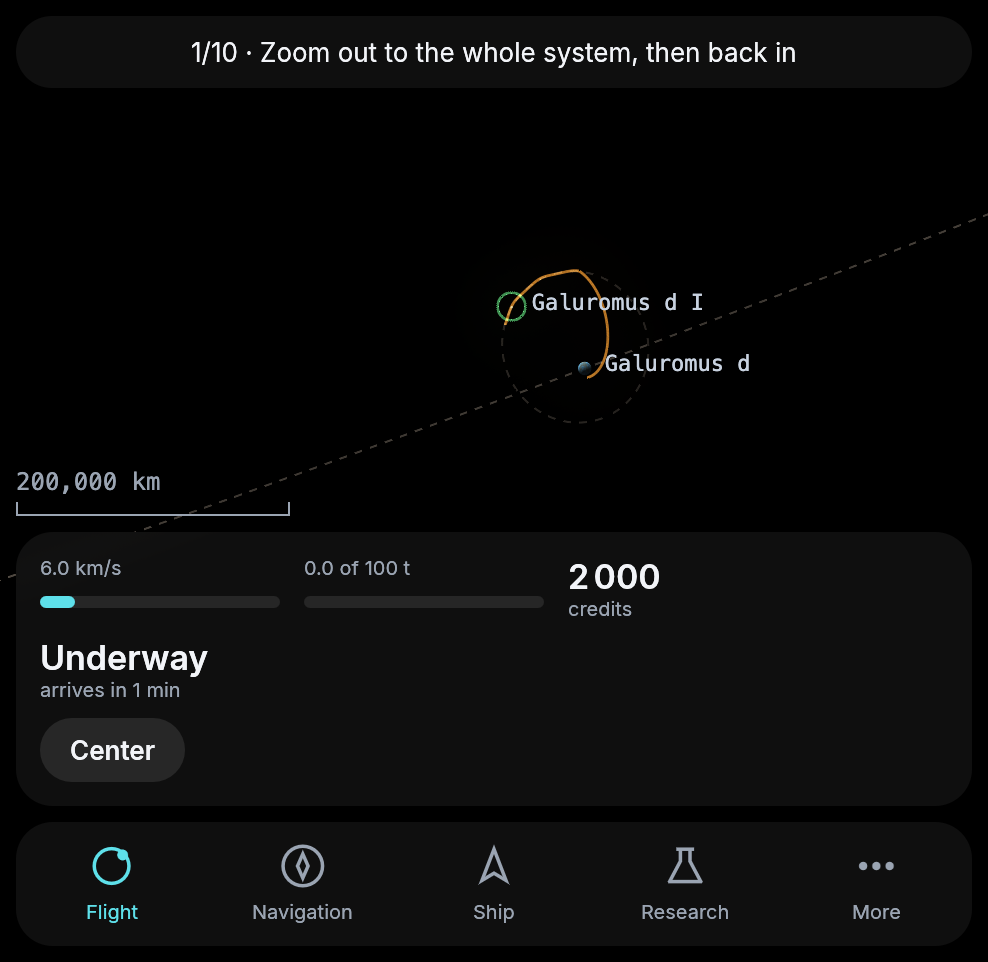
A minute before arriving at the moon. The arc starts at Galuromus d and ends where the moon will be when the ship gets there.
The yard
Your ship is made of parts, and now you can build new ones. The station has a yard, reached from the station’s list or from More. It lists blueprints, and each one builds one part. From the start you can build a hold, a tank, a mining head and an extractor. Mining I opens a head and an extractor twice as fast, and Mining II four times as fast.
A build takes materials and time. A class-I part needs a few tonnes of silicate and carbon and a tonne of metal and takes five minutes. The materials come from your hold first and then from your vault. One part is built at a time, and it keeps going while you are away.
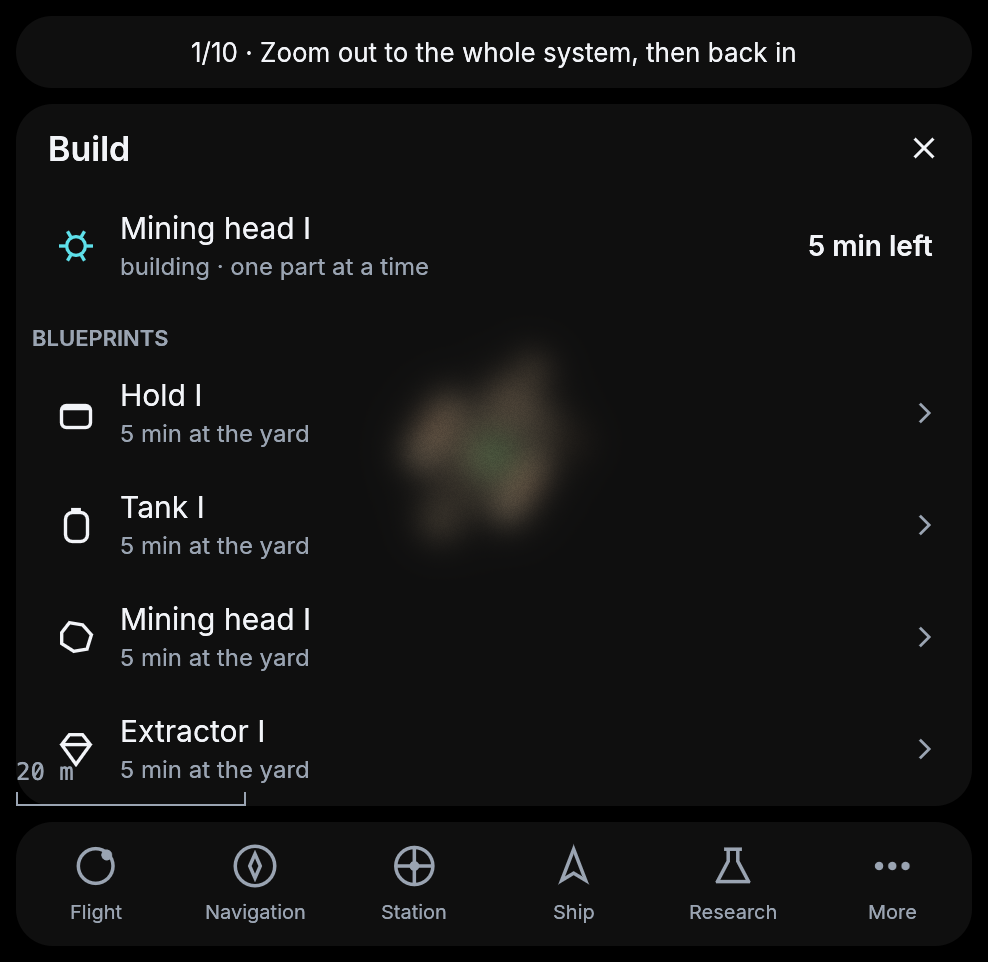
The yard while a mining head is being built.
A finished part waits as a spare. While you are docked, Fit puts it on your ship in place of the part of its kind, and the old one becomes the spare.
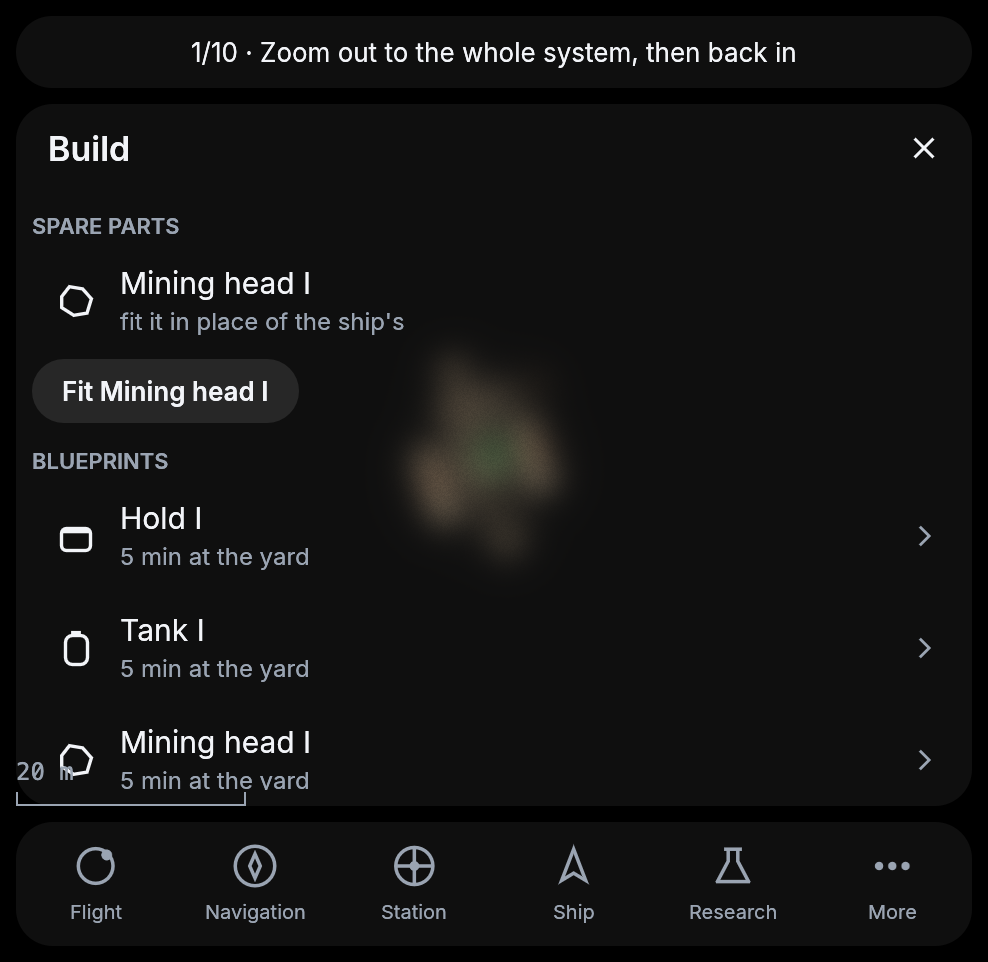
The new head is ready to be fitted.
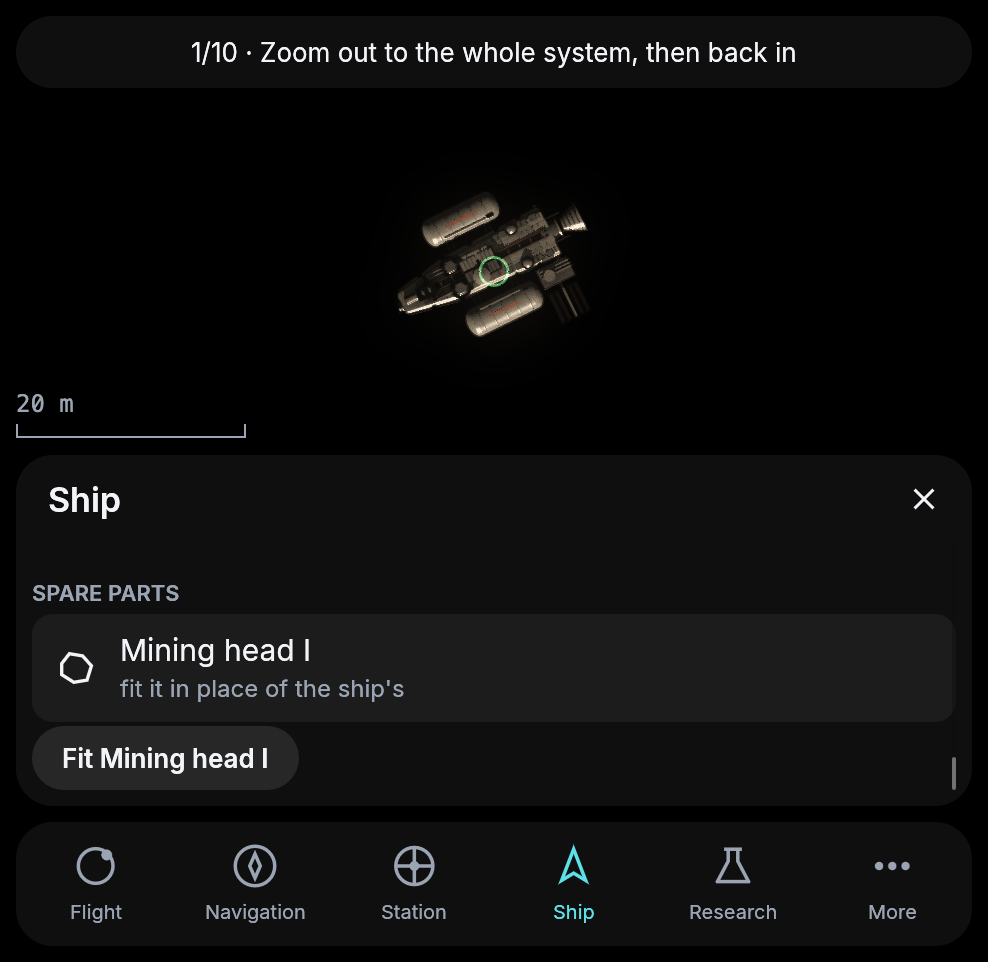
A ship with a stage II mining head fitted. It mines twice as fast as before.
A log of what happened
When you come back to the game, the new Log under More tells you what happened while you were away. It lists arrivals, docking, a full tank or hold, the way home starting on its own, sales and purchases, finished research and parts, and parts you fitted, newest first and with how long ago. More also has a link to this site’s guide now.
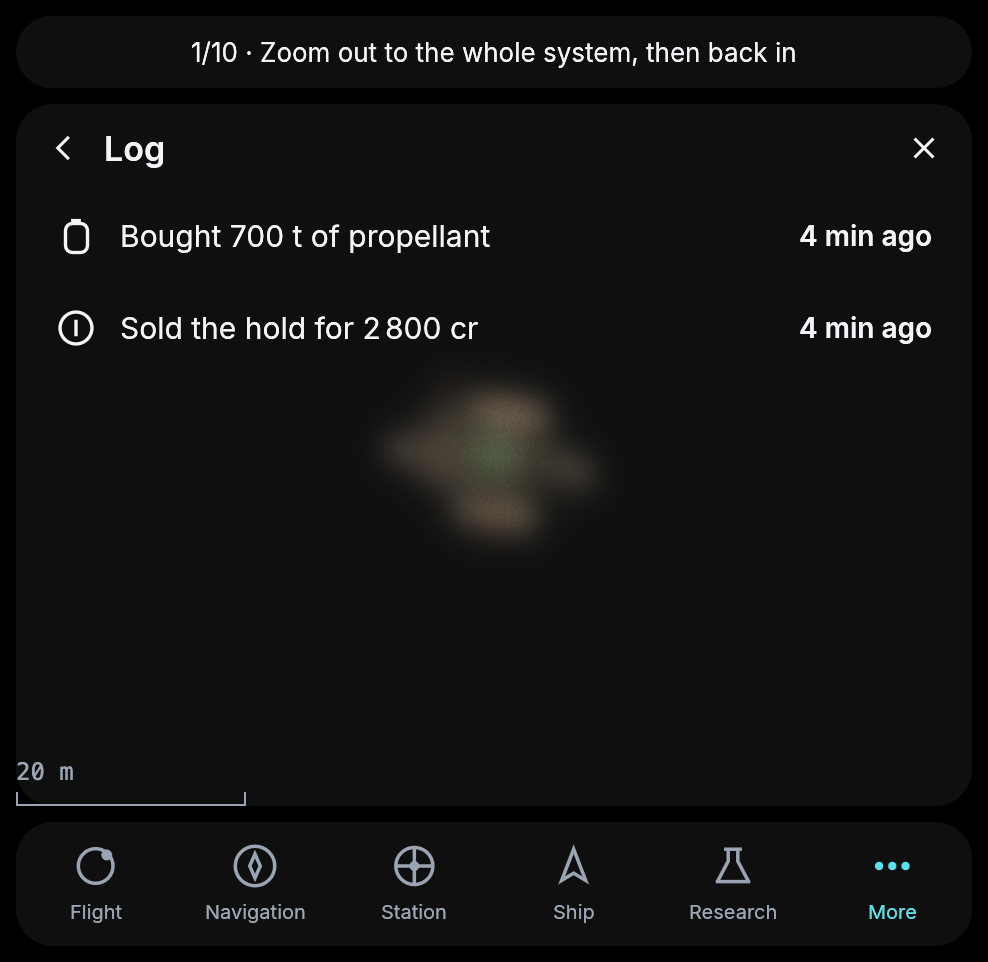
The log after a sale and a fill at the station.
A drive you cannot be stranded with
The first drive you can research and build is the nuclear-thermal drive. A reactor heats hydrogen and throws it out twice as fast as the chemical drive does, so the same tank takes you twice as far, about 26 km/s instead of 13.4. It pushes more gently, at 0.3 g.
It also carries a magnetic scoop. While your ship drifts, parked in orbit or waiting beside a rock, the scoop gathers hydrogen from the star’s wind and slowly fills the tank, about 30 tonnes an hour at Galuromus d and more closer to the star. A ship with this drive can never be stranded. If its tank runs dry far from a station, it waits a few hours and flies home. The real solar wind is about a hundred thousand times too thin for that, so this is one of the places where the game bends physics on purpose.
Drives I in the lab opens its blueprint, and the yard builds it in twenty minutes. Fitted, it replaces the chemical drive, and your ship is drawn with it.
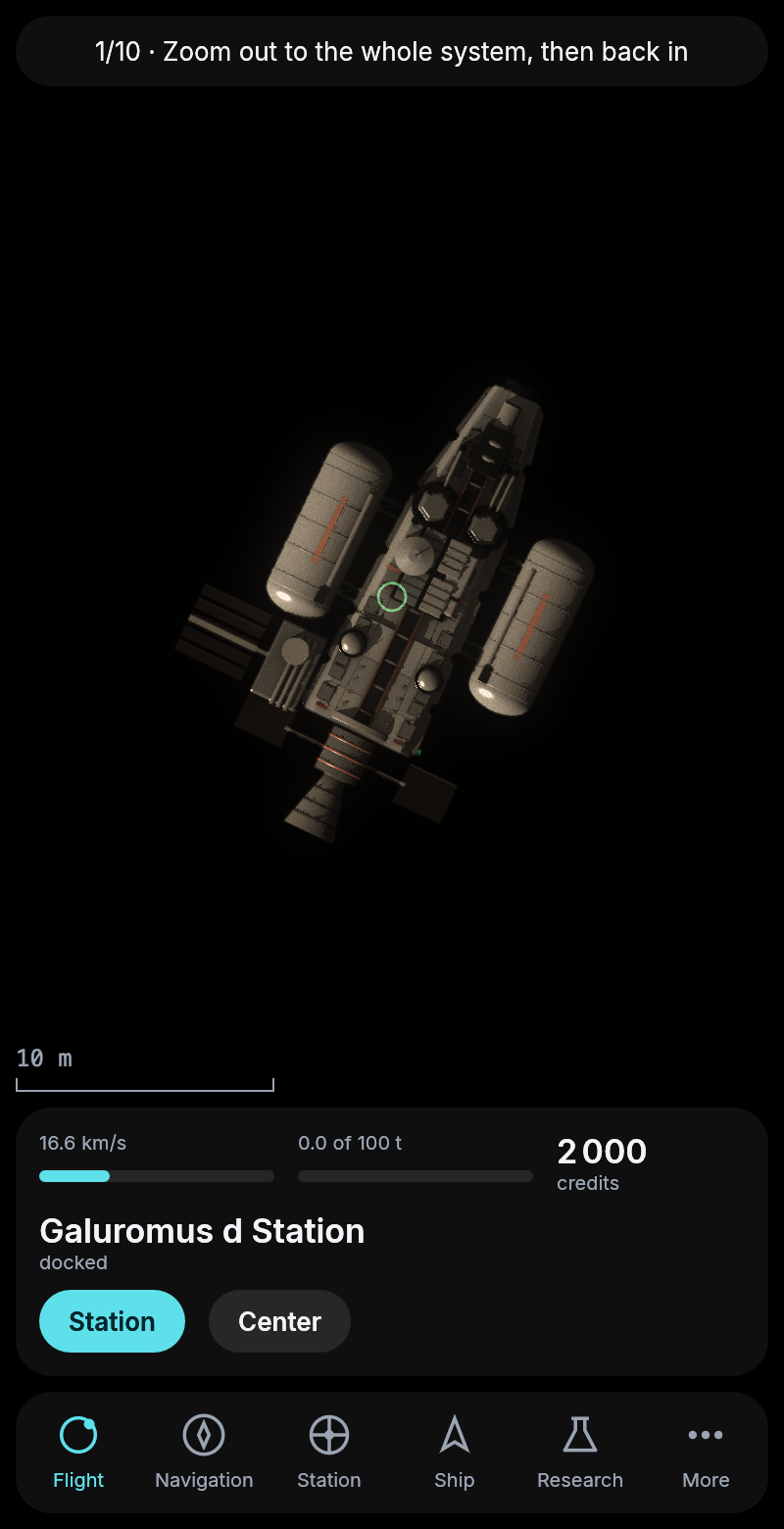
The start kit with the nuclear-thermal drive. On the same 300 tonnes its range rose from 8.6 to 16.6 km/s.
A second ship
The yard can now build a hull of class II, and a hull is not a part. It is a ship of its own. Research Construction I, bring 175 tonnes of silicate, carbon and metal, and an hour later a second ship waits at the station. It is bigger than the start kit, with nine slots for parts instead of five, room for two drives, two tanks and two holds. It starts with a drive, a tank and a hold, and you fit the rest at the yard.
The Ship section now lists your ships. Tap one to fly it. The card, the map and every action follow the ship you chose.
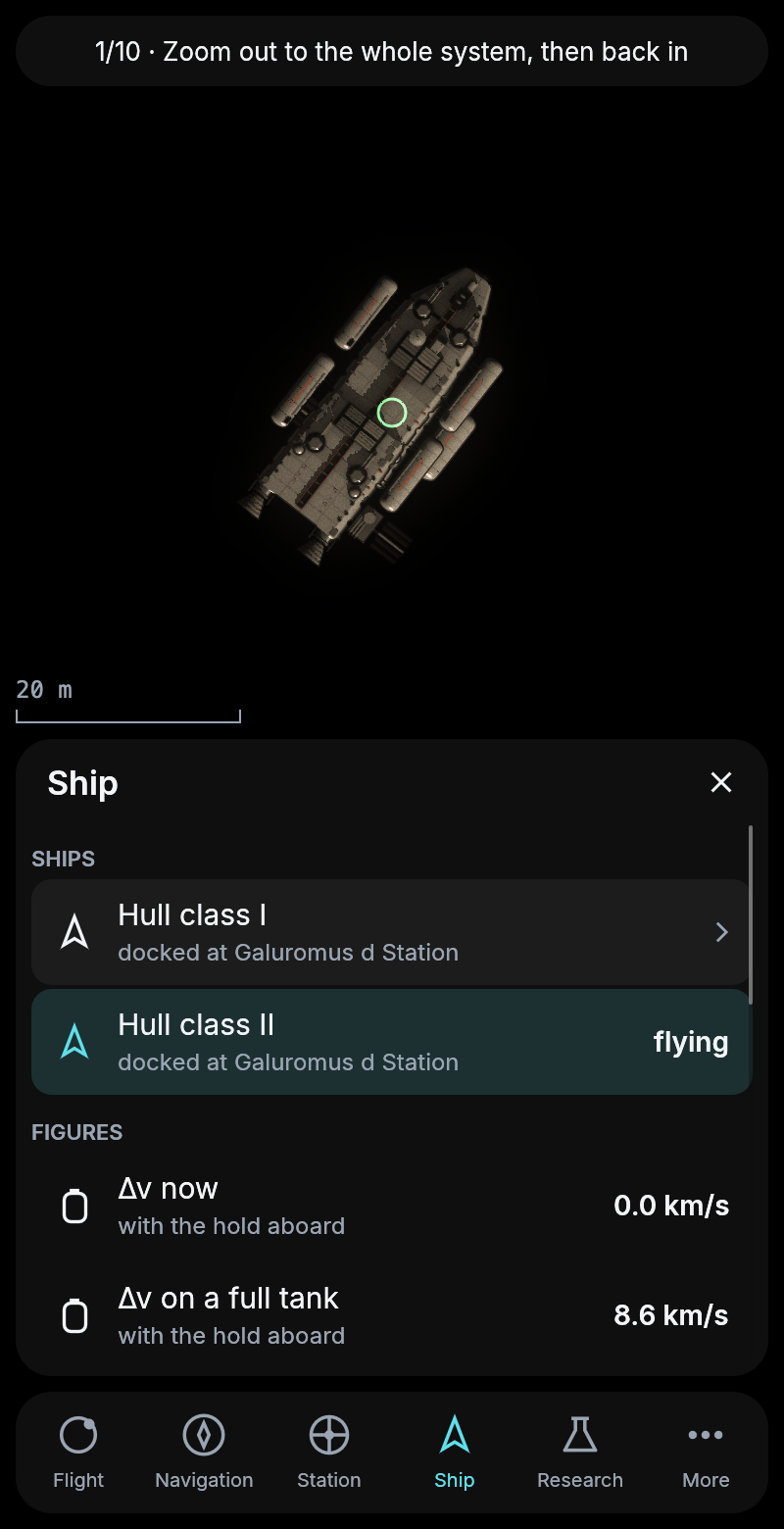
Two ships at the station, the new class II ship chosen. Its tank is still empty.
A second station, at Galuromus e
Galuromus e, the next planet out, now has a station of its own. Its market pays more than d’s for everything a rock gives, half again as much for silicate and metal and twice as much for water, and it asks more for propellant. A full hold can be worth the longer way.
The way there is longer than the start kit’s tank allows with anything left to come home on, so only a ship with the nuclear-thermal drive is offered a route to e. With the chemical drive, Plan says that e needs the nuclear drive.
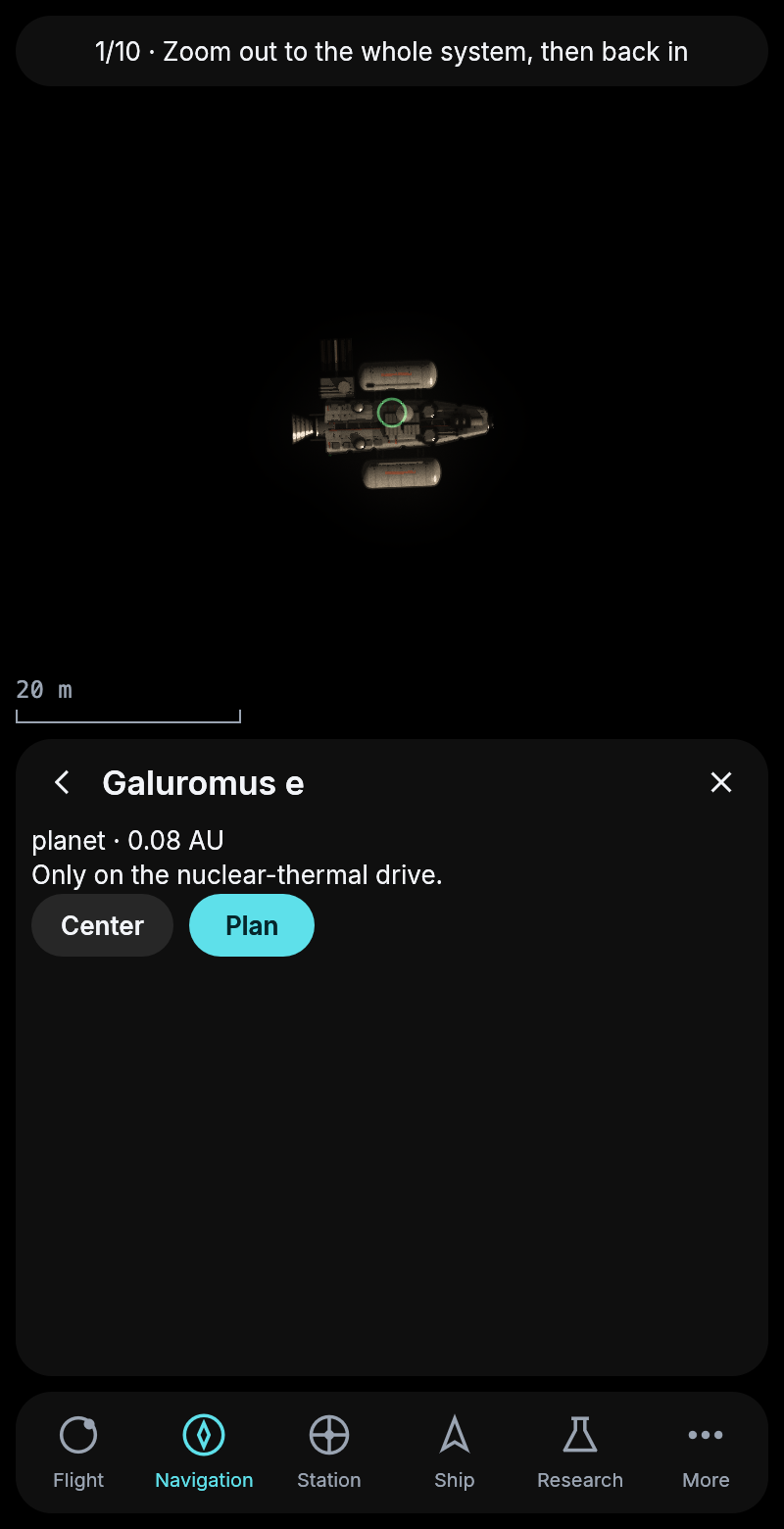
Asked for a way to e with the chemical drive.
Mines
A mine sits on a rock and mines it while you are away. There are three types, built at the yard after the research Mining II. The spider stores 5 000 tonnes and is the even one. The tower stores twice that but mines slowly, so it can be left alone for a week. The ring fills in about ten hours, for a pilot who comes by often.
A mine gets to its rock in one of two ways. You can load it into the hold as crates, unload them next to a rock, and robots assemble the mine there in ten minutes, over several flights if the hold is busy with other things. Or you tow the whole mine, which costs no room but makes the ship heavier for every burn. Next to the rock you set it up at once.
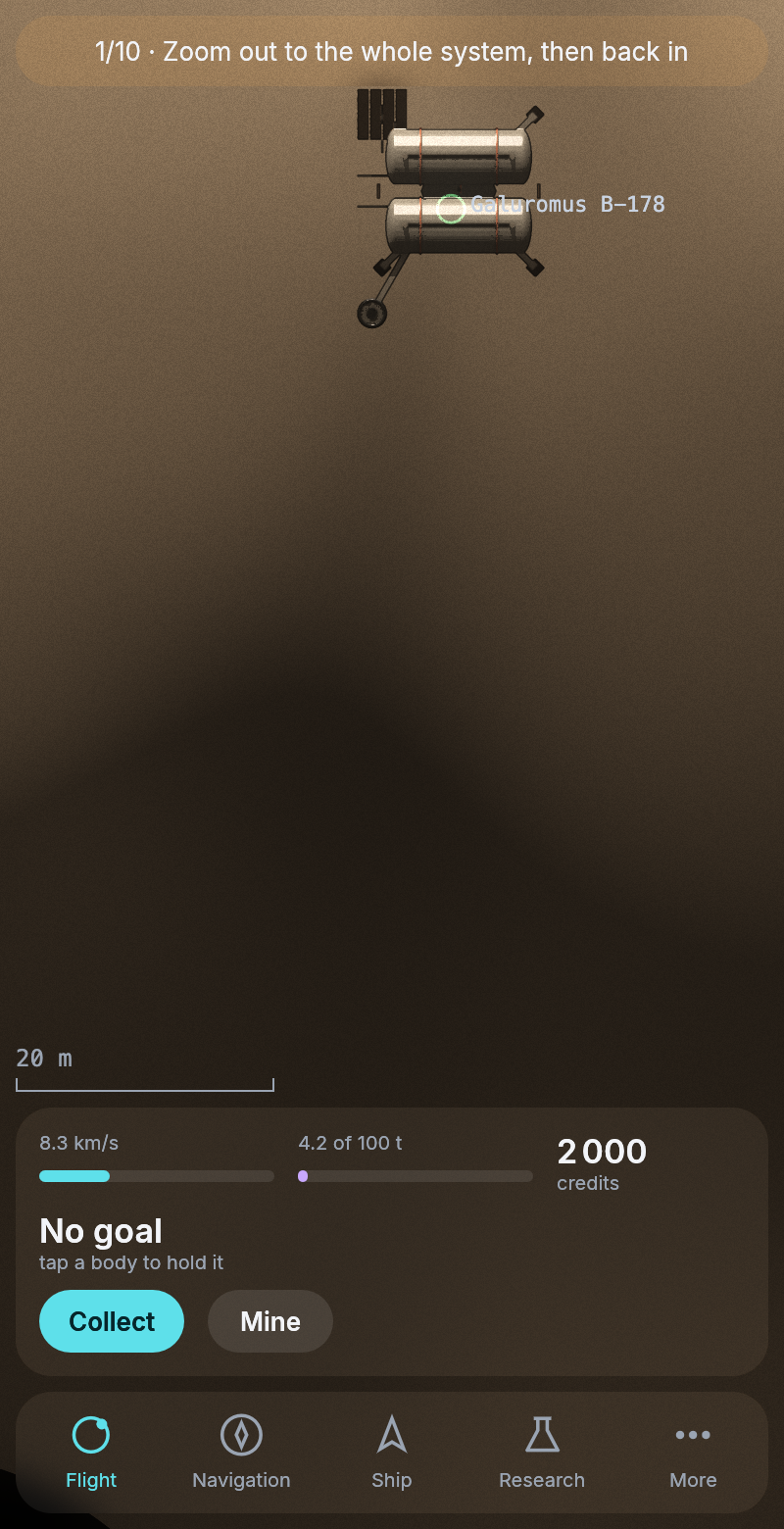
A spider mine on Galuromus B-178, a few minutes after it was set up. Collect moved what it had mined into the hold.
Next to the rock, Collect takes what the mine has stored into your hold. Later a freighter will fetch from your mines on its own.
A universe closer to the real one
Before the game opens to everyone, we are going through every place where the universe was simpler than the real sky. Several of them changed today.
Cloud worlds. A rocky planet used to have an ocean anywhere from a little colder than Earth to much warmer. Venus would have been drawn as an ocean world. A real planet that warm boils its oceans into the air, and what is left looks like Venus, a bright ball of pale yellow cloud with nothing of the ground to be seen. Planets like that are now drawn that way, and they are among the brightest things you will see in a system. About one planet in twenty-two is a cloud world. Oceans now sit only where a real planet could keep one. One planet that changed is Galuromus e, which turned from ice to an ocean world.
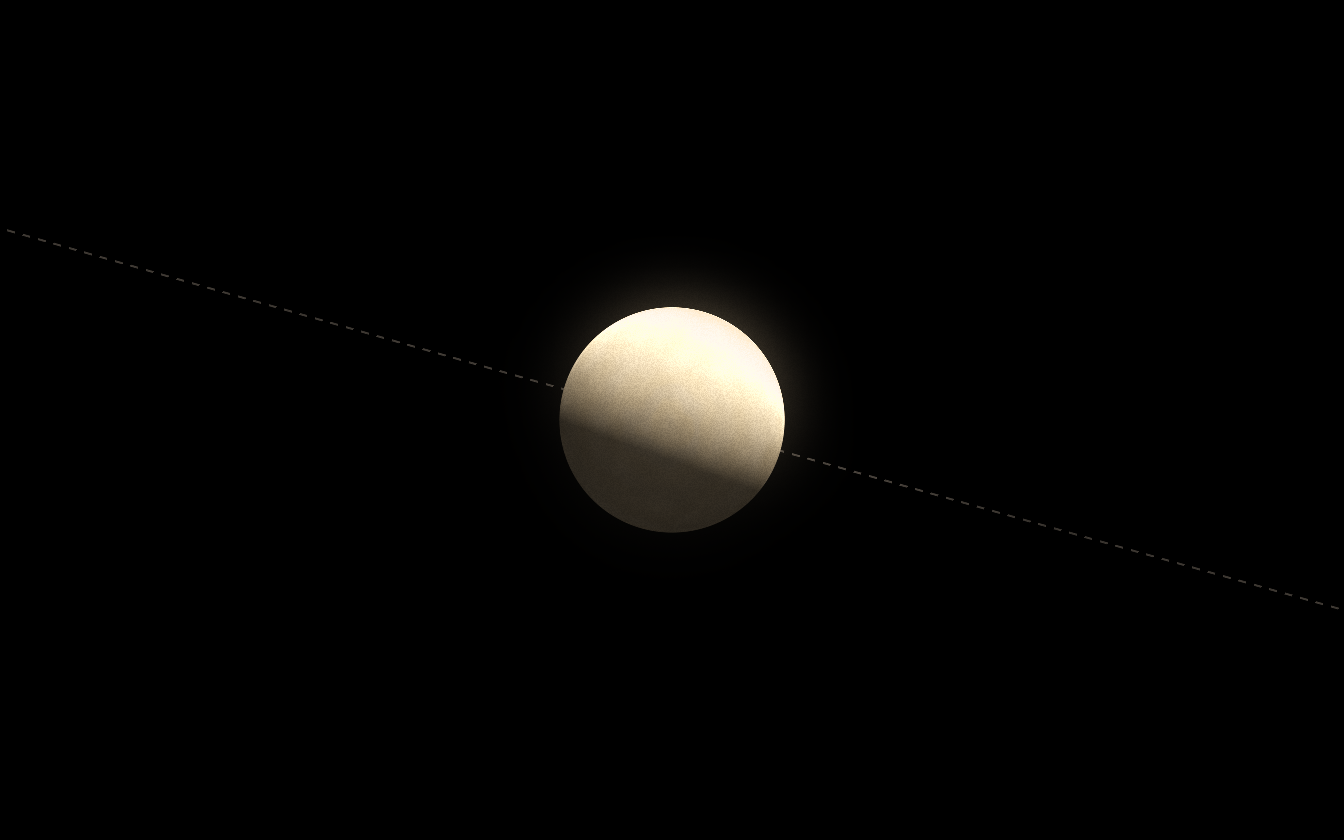
Arur b, a cloud world, under the light of its star.
Orbits that do not cross. Planets on stretched orbits could cross the orbit of their neighbor, in about one system in sixteen with several planets. In a real system two such planets would soon throw each other out. Neighbors now always keep a safe gap between the farthest point of the inner orbit and the nearest point of the outer one. In Galuromus this moved e a little farther out, and the planets beyond it moved with it.
Stars around a black hole. The stars crowded around the black hole at the middle of a galaxy used to fly on crossing paths at thousands of kilometers a second. They now go round it on circles that never meet, and a planet of such a star only goes as far out as the hole’s pull allows.
Two planets that cannot both stay. Around a small star, two big planets sometimes cannot both have a stable orbit. Until now the one formed second was simply left out. Now the lighter of the two is thrown out of the system, as happens in real systems.
Two suns. About half of the stars like the Sun have a partner star, usually a few dozen times as far away as the Earth is from the Sun. Until now a system got a second star only if the two stars nearly touched. Now a partner is kept out to about 700 times the Earth’s distance, and each of the two stars has planets, moons and belts of its own. A quarter of all systems now have two suns. Galuromus still has one.
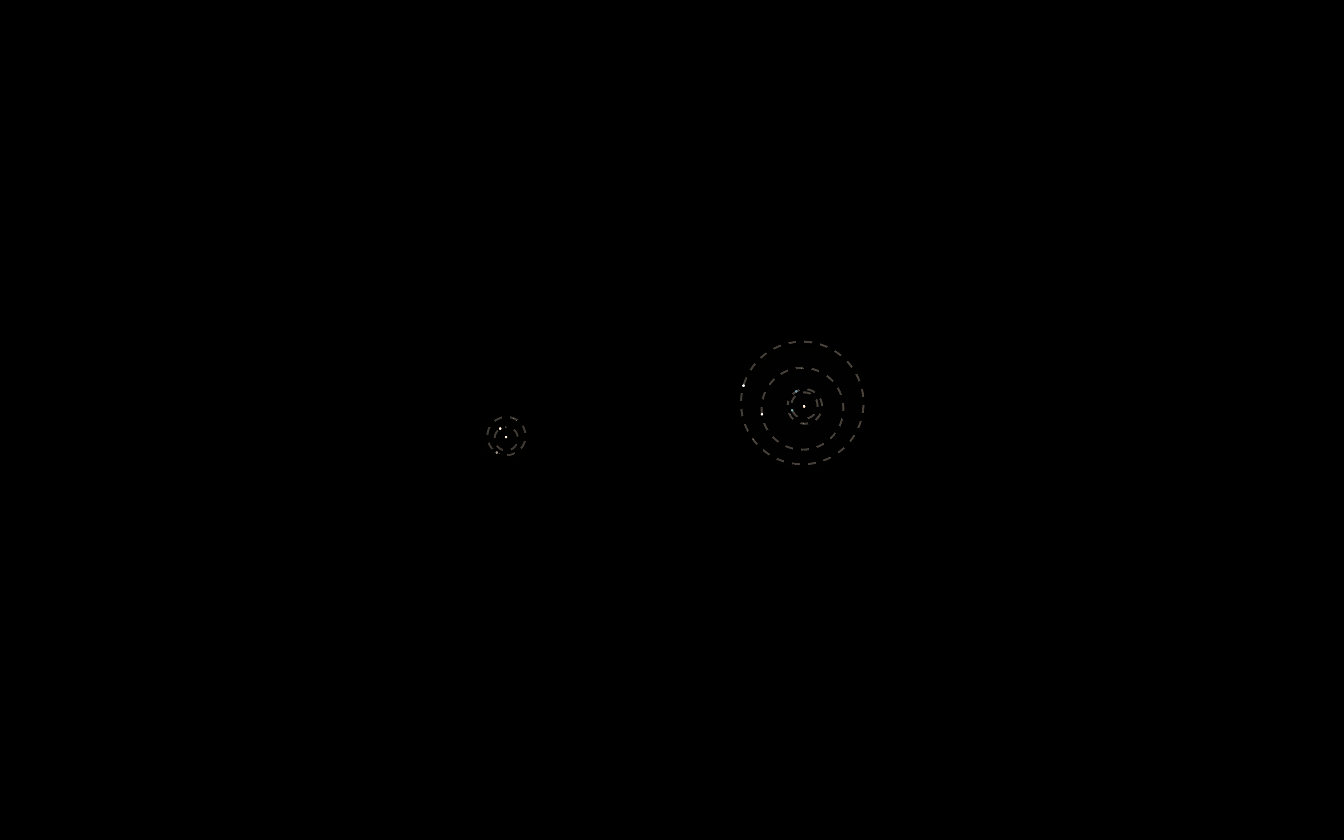
Maryaio, a pair of stars a little smaller than the Sun. Each has its own planets.
In a system with two suns, a planet is now named after its star, the way astronomers name them. The first planet of Maryaio B is Maryaio Bb. The system map shows the two stars side by side, each with its own orbits, and how far apart they are.
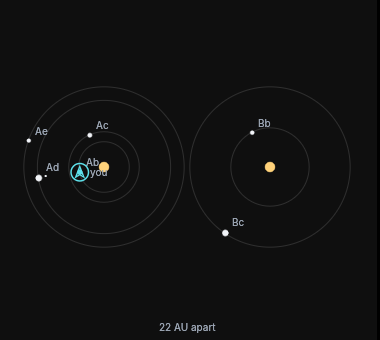
The map of Maryaio in the cockpit.
Three suns
A pair of stars can now have a third star going around it, as long as all three stay within about 700 times the Earth’s distance from the Sun of the system’s middle. Before today a third star was only kept if it nearly touched the other two, and one system in 450 had three suns. Now it is one in twenty-six. That is still fewer than in the real sky, where about one star like the Sun in twelve has two partners.
Each star keeps planets of its own. When the inner two stars are very close, the planets go around both of them together, and the third star has its own. When the inner two are far apart, each of the three stars has its own planets, moons and belts. The light of the other suns warms them too, and each planet is now lit from the side of its own star. Until today every planet of a system with two suns took its light from the first one.
The planets are named the way astronomers name them. Around the close pair of Athotharae the planets are Athotharae AB b, AB c and AB d, and around its third star Athotharae Cb, Cc and Cd. The system map shows the pair and the third star side by side, or all three stars when each has its own planets, and a course between two planets of the close pair goes around both stars. Maryaio, the pair of stars shown above, turned out to have a third star as well, about 240 times the Earth’s distance out.
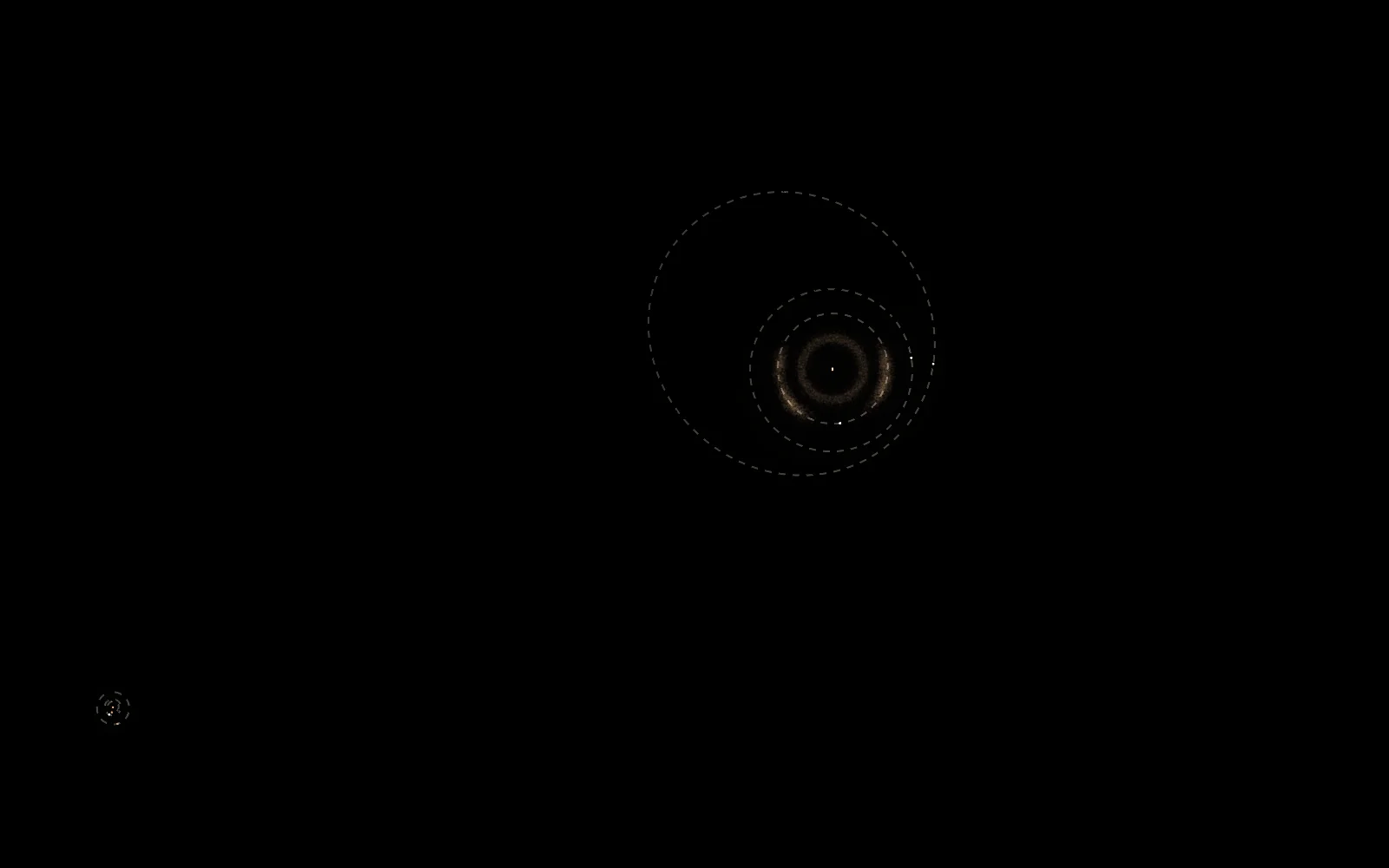
Athotharae. The close pair of red dwarfs at the upper right shares three planets and a belt. The third star at the lower left has three small planets of its own.
A station of your own
With the research Construction II the yard builds a station that is yours. There are two types. The wheel has a ring with room for 10 000 tonnes and, soon, a market where other pilots buy and sell at prices you set. The spine is the depot, three times the store and berths for modules that come later.
A station travels like a mine. Its 400 tonnes are too much for one hold, so you load as many crates as fit and fly them to a planet. The first ones found a site where your ship is, and later flights dock there and bring the rest. When all are in, robots assemble the station in an hour. You can also tow it whole, which costs a lot of range but is quick around the planet of the yard.
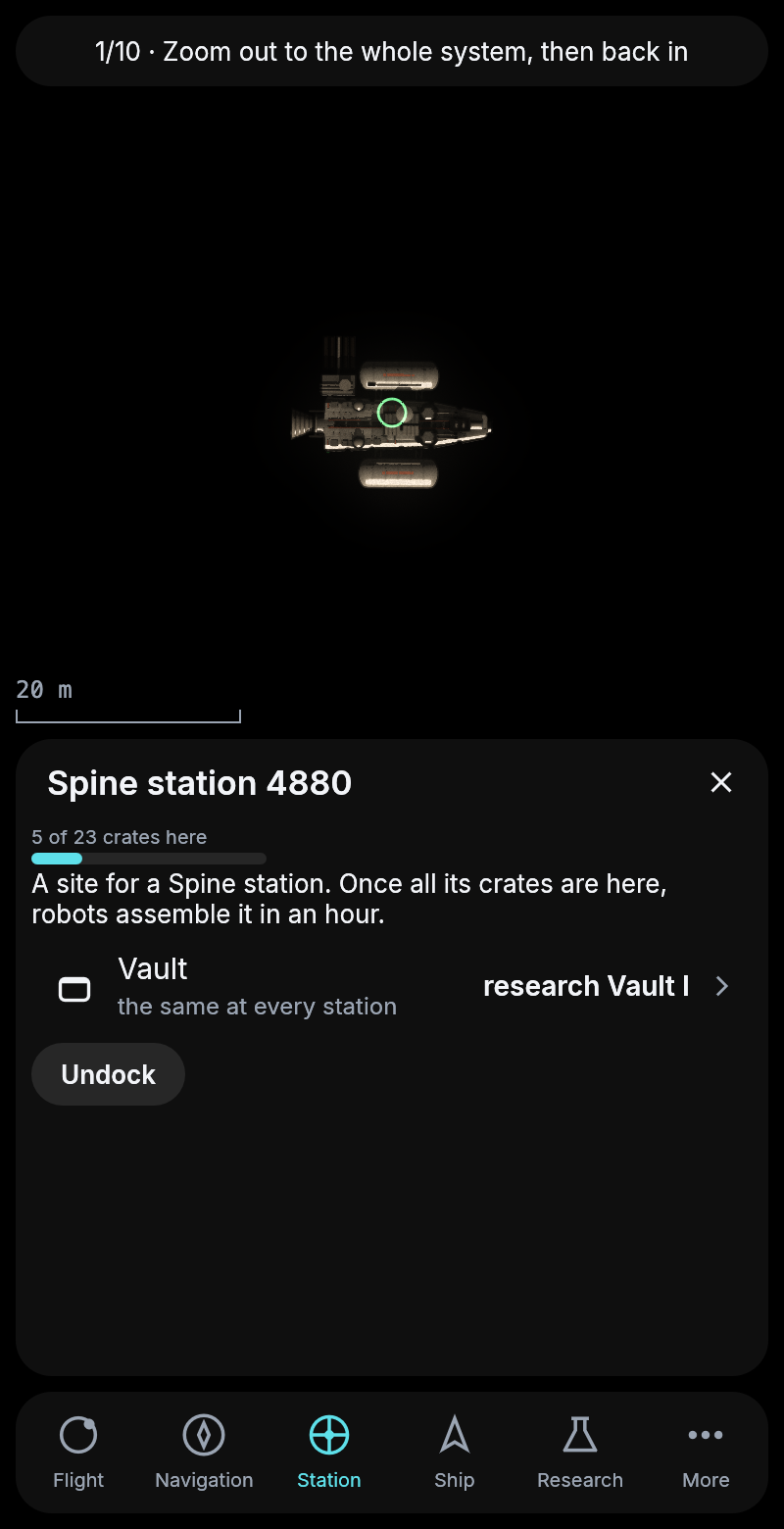
The first flight’s five crates at a new site for a spine station.
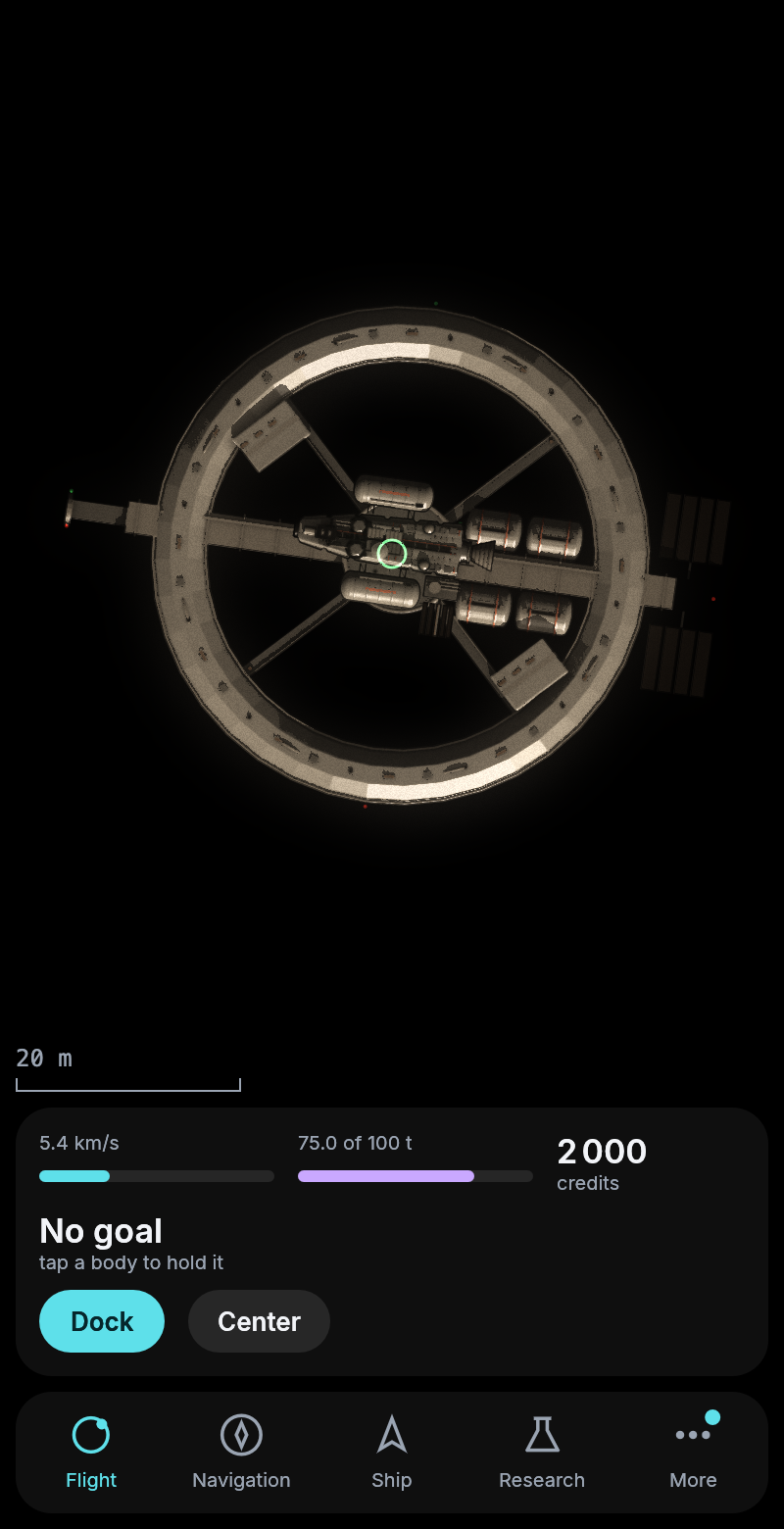
A wheel station, set up the same day it was built, with a start kit at its hub.
Docked at your own station you reach its store, which works like the vault but holds far more. Any pilot may dock at your station, only you reach the store. So that a planet does not fill up with them, stations keep at least 1 000 km apart along the orbit.
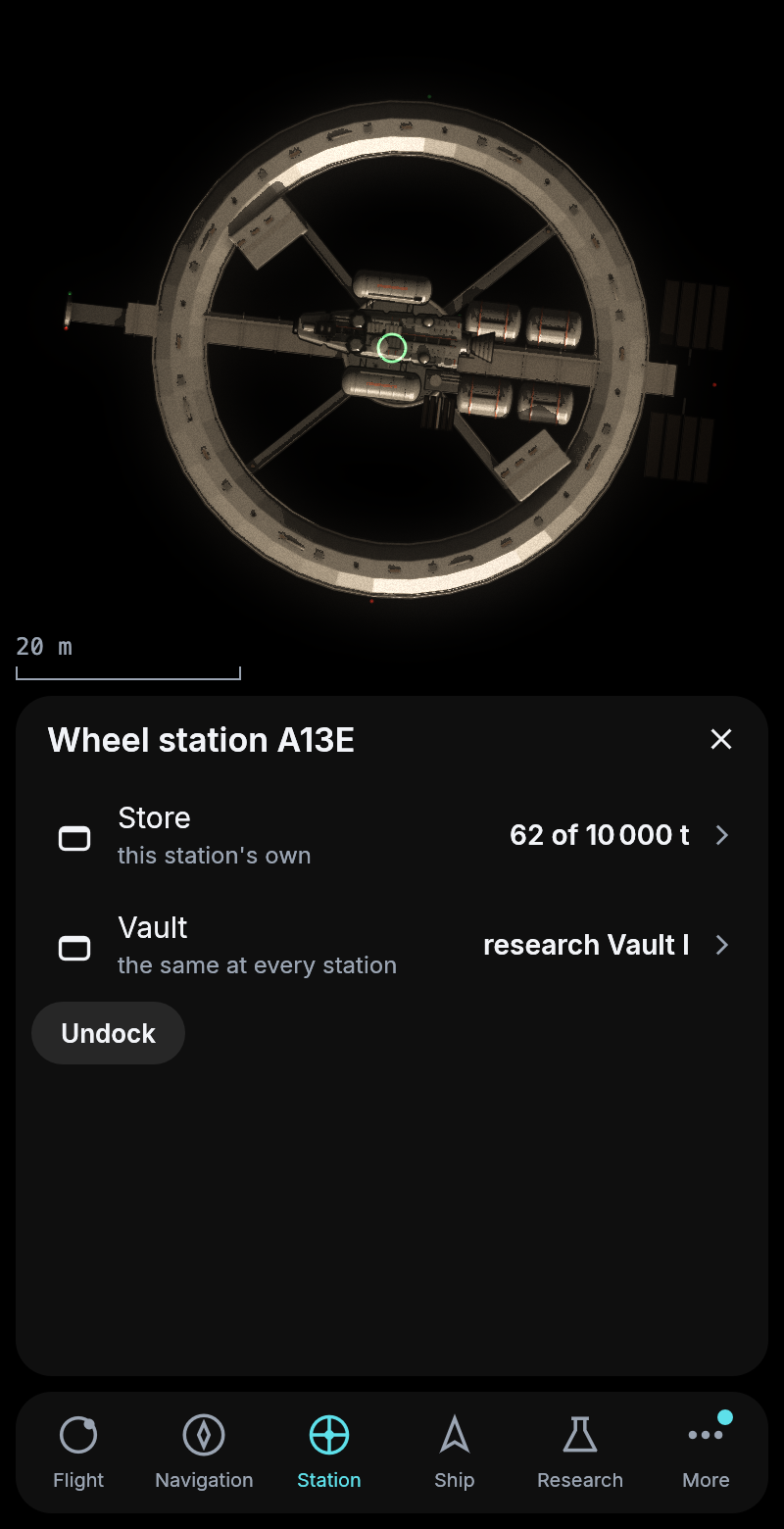
Docked at the wheel, the first 62 tonnes in its store.
The wheel’s ring is a market. Its owner sets what it pays and what it asks for each material, and other pilots docked there sell into its store or buy from it at those prices. What they sell is paid from the owner’s credits, and what they buy goes to the owner. A station far from the authority’s can buy a pilot’s hold where the trip home would cost too much, or sell the carbon nobody else has nearby.
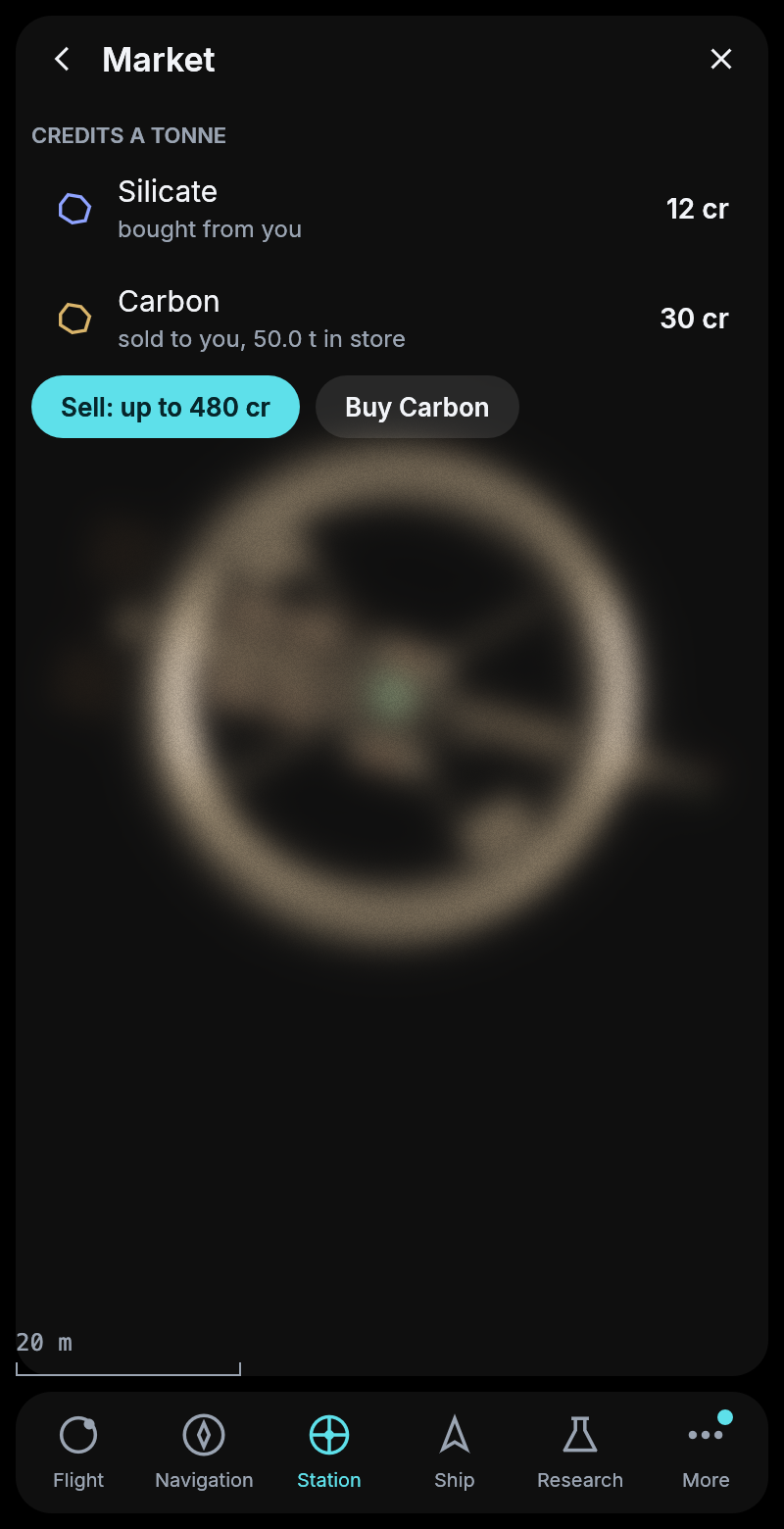
Another pilot docked at a wheel that buys silicate and sells carbon.
Docking after a trip
Flying back to a station and docking could fail. Seen from the moon, a station and its planet are almost the same distance away, and the station goes round its planet every few seconds, so in the list of what is near the two kept swapping places. A tap meant for the station often opened the planet, and a flight to the planet ends in orbit below the station, with nothing to dock at. Plan home could also pick the station at Galuromus e or a pilot’s own station instead of the one at d. Now a station is always listed right after its planet, Plan home always means the station at d, and Plan on any station’s page flies to that station.
From beside a rock there was no way to a station at all, only to its planet’s orbit. Now the way goes there first, and the ship flies on to the station and docks by itself, as it already did at the end of the tutorial’s first trip.
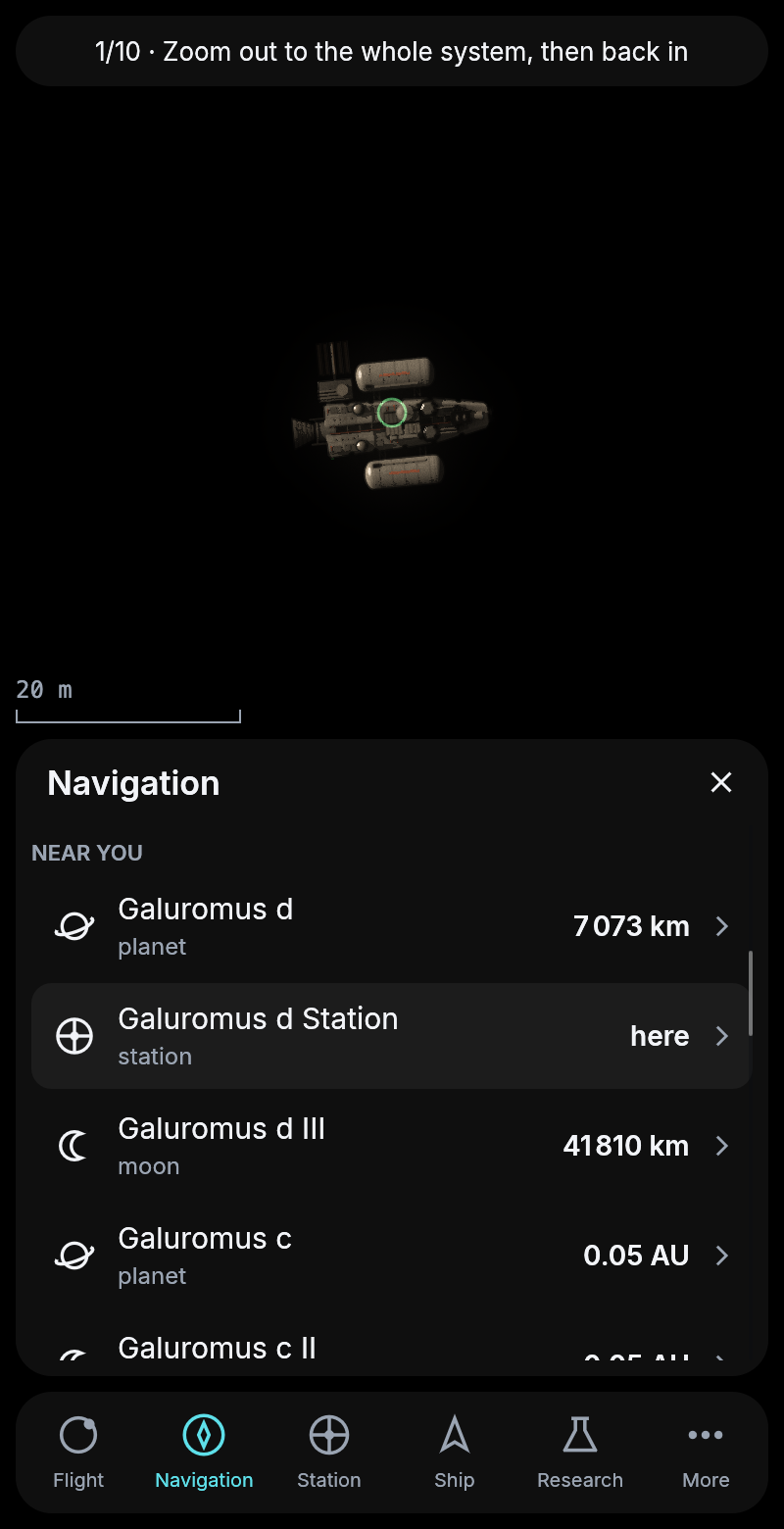
The station listed right after its planet, wherever the ship is.
Starting over
Under More there is now Start over. It begins the game again as a new pilot, with a new start kit at Galuromus d, the start credits and the tutorial from its first step. Everything else of yours goes, and the page says so once more before you confirm. It is mainly for trying the start of the game again, and it also gets a ship out of a flight that would take weeks.
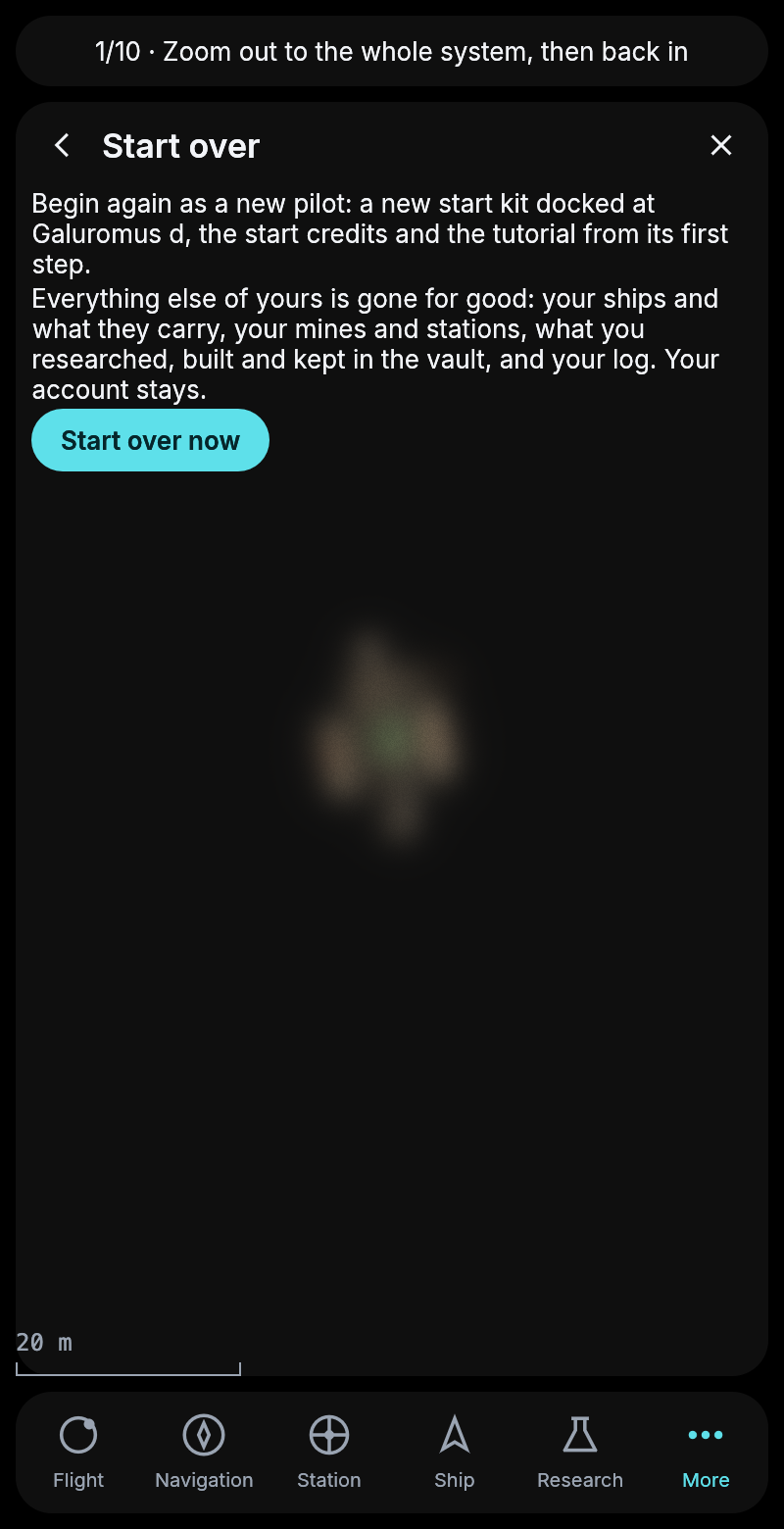
The page before starting over.
Plan tells you what it is doing
Pressing Plan while your ship was already on its way did nothing at all, and nothing said why. Now the page says the ship is underway and when it arrives, and Plan only appears where a route can be planned, so not for the planet you are circling either. While a route is being worked out the page says so, and an offer now tells you when the flight leaves and how long it is on the way, so a wait of hours for the right moment shows before you press Fly it.
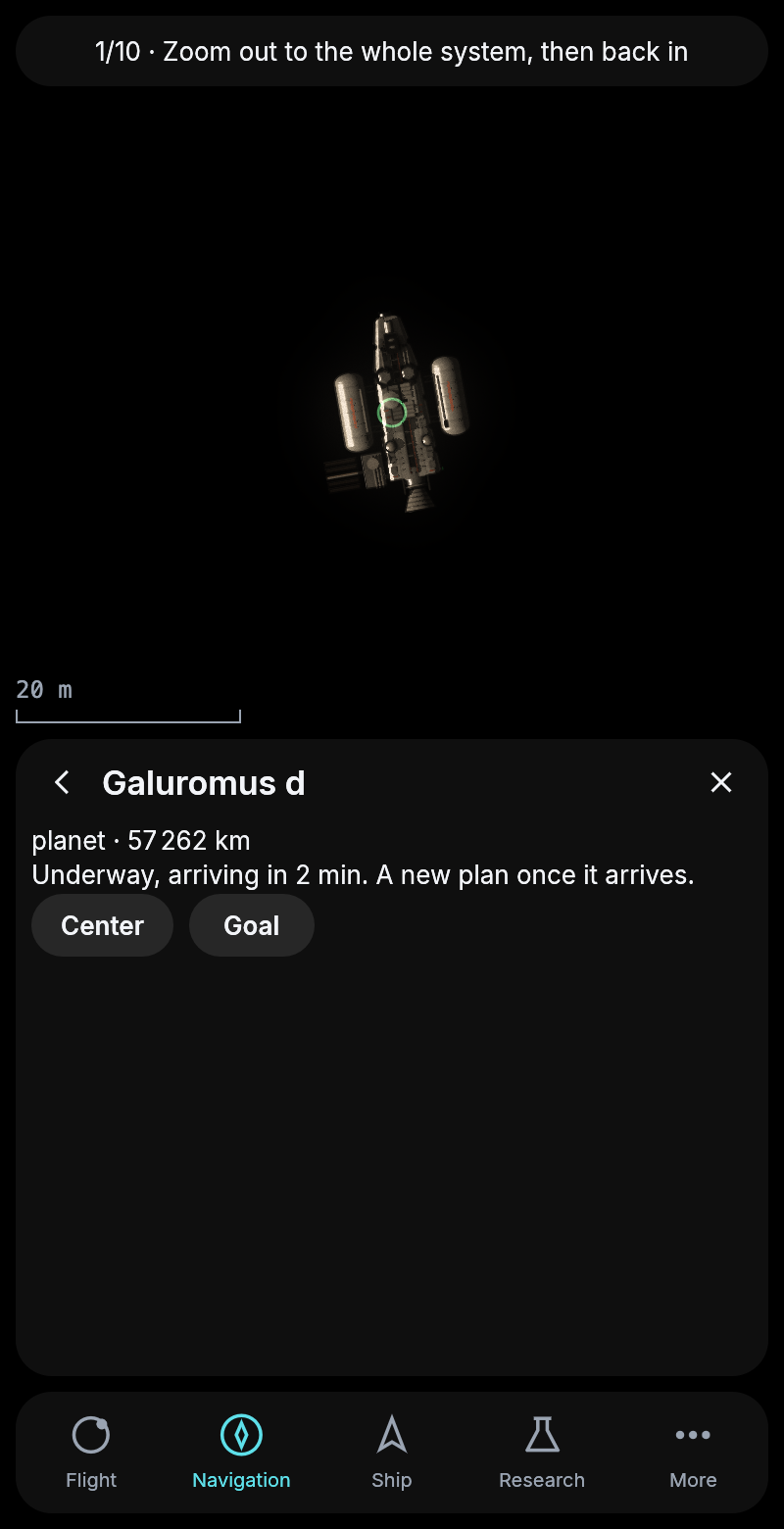
Asking for a new route during a flight.
A calmer cockpit
Several smaller things changed after a long evening of playing. A ship no longer spins round while it coasts. It holds its attitude and turns only to burn, along the direction of the burn. The time left shows its seconds under five minutes, so the last stretch reads “2 min 30 s”. If you drag the view or zoom in on something else, it stays there instead of jumping back to your ship, and a tap on empty sky or Center brings it back. Center on a station now keeps the station in view as it goes round its planet. Docked at a station you can tap any body and plan the way there right from the card. And when the tutorial asks for a flight your tank cannot pay for, the line at the top says to fill up at the station first.
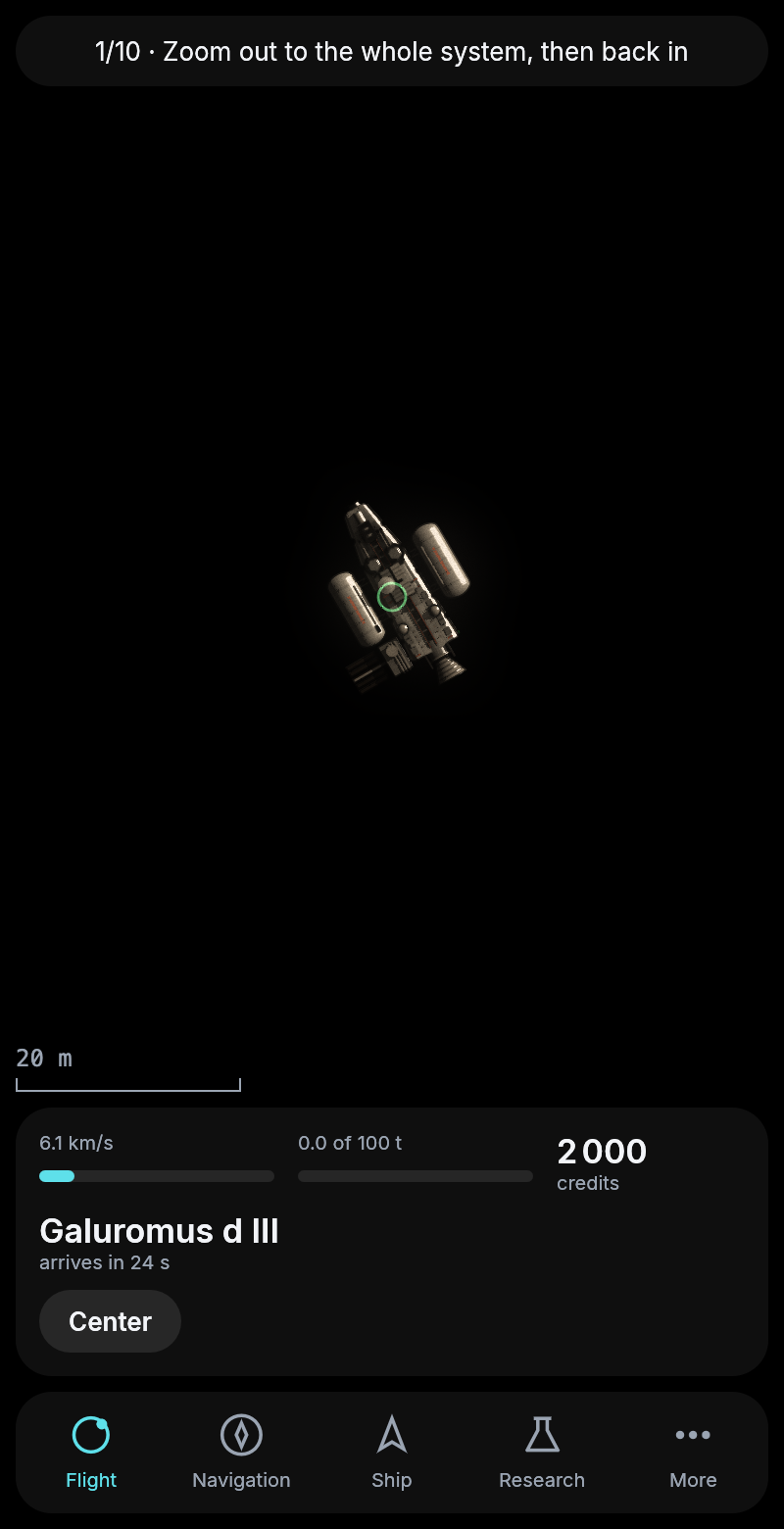
The last stretch of a flight to the moon, counted in seconds.
Buttons that say why
Some buttons did nothing when the game turned you down. Setting up a station too close to another one, loading crates into a full hold or collecting from a mine that is not yours all failed without a word. Now the card says why, in one line above your goal, until you press the next button. A station’s page also stopped showing a route you asked for somewhere else, so a flight offered to the moon no longer turns up under another station.
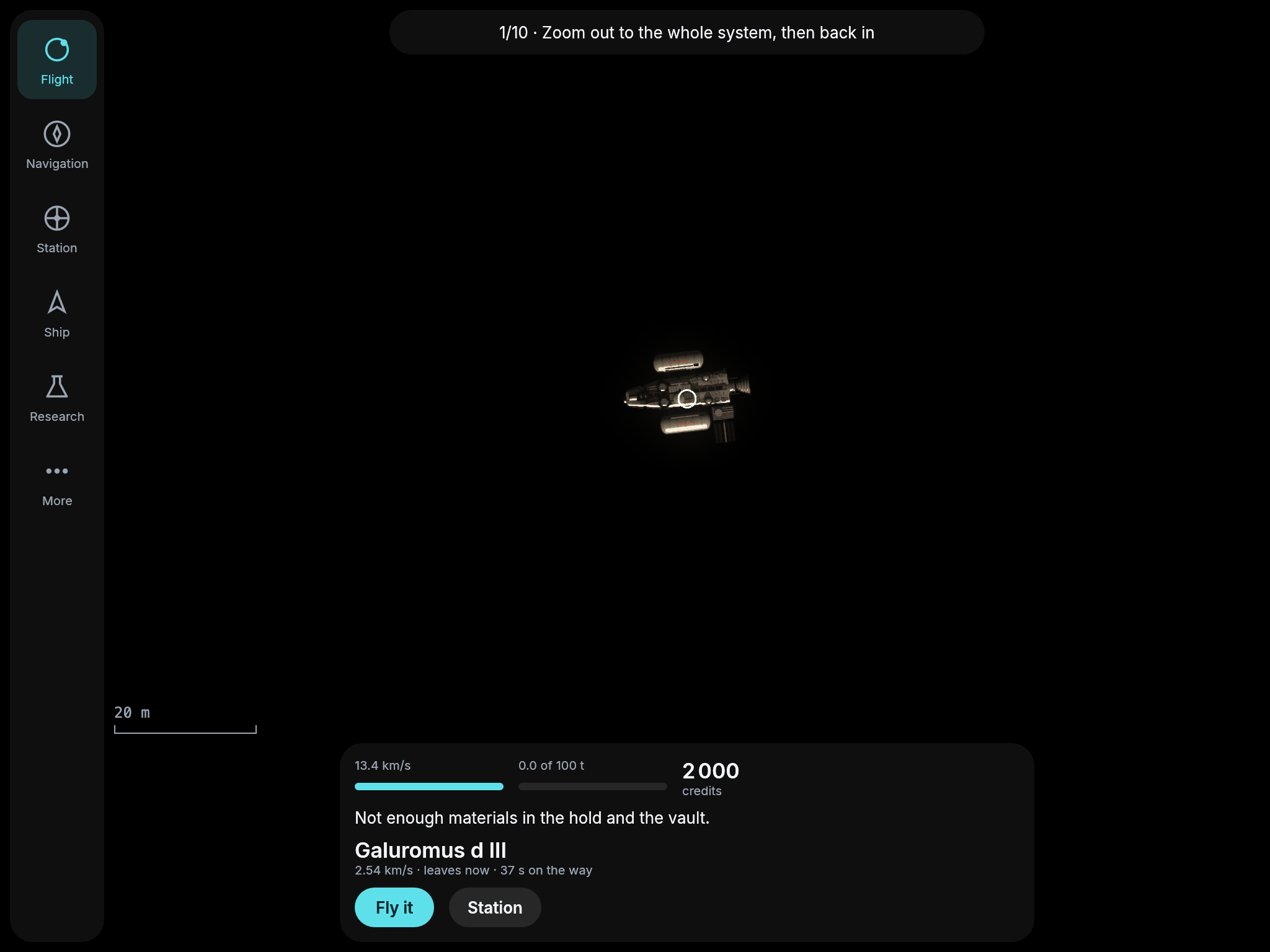
The reason on the card, above the goal.
Research and building aboard your ship
Research and building new parts now happen aboard your ship, wherever it is. You can start a research or a build docked, in orbit or halfway to a rock, and it keeps going on the ship while you fly. Materials come out of the hold, and while you are docked the vault adds what the hold lacks. This matters later, because time aboard a fast ship runs slower than at home, and work aboard will feel it. A new part is still fitted at a station’s yard, and a second ship, a mine or a station is still started docked, because it is too big to build in a hold. The station has no lab any more, only its market, the vault and the yard.
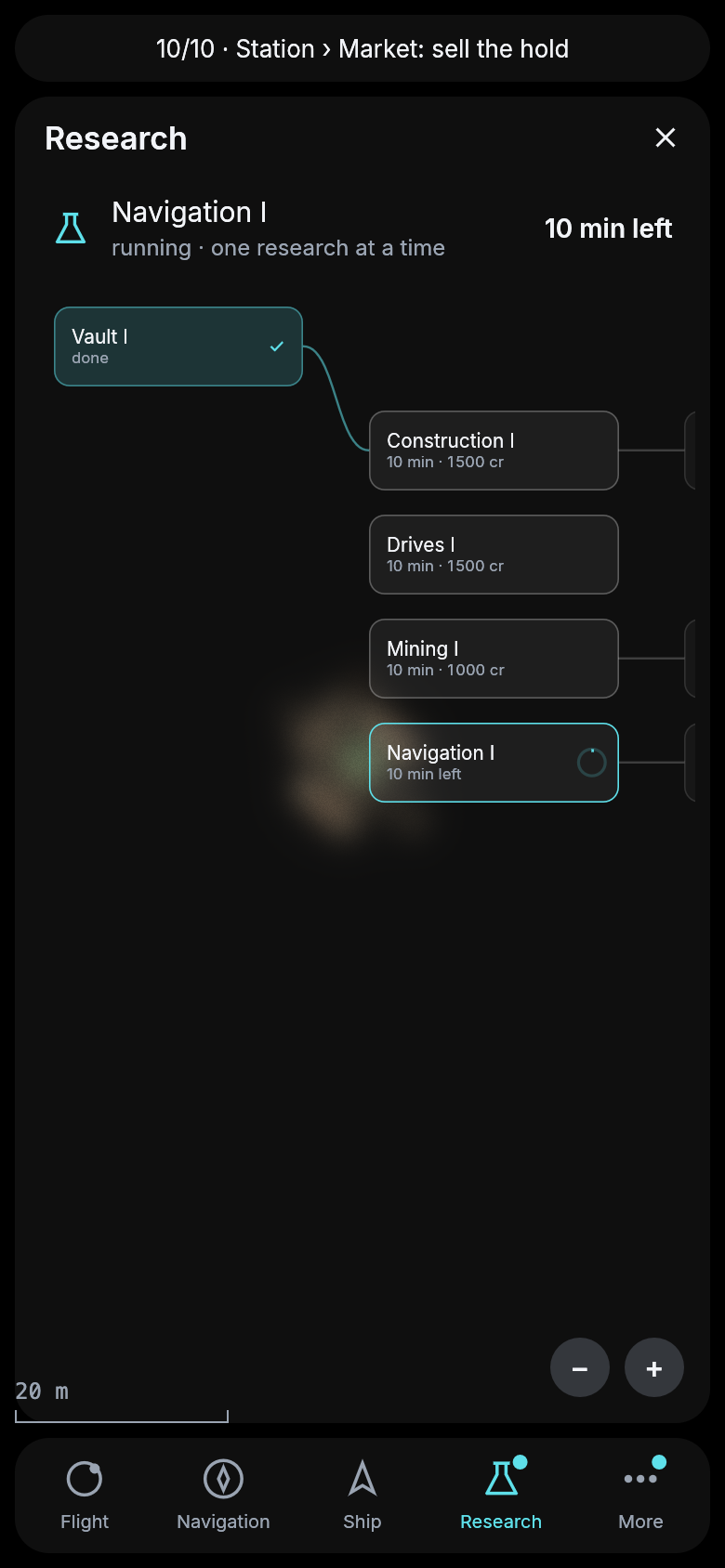
Navigation I researched in orbit around Galuromus d, after undocking.
A darker cockpit, and the station you dock at
The panels of the cockpit were so light that the sky shone through them too much. They are nearly black now and still let a little of the sky through, so the text stands out. The station at Galuromus d now shows on the map as a wheel, with your ship docked at its hub, where before there was only a small marker hidden under the ship. Undock sits on the card itself, so you no longer go through the station’s page to leave. A goal you hold can be dropped with Let go on the card. And dragging the view while it follows your ship no longer loses the ship. The view keeps moving with it, so the ship stays where you pulled it while it goes round its orbit.
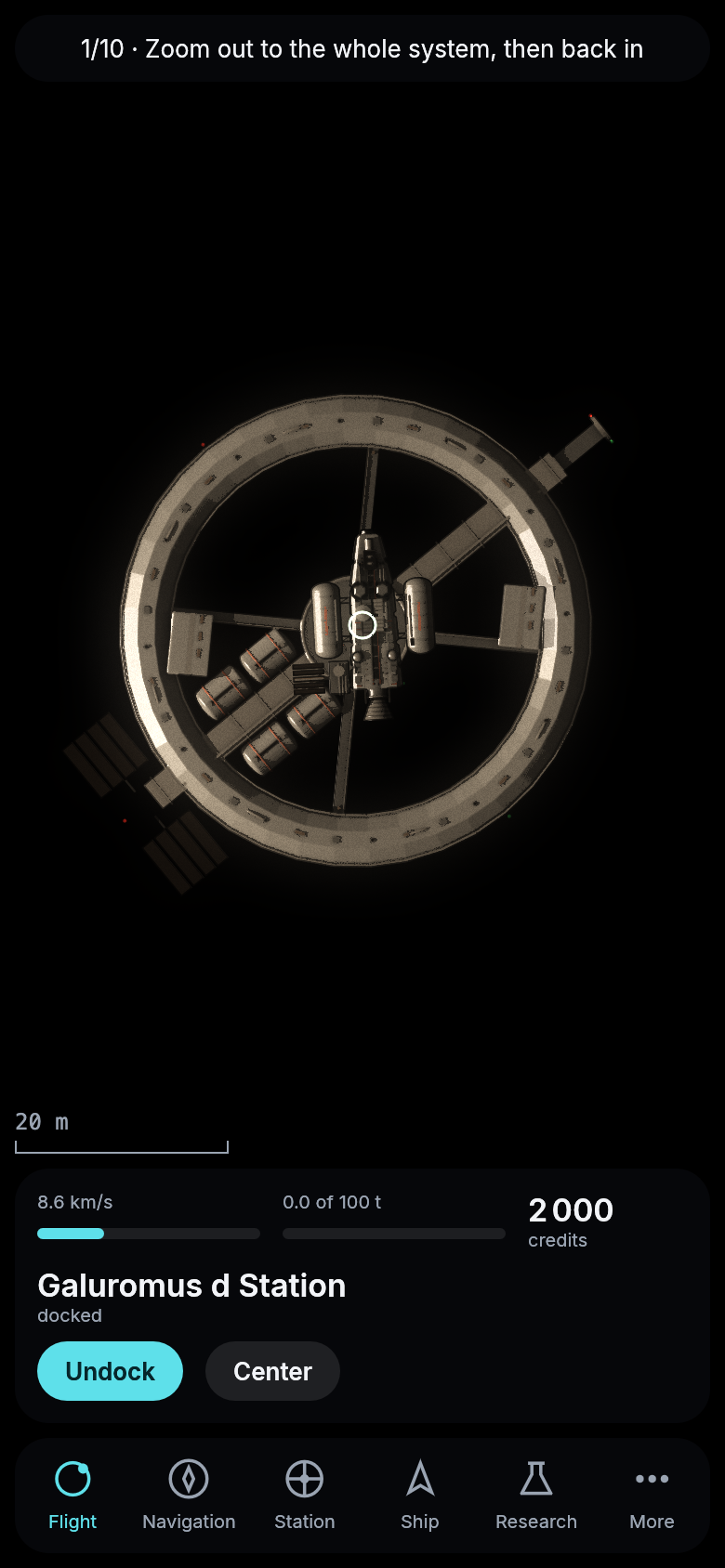
Docked at Galuromus d’s station, the card darker and Undock right on it.