Fights, wrecks, real stations and a new screen
Ships can now fight with railguns and missiles that everyone sees on their hulls, every hit tearing the hull where it lands, while a security patrol keeps the start system peaceful and Maren Range lets you practice, and a ship that crashes or is shot to pieces leaves a wreck anyone can collect. The stations are as big as they really are, ten times the traffic flies between them, you can fly by hand, hail other pilots, chart another star and sell any amount of what you carry, hops between rocks cost a fraction of what they did, and the screen was rebuilt around the map.
A crash costs a ship
Until now a ship whose arc carried it down onto a planet or a moon simply stayed where it landed, as if nothing had happened. That only happens after you call a flight off low over a body and confirm it, so it is rare, but now it counts. The ship is destroyed where it strikes and your log says where.
What it carried does not vanish. Its cargo, every part that was fitted to it except the hull, and any crates or towed mine or station lie on the ground where it fell, as a wreck. The propellant burns in the crash. On the sun or a gas giant nothing is left, because there is no ground to lie on. These rules and the price of a new ship were decided yesterday.
If it was your only ship you are not stuck. A new start ship waits docked at Maren Station. It costs 2 000 credits, what a new pilot starts with, so losing a ship costs about what starting did. If you can’t pay that, you get it for free. A pilot with a second ship just flies on in that one.
Wrecks on the map
Every pilot sees every wreck. It is marked on the ground where the ship came down and turns with its moon or planet. Navigation lists it under its planet, and its page says whose ship it was, when it came down and what lies there. It also says whether your ship’s drive pushes harder than the ground pulls, because only then can a ship come down beside it and get back up. A wreck stays until someone collects it.
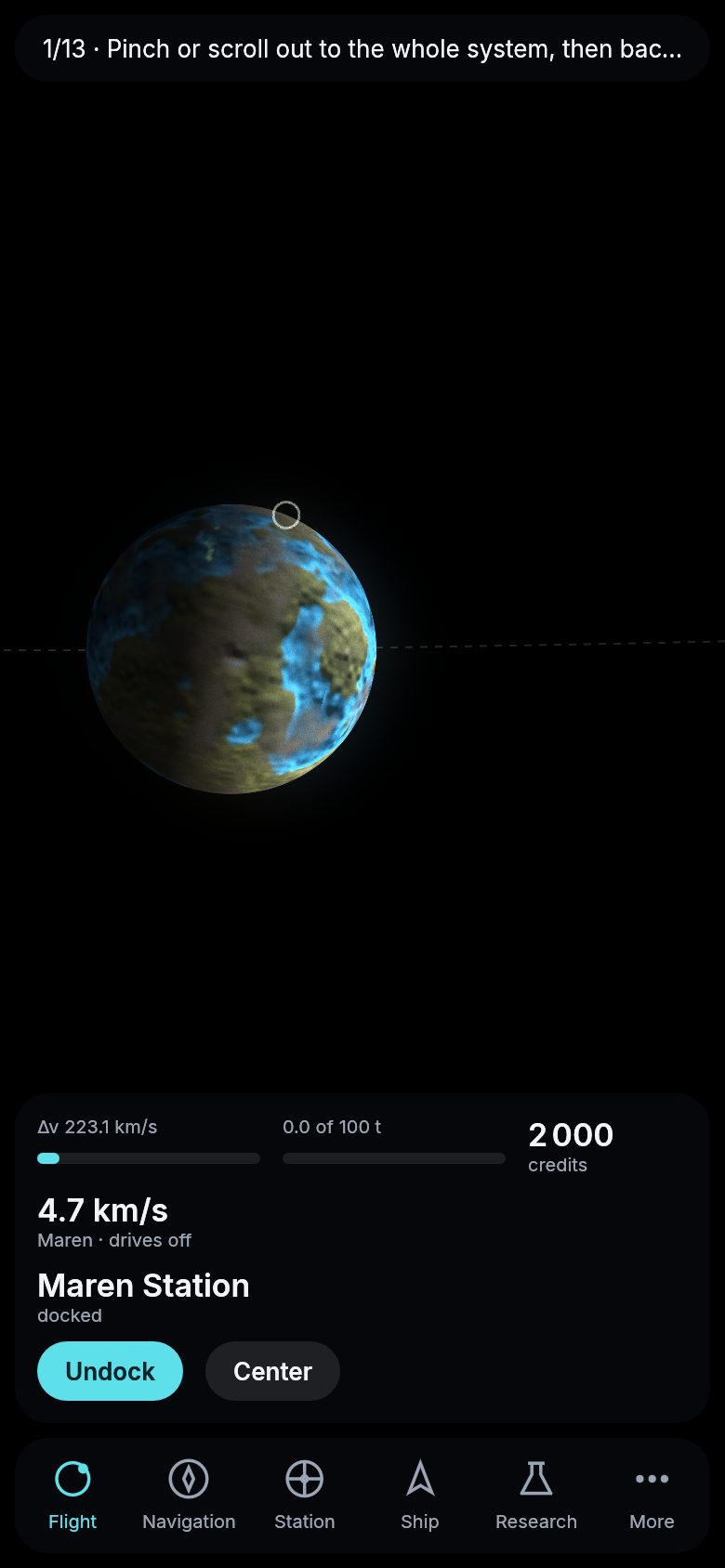
A wreck on Lunet, the moon of Maren, drawn by the game’s own renderer. The ring on its edge is where the ship came down.
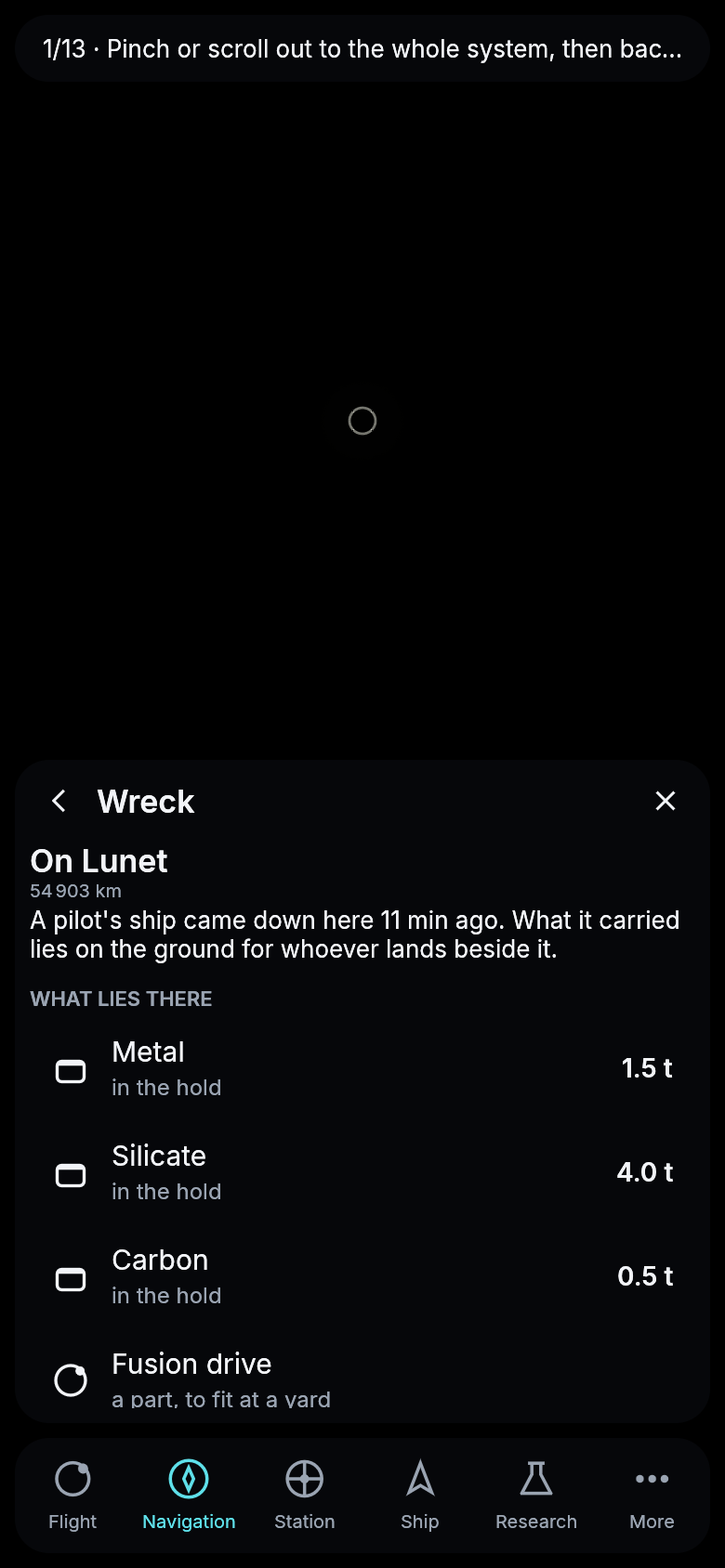
The wreck’s page lists what is waiting on the ground.
Collecting a wreck
A wreck can now be collected. Fly into an orbit around its moon or planet, plan the way down on the wreck’s page and your ship lands right beside it. Collect takes the parts as spares for a yard, any crates or towed mine, and as much of the cargo as your hold has room for. What does not fit waits for a second trip. Anyone can collect any wreck. The way back up starts from the ground, and the ship first turns upright before it lights its drive.
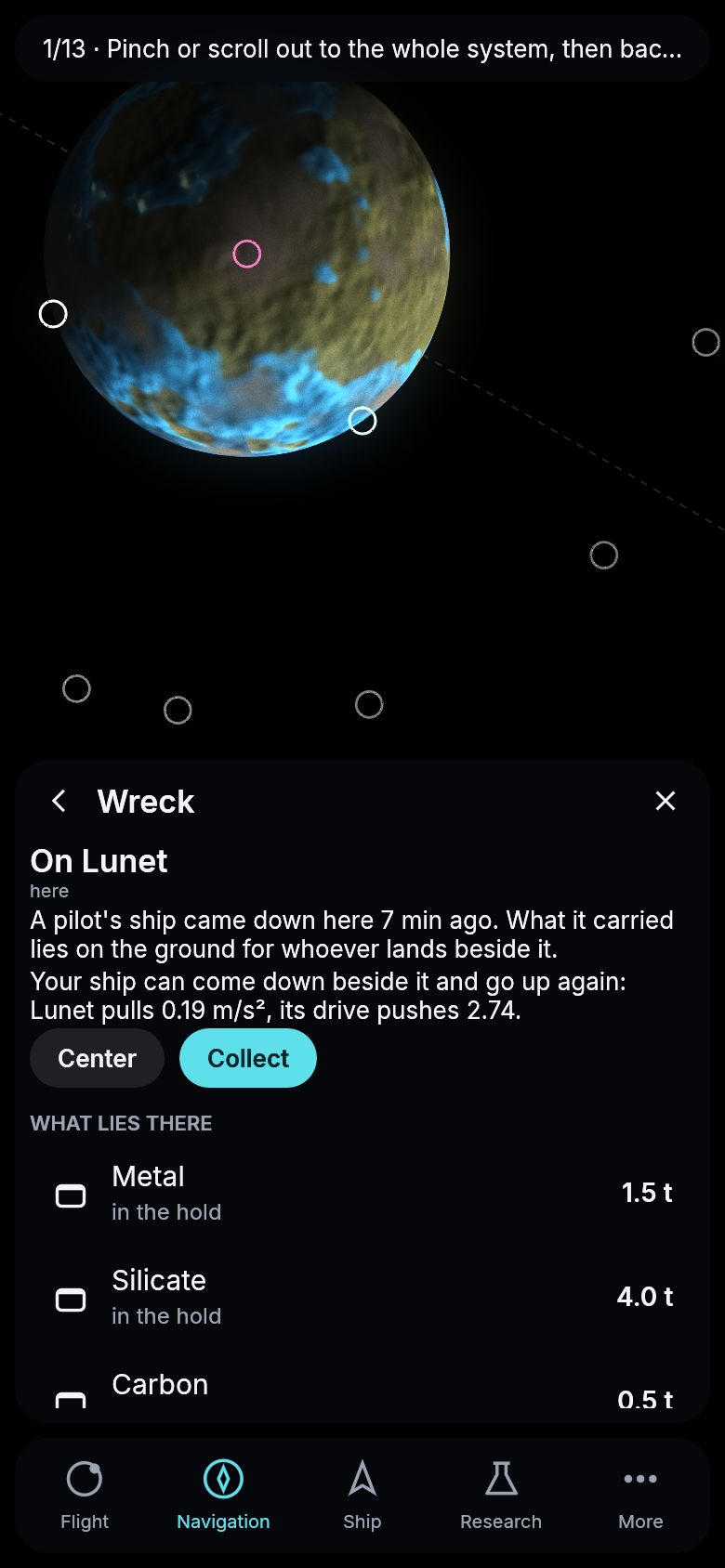
A ship landed beside a wreck on Lunet, in the game against a local server.
Stations at their real size
The authority’s stations were drawn as small wheels, the same as the station a pilot can build. Now Maren Station, Pelagia Station and Aquilon Station are what a hub for a whole system should be, six wheels on long arms around a central hub, about four and a half kilometers across. That is forty times the International Space Station. Your start ship, 19 meters long, is a speck beside one of its wheels. The form was picked from four drafts yesterday, with the wheels set farther out than in the first one. Since this evening no route flies through a station any more: the ship’s computer keeps every course three kilometers clear of the authority’s stations and a kilometer and a half clear of a pilot’s, except the one a ship leaves and the one it flies to. And the station’s artwork now arrives as less than one megabyte instead of twenty: the game’s files are sent compressed, so a first visit loads about ten megabytes instead of sixty, and the station shows up much sooner on a phone.
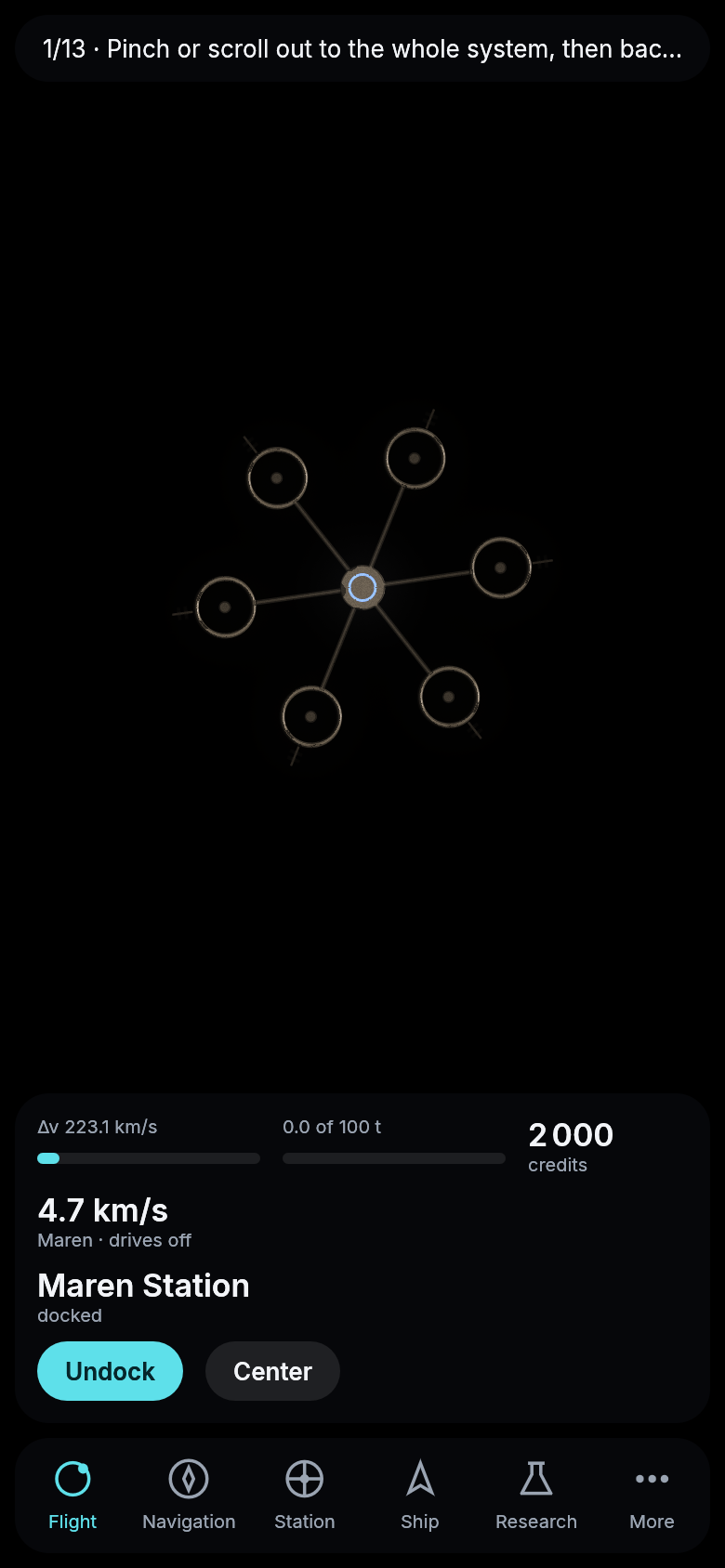
Maren Station as the game draws it, about five kilometers of the view across.
The next rock
Next to a rock the card now offers Next rock. Your navigation computer finds the rock your ship reaches soonest, which is the shortest trip, not the shortest distance, and offers the way there. With the research Navigation I you can ask for the soonest rock that is rich in water, metal, silicate or carbon instead. The search runs among the rocks of the cloud you are in, so a miner can hop from rock to rock without hunting through the map.
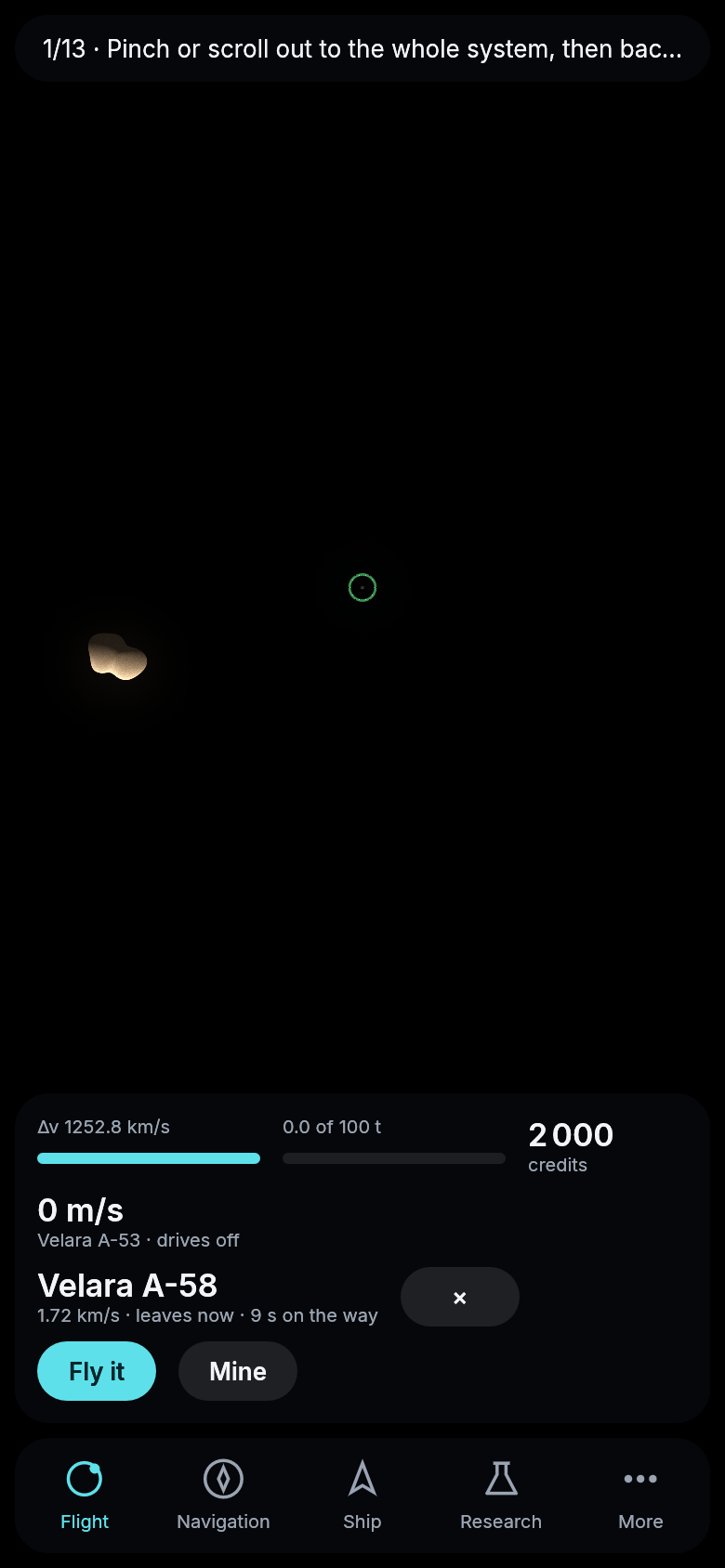
The answer to a search for water, in the game against a local server.
No more reloading while you watch
If you only watched your ship fly for a minute, the server used to close the connection, and your game reopened it and loaded the whole system again, about a megabyte with all the traffic. It also forgot any route it had just offered you. Your game now tells the server every half minute that it is still there, so watching a long flight costs nothing and loses nothing.
The Fleet
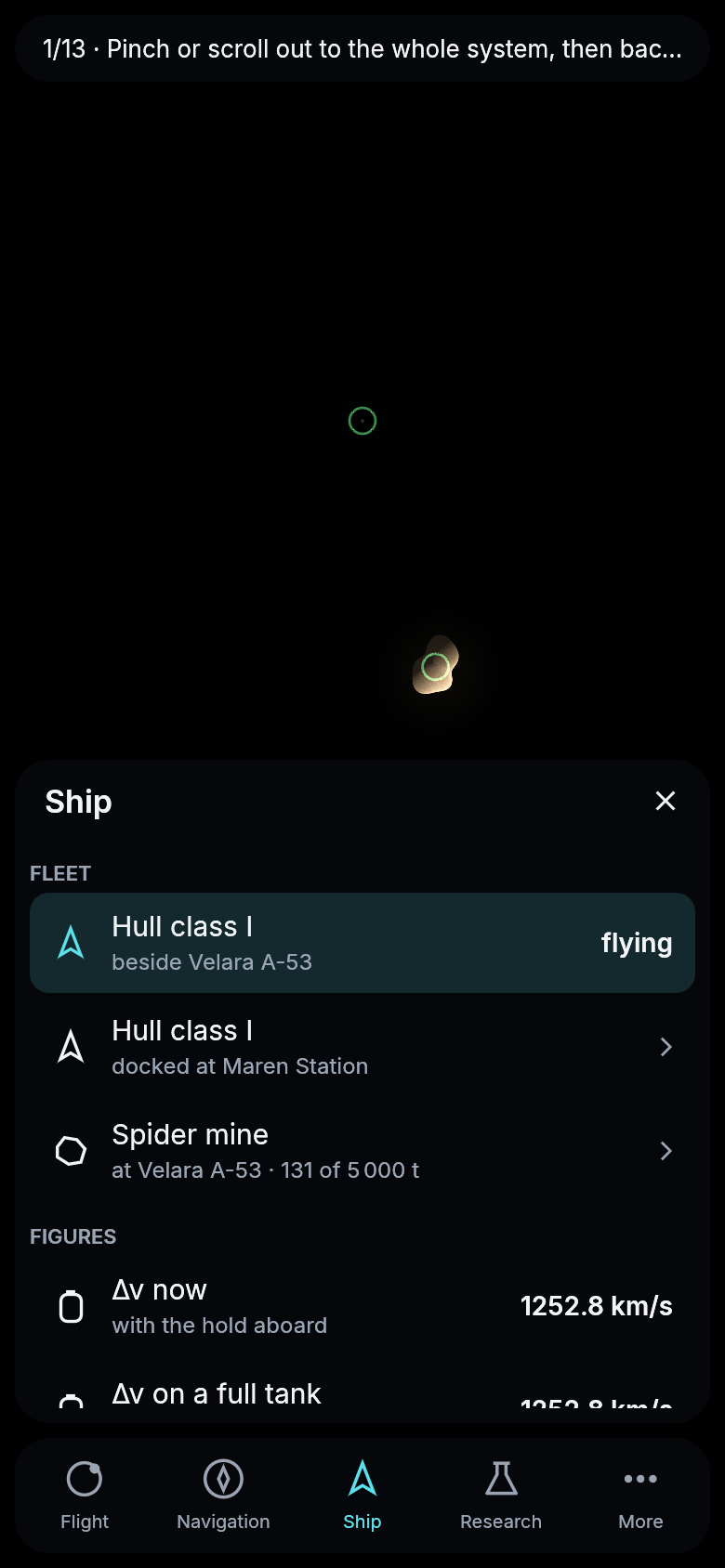
Once you own more than one ship, a station or a mine, the Ship section opens with your Fleet. Each ship says where it is and what it does, so a freighter on its loop or a ship left mining far away is one glance away. Your stations and mines follow, each with how full its store is.
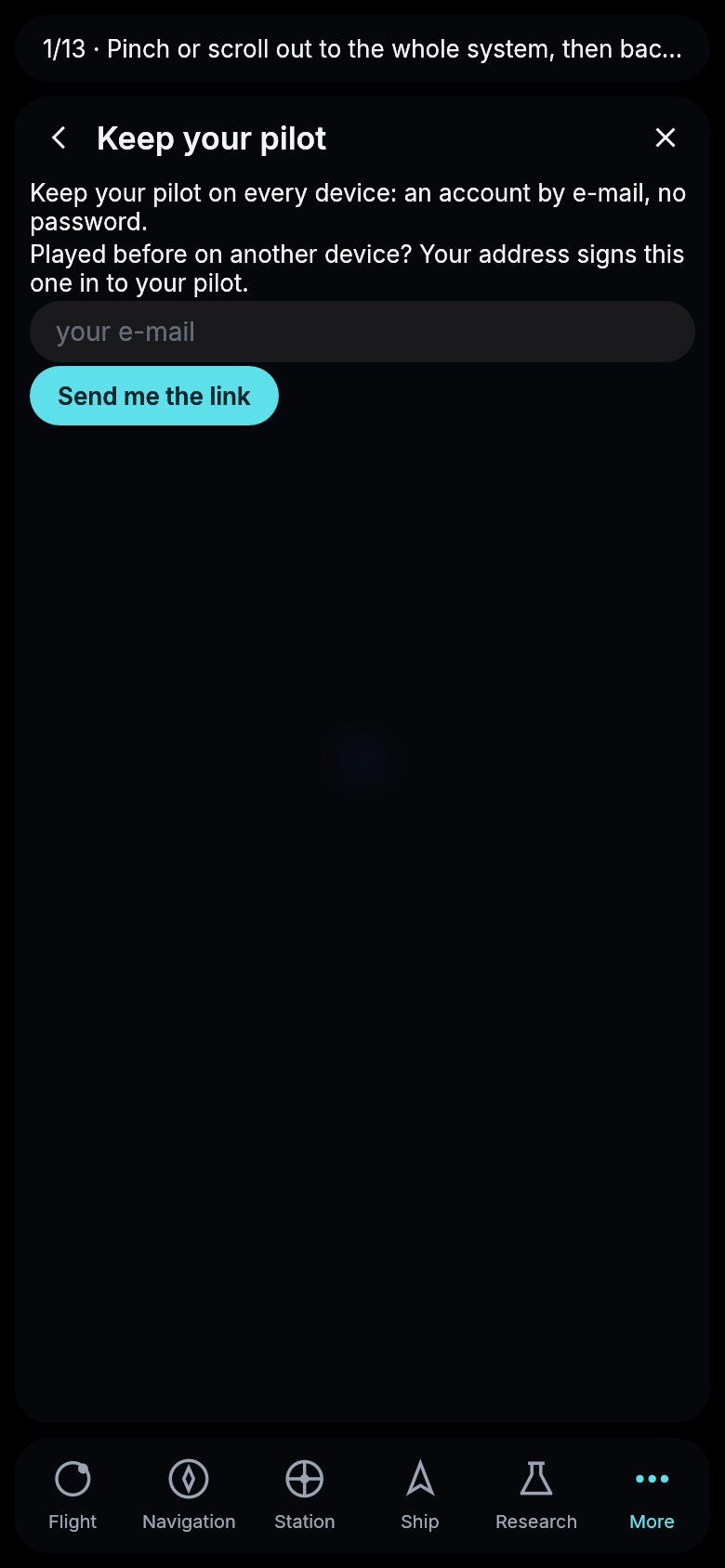
Your pilot on a new phone
Signing in on another device always worked, but the game never said so. Keep my pilot under More now tells you that the address of an account you already have signs this device in to your pilot, with everything you own.
Ten times the traffic
The authority now flies six hundred traders and miners instead of sixty. Three things made that possible. First, your game only places the ships that can be on your screen every frame, so six hundred cost it what a handful used to. Second, the ship’s computer now plans a way through a cloud of rocks in a few seconds instead of half a minute or more, so the server keeps up with hundreds of miners. Third, a ship you only watch no longer sends you its whole route. Your game only needs to know where another ship is, which way it points and when its drives fire, so it now gets a small summary of the route, a fifth to a ninth of what it got before. Your own ship still sends everything, since your game draws its course.
The traders also spread out. Every route has a departure every five minutes, and a trader now takes a way that leaves at its departure and arrives within three quarters of an hour. Before, they all waited for the one cheap window between Maren and Pelagia and then left together, so the system looked empty in between. If the quick way would cost more than three times the cheap one, a trader still waits for the window, so nobody crosses to Pelagia at hundreds of kilometers a second.
The authority in its own colors
The authority’s ships now look like the authority’s. Its traders are pale with a blue stripe, its miners weathered ochre with safety orange, the liveries chosen for them yesterday. On the map every ship, station and mine of the authority is ringed in the same blue, so you can tell its traffic from other pilots at a glance. Other pilots stay white and your own ship green. Since the evening no two of them are alike either: each ship, station and mine hands the engine its own name as its seed, so which of its windows are lit and how much soot lies about its drive are its own, and the same to every pilot who sees it.
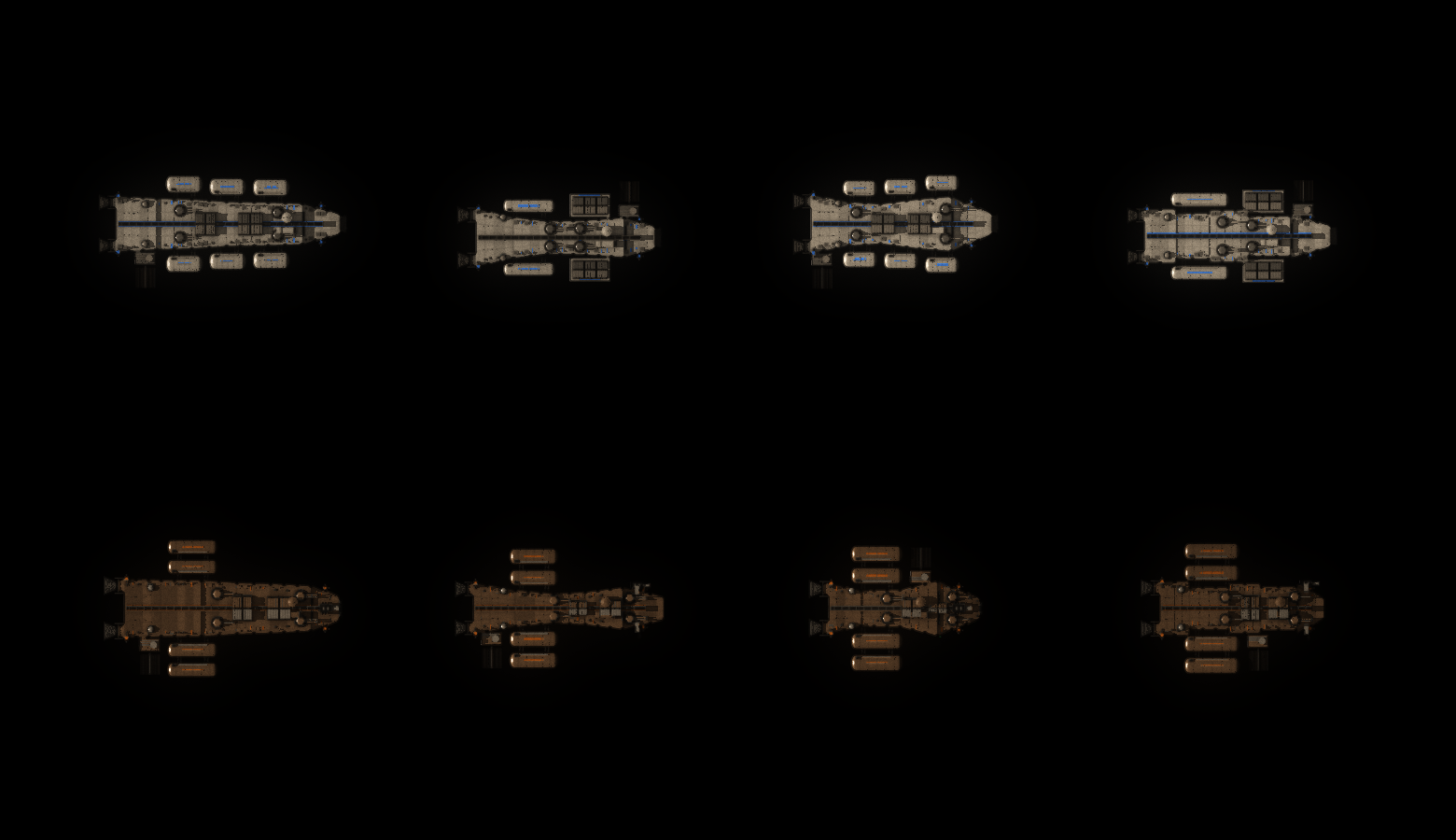
The four traders and four miners as the game’s renderer draws them.
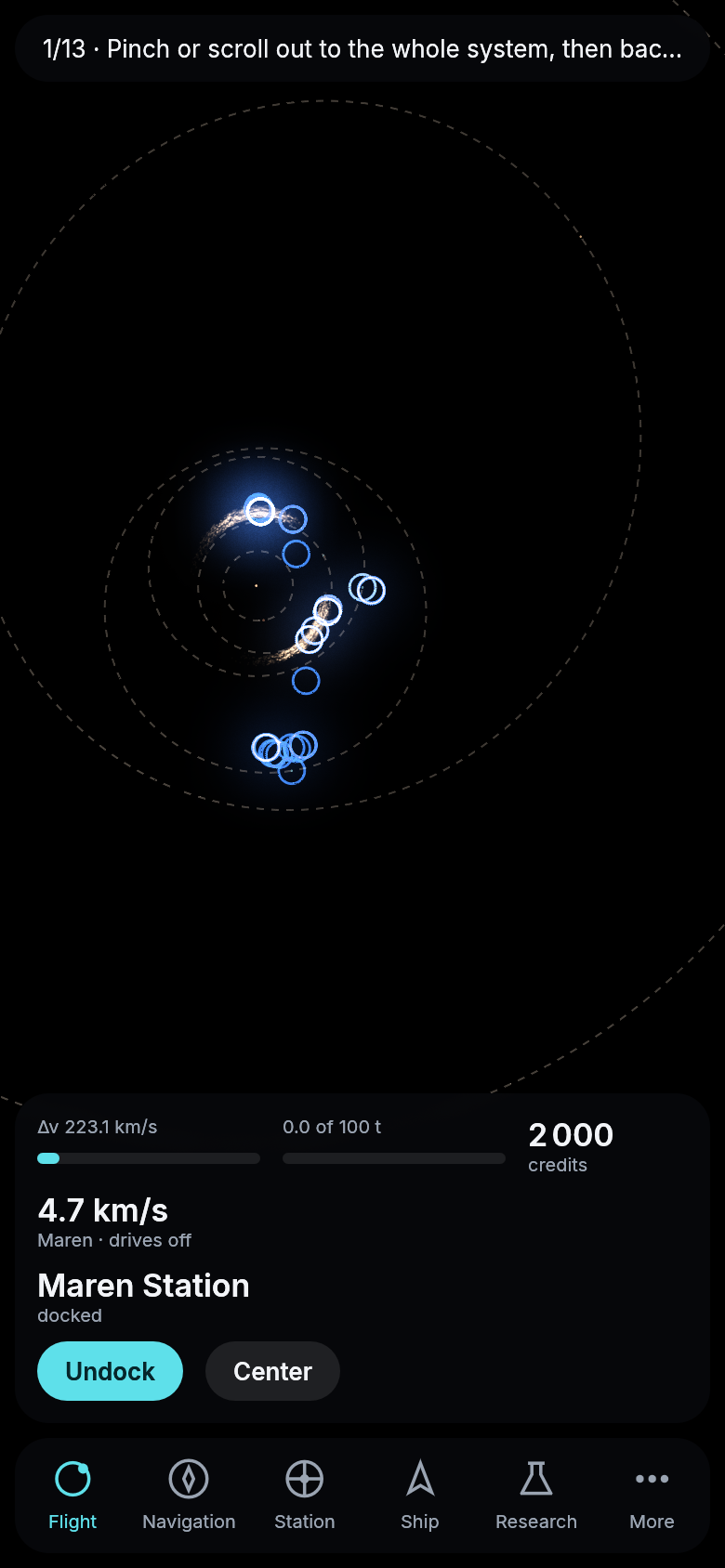
The inner system with the authority’s traffic, drawn by the game against a local server. Each blue ring is one of its traders or miners.
No course through a planet
The ship’s computer sometimes planned a trip straight through a planet. On a long braking burn into orbit around a giant like Solenne, the ship slowed down early, fell in closer than planned and passed under the planet’s clouds before it settled into orbit. A fast departure from Maren could fall through Maren before its burn was done, and the quickest way to a station just above your orbit was often a straight line through the planet beneath you.
Now a course that comes within a kilometer of the surface of a sun, a planet or a moon is thrown out, and the computer offers the next one. A long braking burn is aimed higher by as much as it came out too low. Of ten trips measured from Maren to Aquilon, Caligo, Solenne, Hiberna and Lunet, six went under a surface. Now none do, and all ten can still be flown. The quickest way to a station close above you can take longer than it seemed to before, because the way it used to take was never possible.
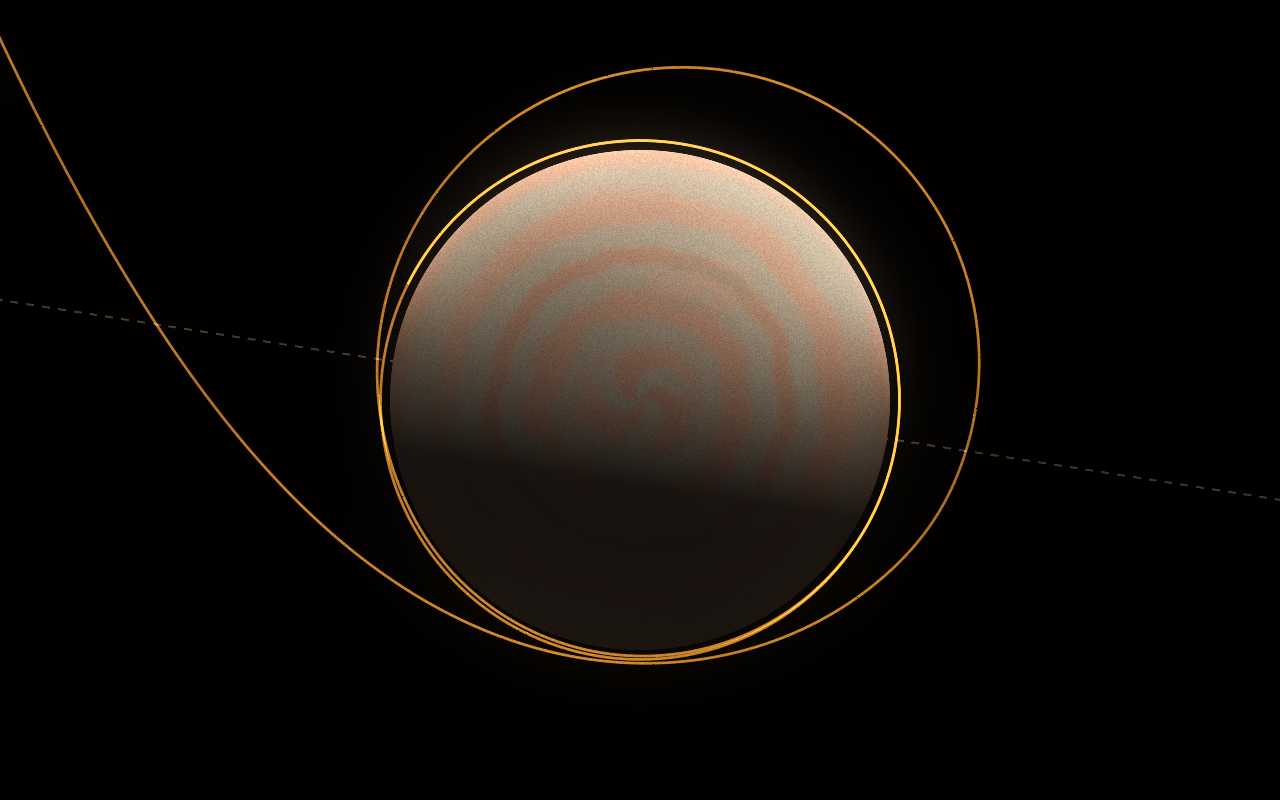
The fastest way from Maren to Solenne with the start kit, arriving. The course swings in just above Solenne’s clouds and ends on an orbit 2,000 km up.
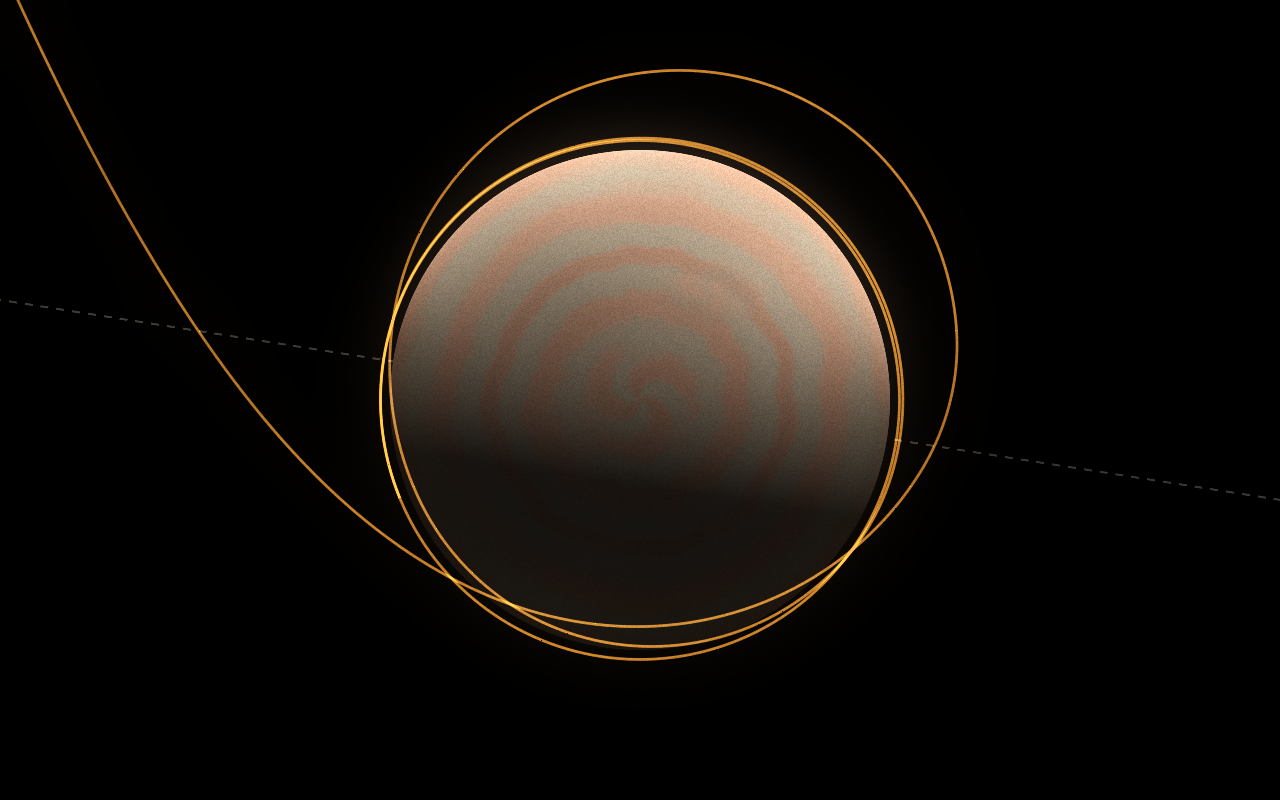
The same trip before the change. The braking burn started too early, and the course went almost a tenth of Solenne’s radius below its clouds.
Pages follow your finger
On a phone, a page longer than the screen could not be moved with your finger. The research list, for example, ended at Navigation I, and only a mouse wheel on a computer reached what was below it. Now every page and the research tree follow your finger when you drag them, and a mouse dragged over them does the same on a computer. A drag only moves the page, so you do not open a research by accident on the way. A tap still opens it.
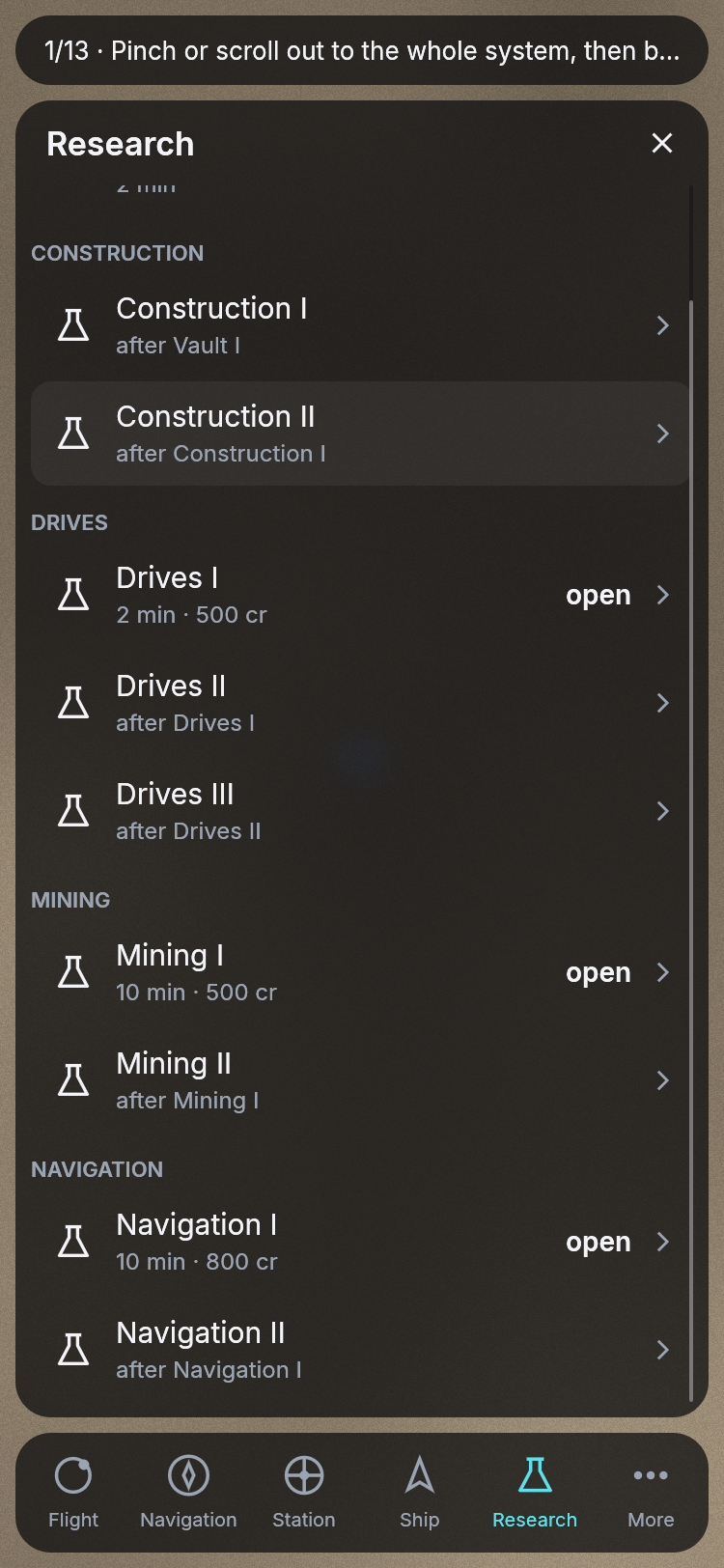
The research page on a phone at Maren Station, dragged up to its last entry, Navigation II.
Typing on a phone
On a phone, no keyboard came up when you tapped a field. You could not search Navigation for a moon, give an amount at the market, put a price on a chart, hail another pilot or enter your e-mail address. Now the phone’s own keyboard comes up as soon as you tap a field, and what you type goes into it, backspace included. A tap anywhere outside the panels puts the keyboard away again, and so does the return key. What you typed stays in the field.
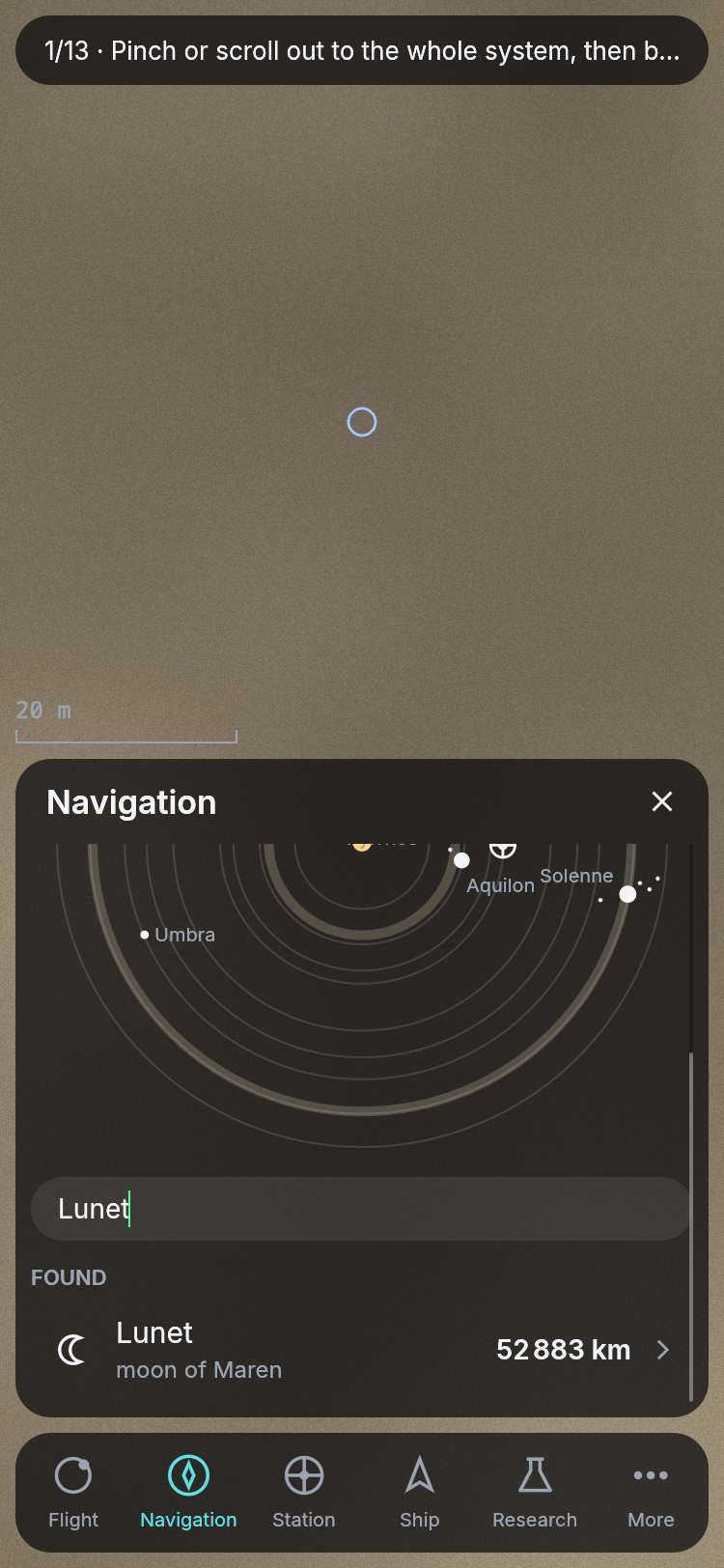
Lunet typed into Navigation’s search at Maren Station, in the browser at a phone’s size.
Stations and wrecks as targets
Until now only a planet, a moon or a rock could be your target. A station or a wreck had its own page with its own buttons, but it never got the magenta ring on the map, and the card could not plan a way to it. Now a station or a wreck is a target like any moon. Tap it on the system map in Navigation, or press Target on its page, and it is ringed on the map, named on the card and, on a computer, carded beside it. Plan on the card asks the way there. For a wreck that is first the way into an orbit around the body it lies on, and the wreck stays your target for the way down once you are there.
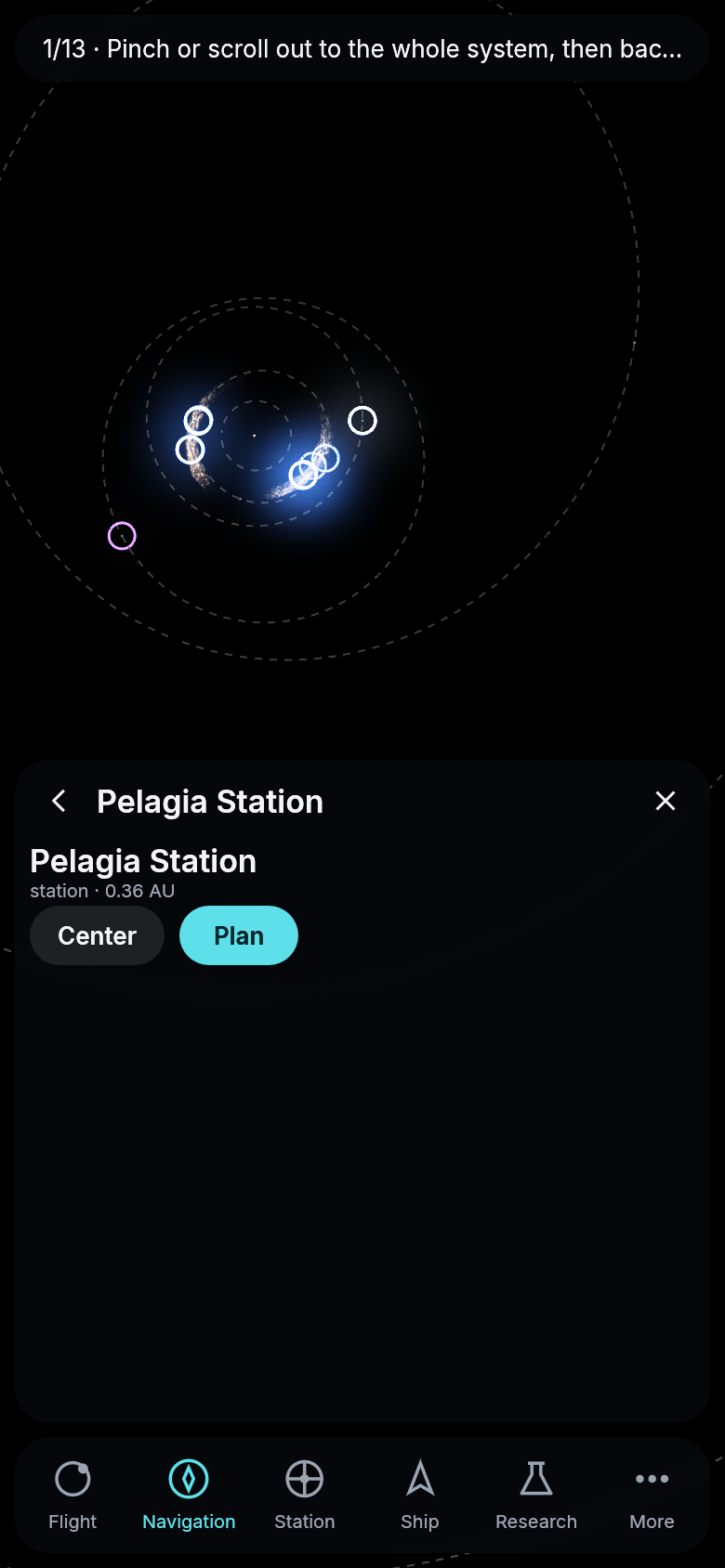
Pelagia Station as the target, tapped on the system map, drawn by the game’s own renderer at Maren Station.
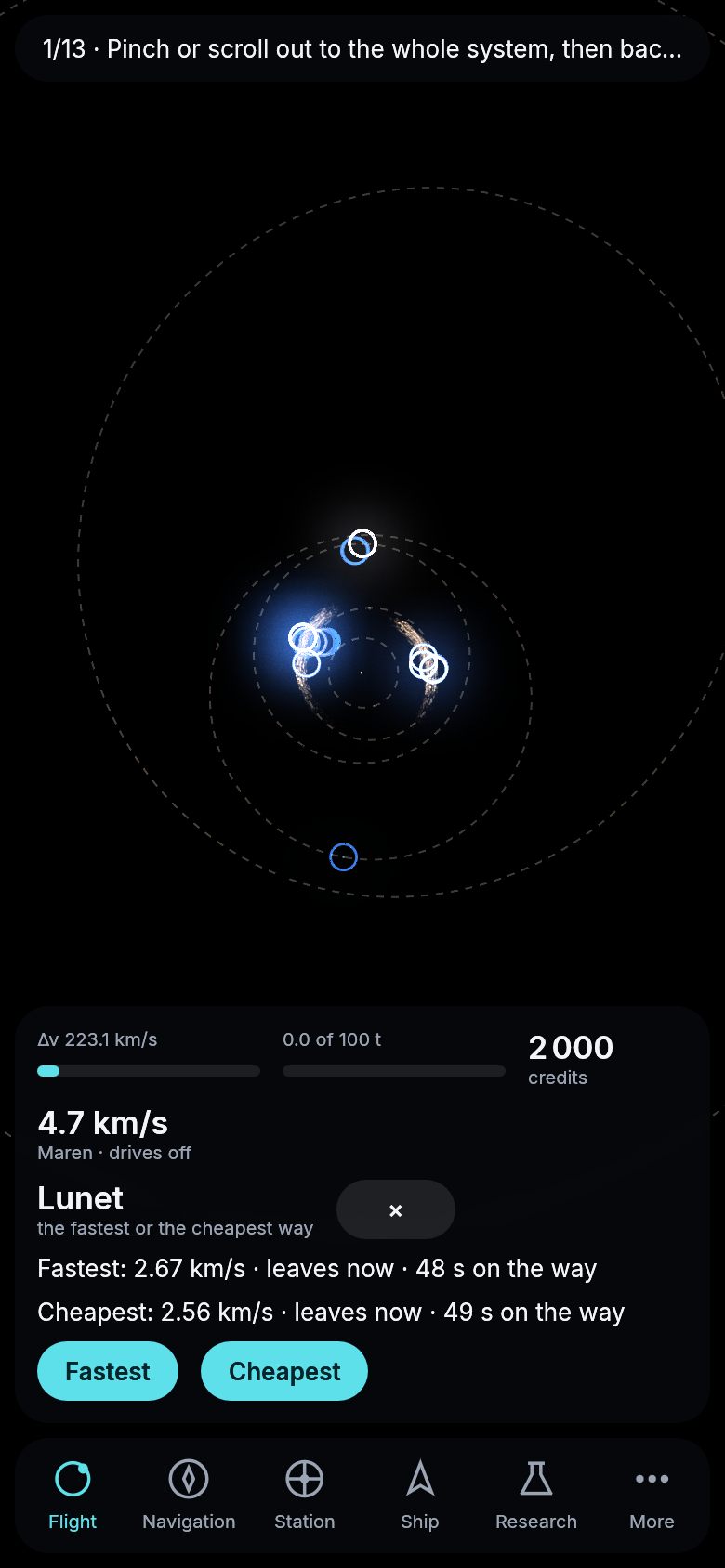
The wreck on Lunet as the target: Plan offers the two ways into Lunet’s orbit first.
The ship’s computer, faster and truer
When you asked for the cheapest way between two places inside one of Aquilon’s clouds of rocks, the ship’s computer could take half a minute to answer. It checks the whole way against every rock it might pass, and a cloud holds hundreds of thousands of them. It now answers in about a second, more than ten times faster, and finds the same way.
The cheapest way from one station to another, out of one planet’s pull and into the next, comes two to five times faster too. Before it answers, the computer works out what leaving and arriving cost on a long burn, and it used to fly that burn over again for every speed it considered. Now it flies it once. From Maren to Pelagia the answer comes in under a second where it took three, and the quick ways that took up to eleven seconds take two and a half at most. The authority’s traders and miners plan these ways all day, so the same server can keep more of them flying.
And when a ship coasts down onto a planet or a moon, its wreck now lies where it really hit the ground. The computer used to notice the crash a few seconds late, by which time the ship had flown on below the surface, and put the wreck up to twenty kilometers further along.
Asked for the quickest way to a station on the far side of a planet, the computer aboard your ship used to give up on every fast course and offer one that took more than a day. It now finds the fast one, under two hours, turns included.
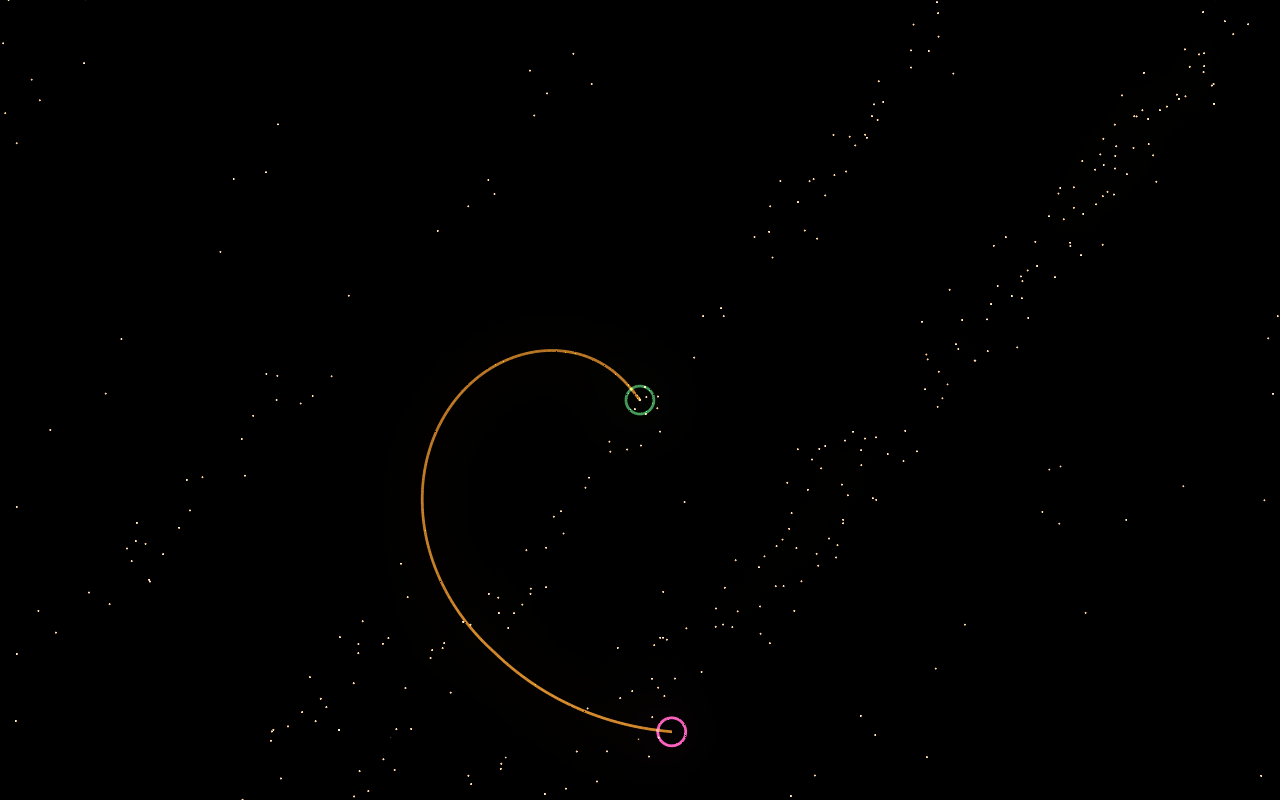
The cheapest hop from the station in Aquilon’s leading cloud to a rock 65,000 km away, drawn among the cloud’s rocks, which move with it. It takes eleven days of the universe, about a quarter of an hour of play, and costs 0.21 km/s.
Other pilots on your radar
Until now every pilot saw every other pilot’s ship, wherever it was in the system. Now you find others the way a ship would, by radar. Every hull has its own radar, which sees a ship 20 000 km away while its drive burns and 2 000 km away while it coasts or sits docked. Beyond that, another pilot’s ship is not on your map at all. Each of your ships looks out for you, so a freighter you left at a mine sees who passes there. The authority’s traders, miners and stations are always shown, because they send where they are, and the system stays busy on the map.
A new research branch, Sensors, gives better radars for the hull’s radar mount: Radar I sees twice as far, Radar II four times. This is the first step toward meeting other pilots out there. Next comes looking a contact over and hailing it.
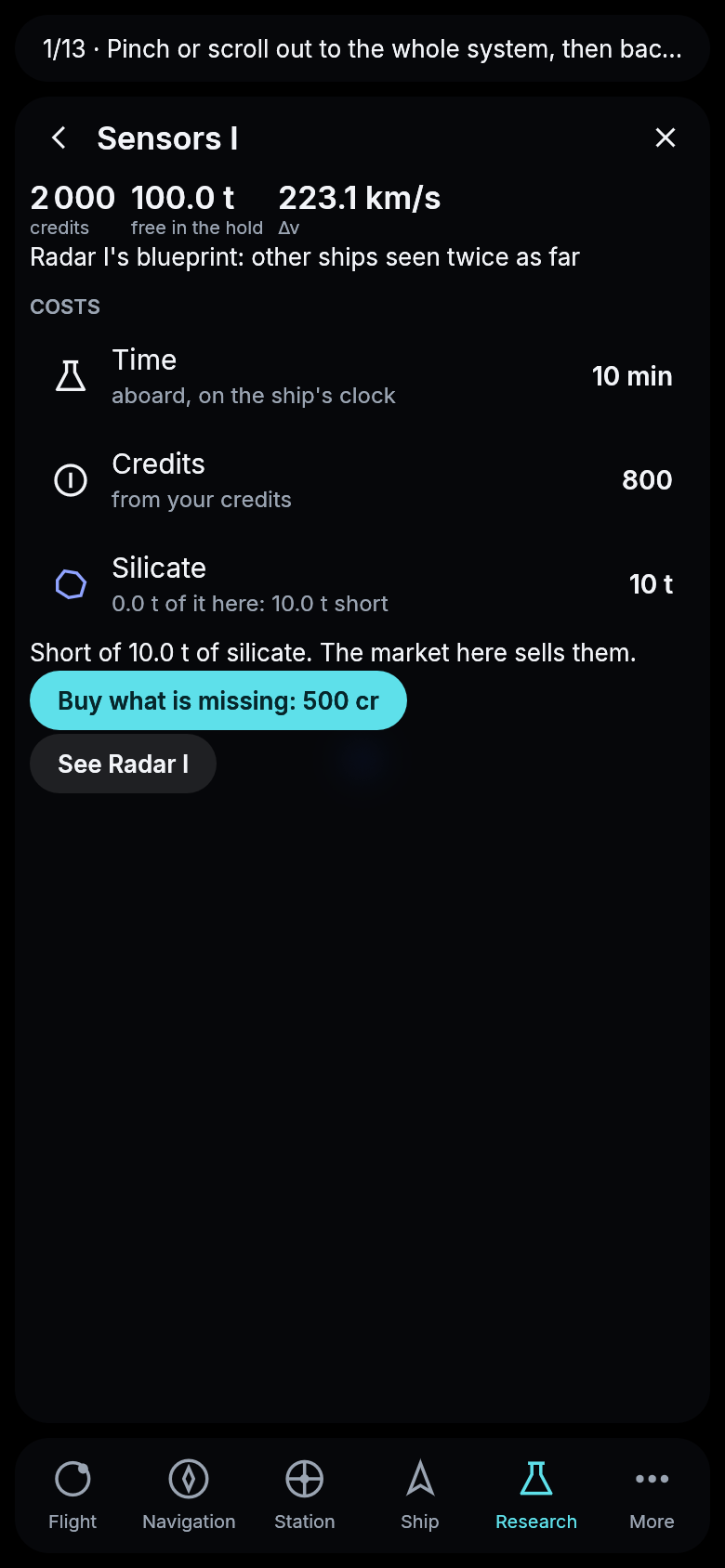
Sensors I, the first research of the new branch, at Maren Station.
Hailing other pilots
A ship you find on radar can now be hailed. Navigation lists every other pilot’s ship your radar sees under On radar: the pilot’s callsign, the ship’s hull, whether its drive burns, how fast it is closing on you and how far away it is. Tap one to open the talk with that pilot, type a line and press Send. They read it at once if they are playing, or when they next play, and their answer comes back the same way. More › Messages keeps every talk, the latest first, and says how many hails are waiting, and More in the bar is marked until you have read them. There is no open channel for everyone, only pilots who have found each other.
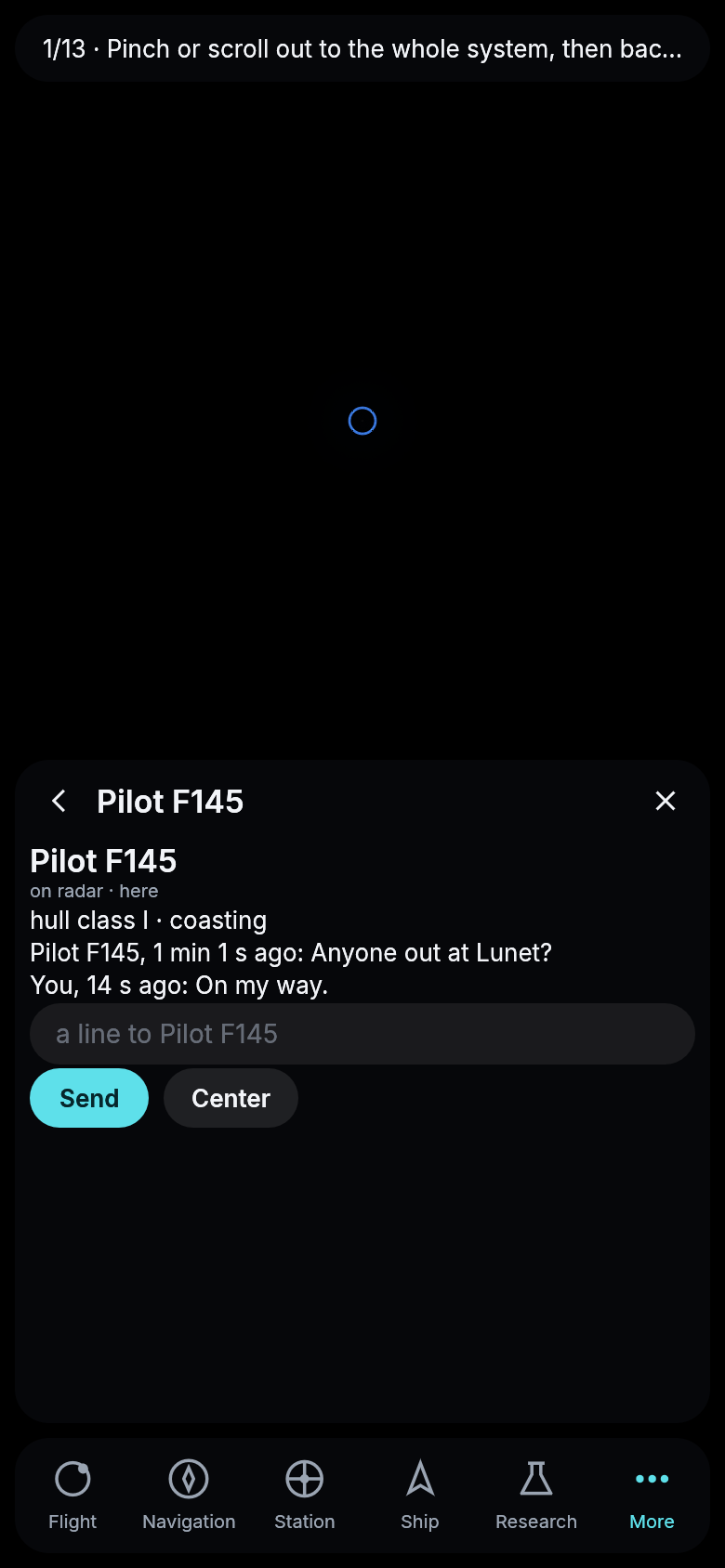
Two pilots at Maren Station: one found the other on radar and hailed, the other read it in Messages and answered.
Who was there first
The first pilot to reach a planet, a moon or a rock is now remembered for good. Reaching means arriving: in an orbit around it, beside a rock, or down on its ground. Every planet’s, moon’s and rock’s page in Navigation says who was first and how long ago, or that no pilot has been there yet, so you can see where nobody has gone. The first pilot also finds it in their log. Giving what you reached first a name of your own comes later.
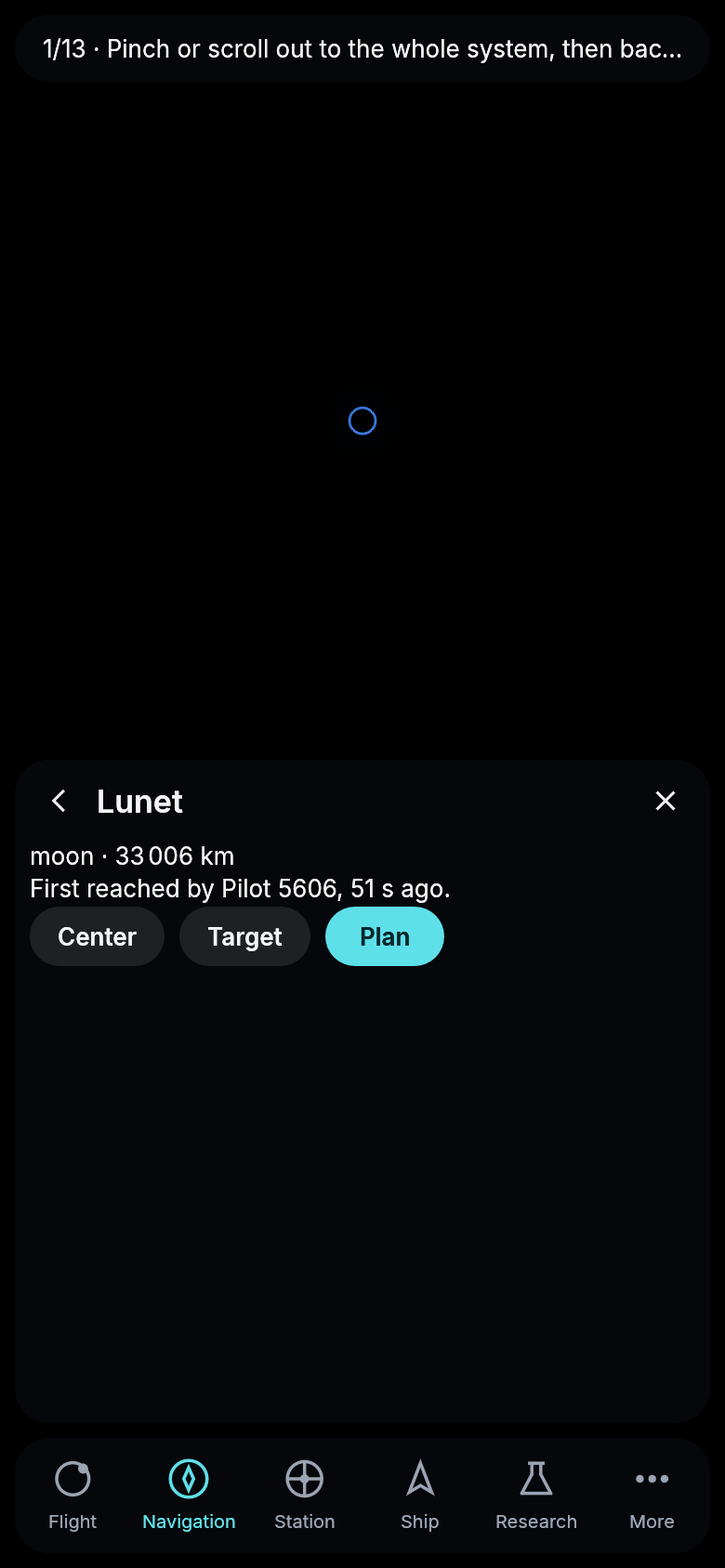
Lunet’s page for a second pilot at Maren Station, a minute after the first pilot arrived there.
Telescopes and the first chart of another star
How far you can zoom out now depends on what you look through. With the naked eye you see your own system, and every other star is a point of light. A telescope on the hull’s new telescope mount takes the view much further: Telescope I to a thousand times Maren’s distance from its star, Telescope II to the nearest stars, Telescope III to fifty light-years. They come from a new research, Sensors, in three steps.
Tap another star to open its page, and with a telescope aboard you can Chart it. Every planet the telescope can tell apart from where your ship is takes a minute at Telescope I, half that at II and a quarter at III, and then that star’s system is drawn on your map like your own. From Maren only Telescope III is good enough, and only for the nearest star, Athilinon, 2.2 light-years away, where it makes out four planets. The first chart beyond home is something to work toward.
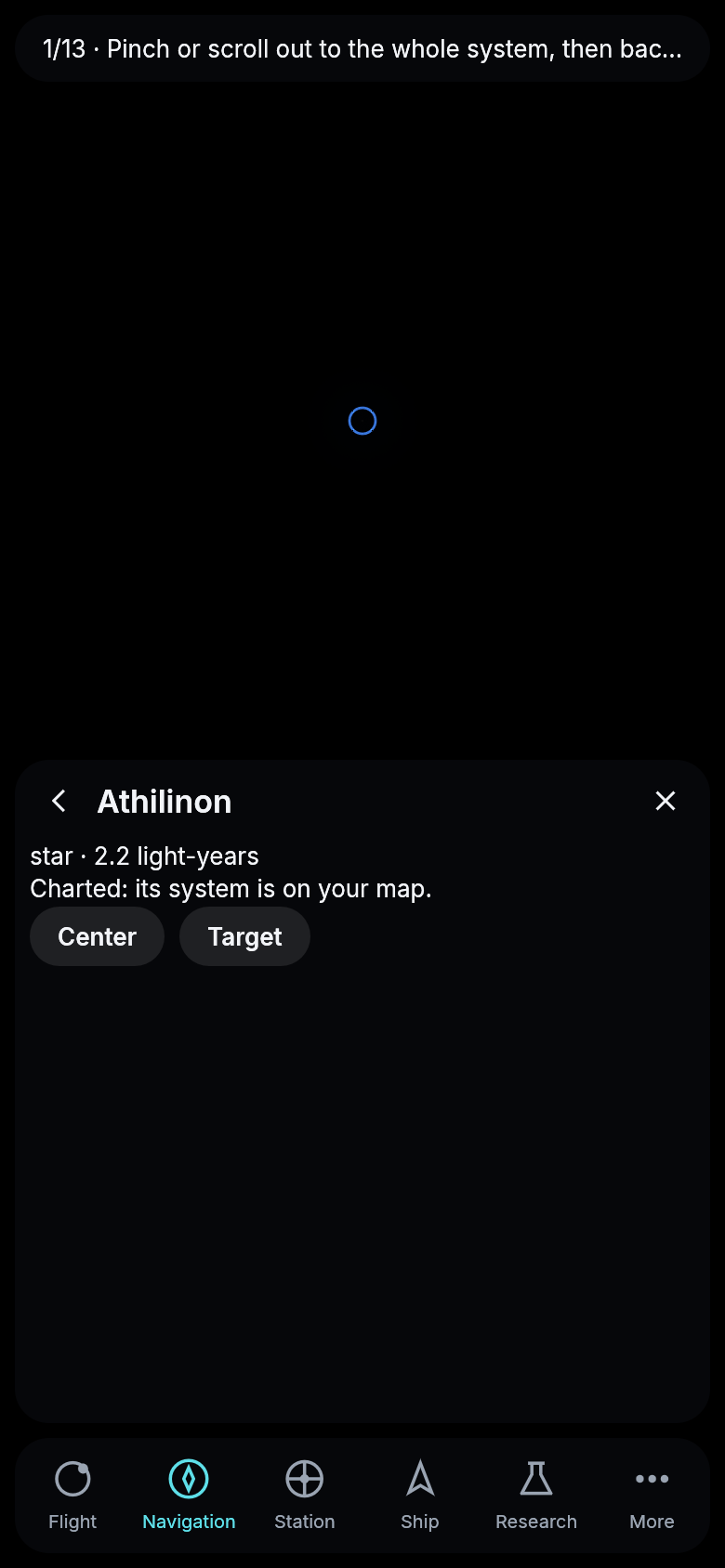
Athilinon charted from Maren Station with Telescope III.
Charts for sale
A chart you made is now something to sell. Docked at a station, open the charted star’s page, type a price and offer the chart there. Every pilot who docks at that station finds it on the station’s page under Charts and can buy it for your price, which goes to you. You keep your chart and the offer stays, so the same chart can sell again and again.
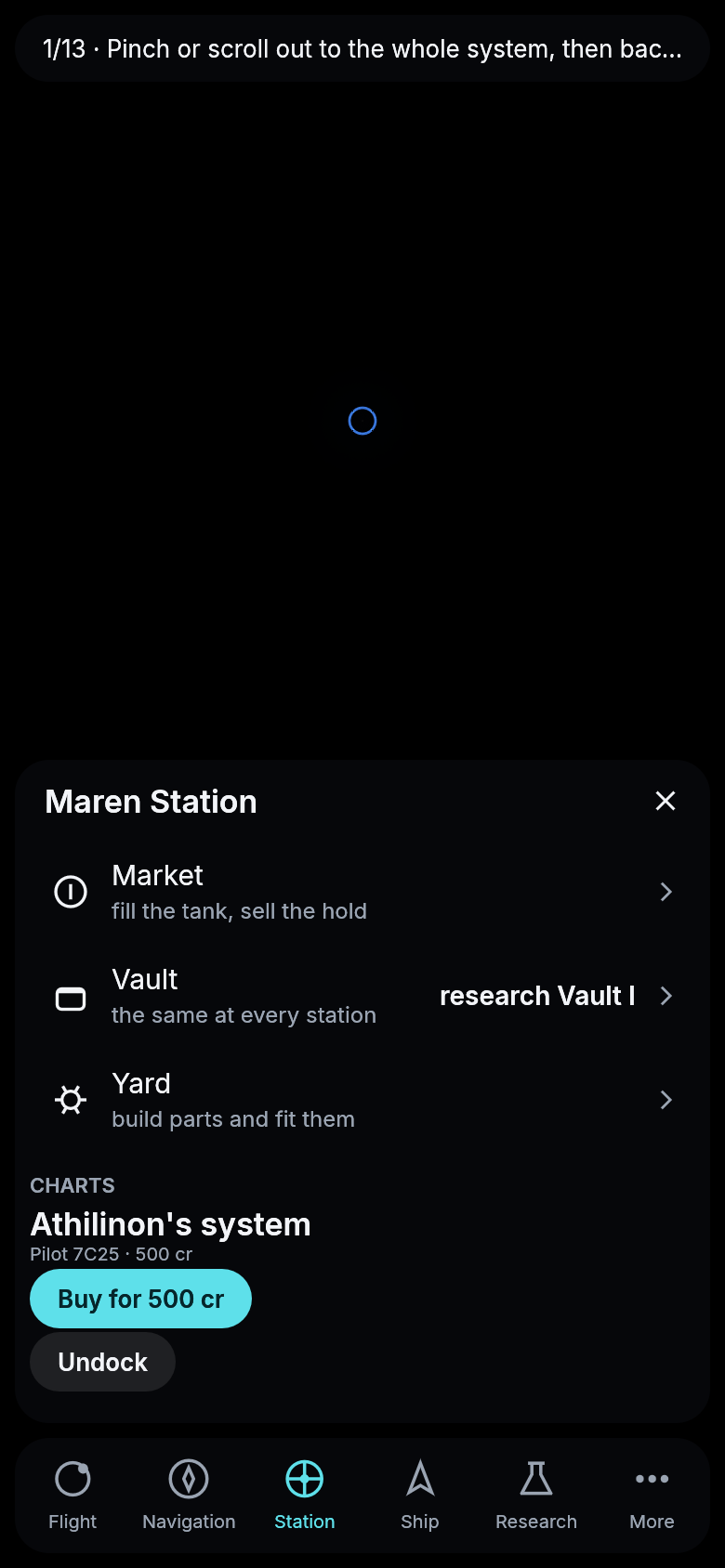
Athilinon’s chart offered at Maren Station, seen by a second pilot docked there.
Flying by hand
Until now a ship went where the ship’s computer planned. Now a pilot can take the stick. Press By hand on the Flight card and it turns into the stick: turn left or right with the turning jets, push the ship forward, back or to either side with its jets, or burn the main drive along the bow. Nothing stops by itself, so a spin goes on until you turn the other way. While you push, the map draws the orbit your ship is on and redraws it every frame, and the card says how high it reaches.
At the game’s thousand-fold clock the drive is strong. A third of a second of it turned the start ship’s circle around Maren, 2 100 km up, into an orbit that climbs to 31 500 km, and a few seconds take it away from Maren altogether. The jets push far more gently. The server works out every stretch you fly from where your ship really is, so everyone sees the same ship in the same place. On a phone you hold a stick at the bottom left for the jets and round buttons at the bottom right for the turns and the drive, and on a keyboard the arrow keys, for as long as you hold them.
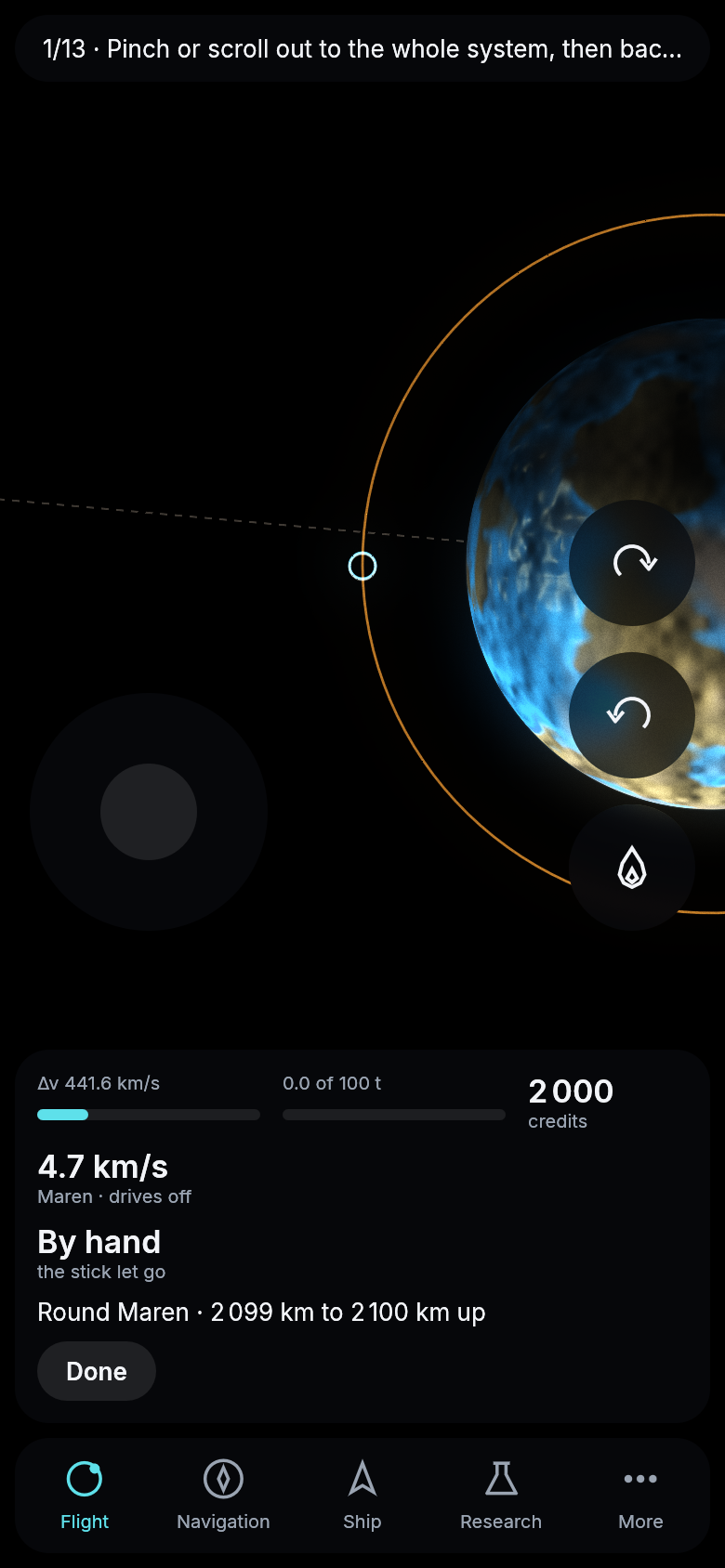
Flown by hand, the stick let go: the circle around Maren, 2 100 km up.
Parked at Lunet, and staying there
A ship parked around Lunet, Maren’s moon and the tutorial’s first goal, did not stay. About a quarter of an hour of play after it arrived, its orbit had sagged so far that it came down on the moon. The ship’s computer flew it as if the sun pulled on the ship differently than on the moon it was circling, and that small, steady push wore the orbit down. Now the ship is pulled as its moon is. A ship parked at Lunet keeps its orbit for weeks of the universe, and the trip there costs a little less fuel.
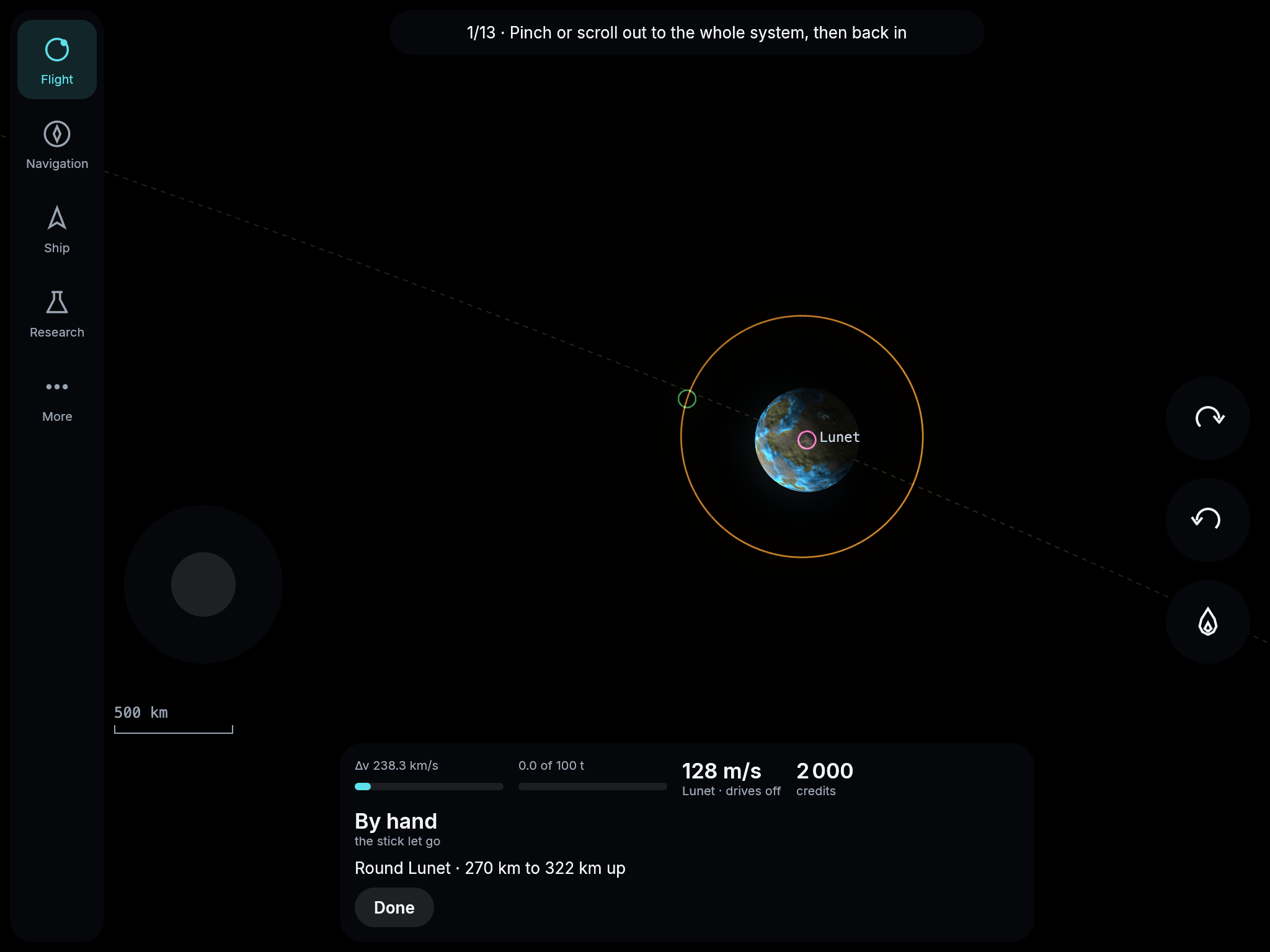
Parked around Lunet after the trip from Maren Station, shown by hand with the stick let go. The orbit swings between 270 and 322 km up as Maren pulls on it, and stays.
A card that asks before it cancels
The first fixes from today’s review of the interface. Until now the button you pressed to fly a plan turned into Cancel the moment the flight began, in the same place, so a second tap called the flight off without a word. Now the first place on the card holds the action to take or a quiet Center, Cancel stands second, and it asks first: Keep flying or Cancel the flight. Sell all at the market asks too. Beside a station Dock is the button to press, the card no longer offers to plan a way to the station the ship is already flying to, and a tap on the tutorial’s line opens what the step names: the market, the research to start or the yard.
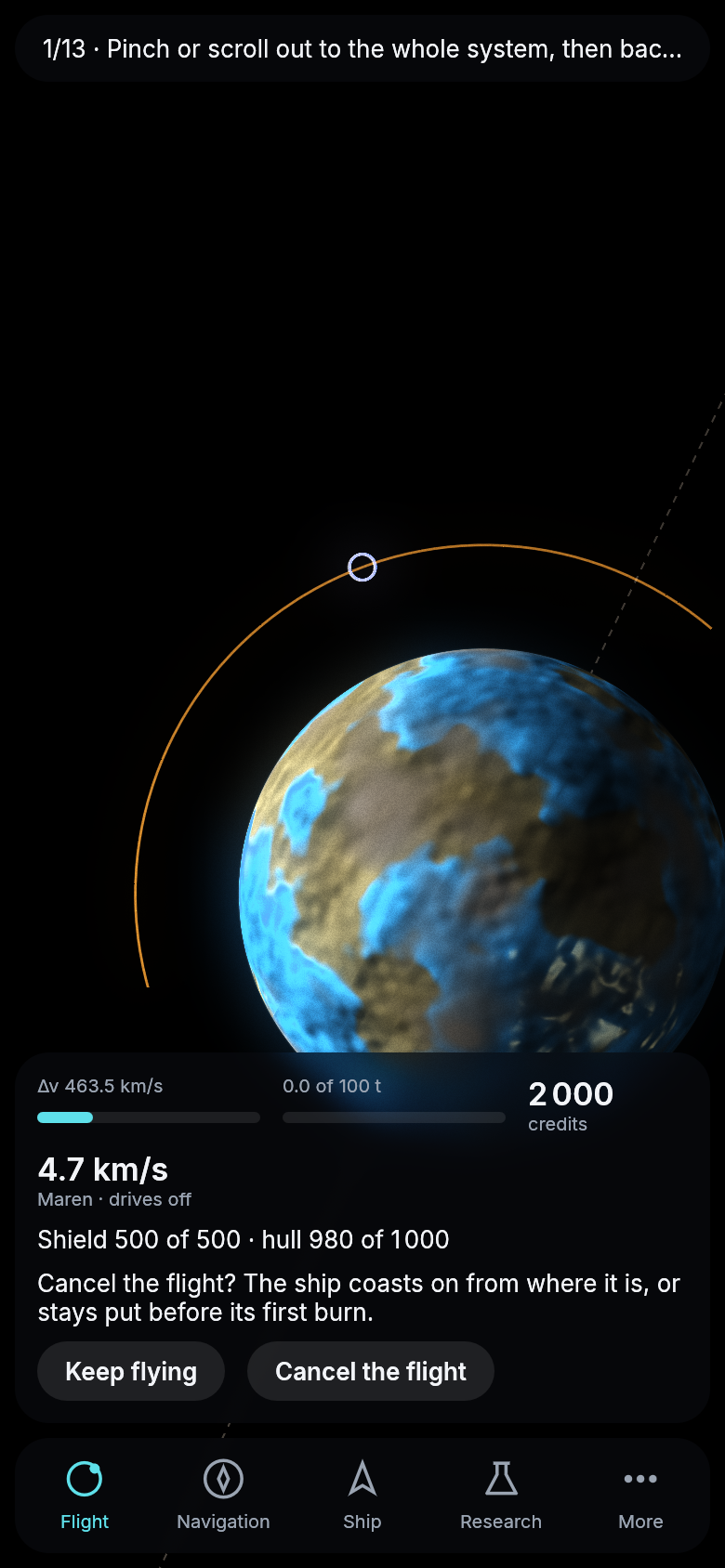
Cancel pressed underway: the card asks before anything is lost.
Buttons that say what they do
More of the review’s fixes. The card’s two gauges now say what they are, Tank and Hold, and the ship’s speed is a quiet line under them. At the market the buttons say a verb and what it acts on, Fill the tank and Sell the hold, with what they cost or bring on a line above them. A material’s page sets the tonnes with − and +, or to as much as fits or all you hold, and then Buy and Sell say what each will do. Under More, Guide is now Help, Keep my pilot is Account and Start over is Restart. A refusal is now shown on the page you pressed on, not only on the card under it.
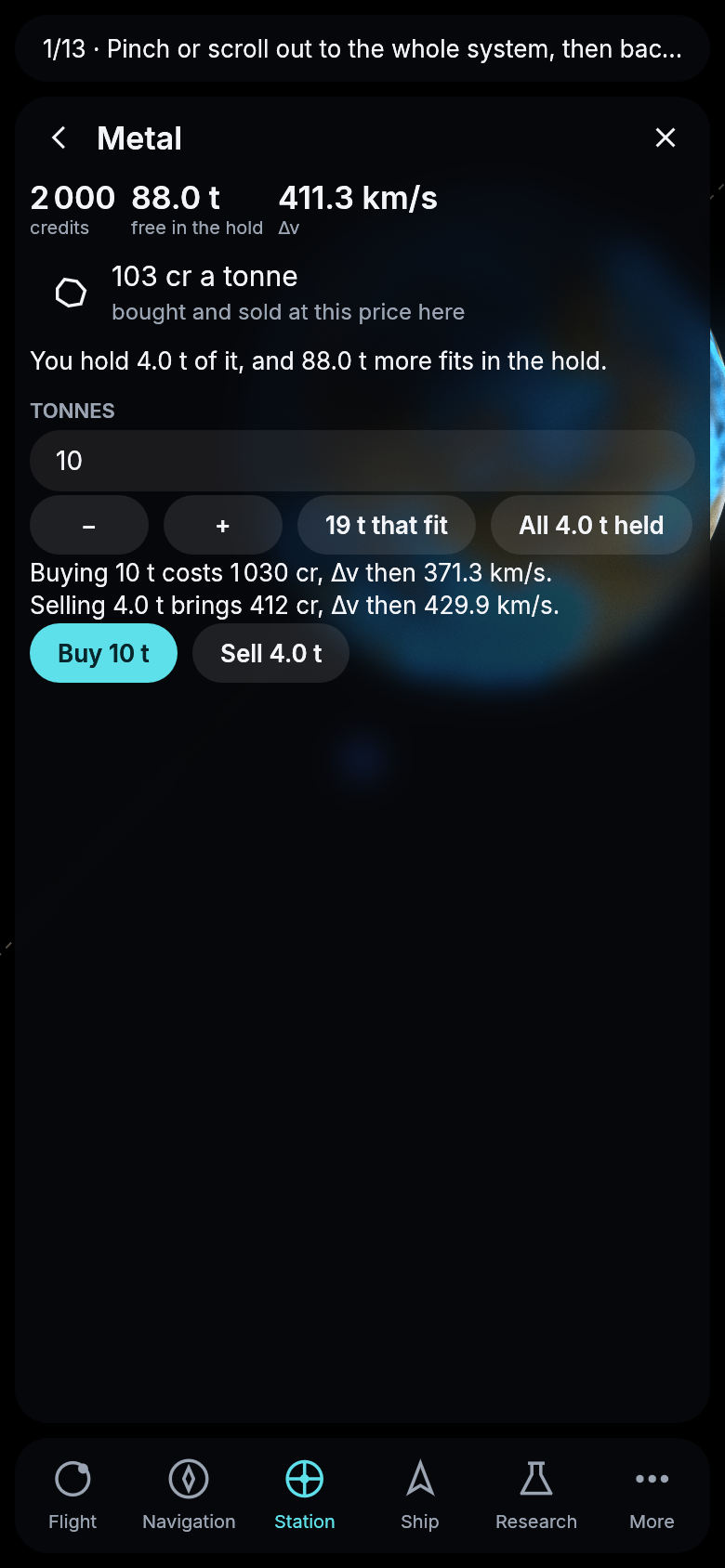
Metal at Maren’s market, the amount chosen and both buttons explained.
Pages that leave the card in view
On a phone, opening a page used to hide the card at the bottom of the screen, so your fuel, your credits and the buttons for where you are disappeared exactly when you were deciding something. Now a page stands on top of the card, and the card stays in view under it. A page is as tall as what it holds, so a sentence and a button take a small sheet and a list takes half the screen. Pull a page up by the little bar at its top to give it the whole screen, and the card shrinks to its first line. Pull it back down to shrink it again, or further down to close it. A thin bar at the edge now shows when a page goes on below, and the research tree opens zoomed out far enough to show as much of it as fits.
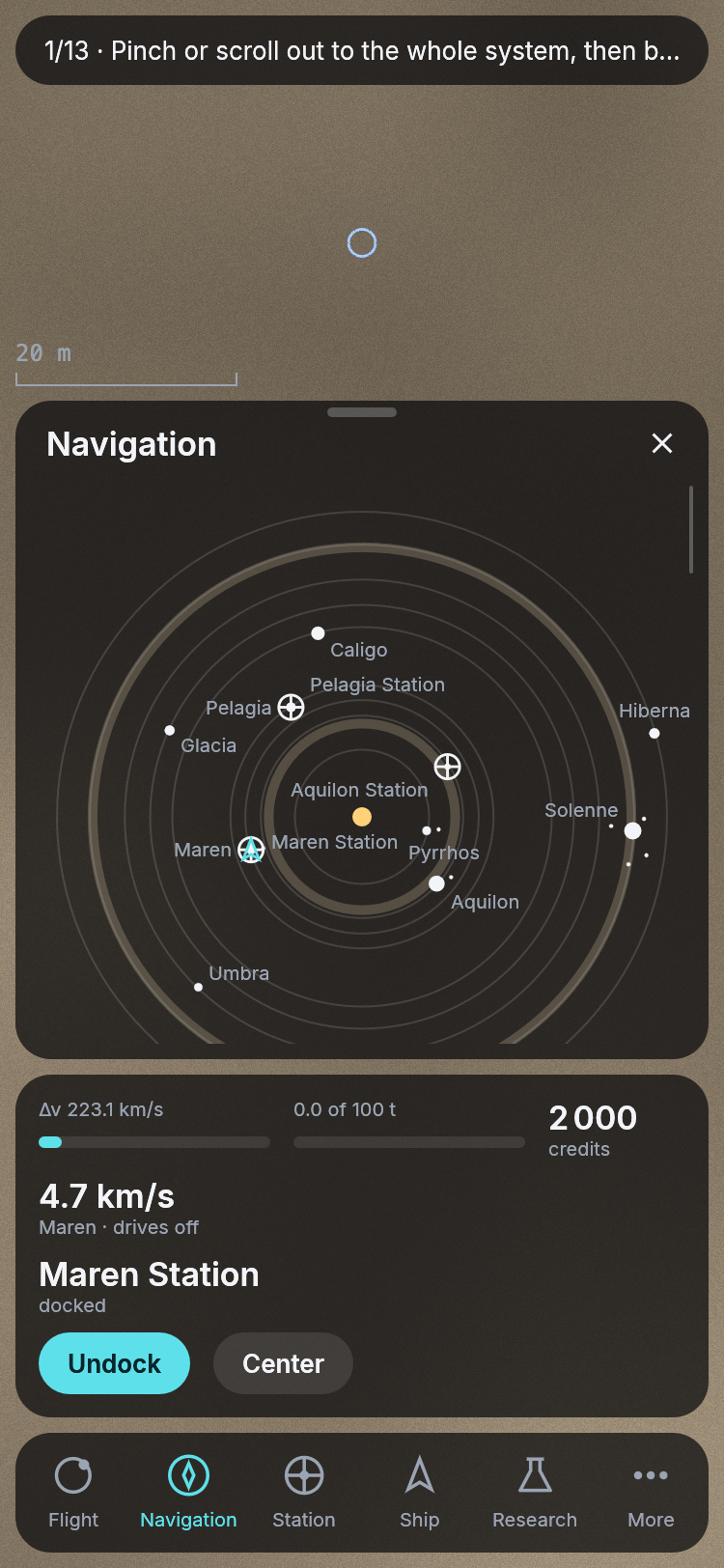
Navigation on a phone at Maren Station, standing on the card.
Buttons a thumb can hit
On a phone the buttons on the card were a little over half a thumb tall, and a pilot who missed one tapped the map behind it, which could drop the target or the offer on the card. Every button, the back step, the close, the line at the top and the cells of the bar at the bottom are now at least as tall as Apple asks for anything that is tapped. Words that were too small to read in daylight are larger too. That goes for the bar’s names, the labels under the figures, the names on the system map and the labels over the fuel and hold bars, which are thicker now as well, so that an empty hold still shows as a bar.
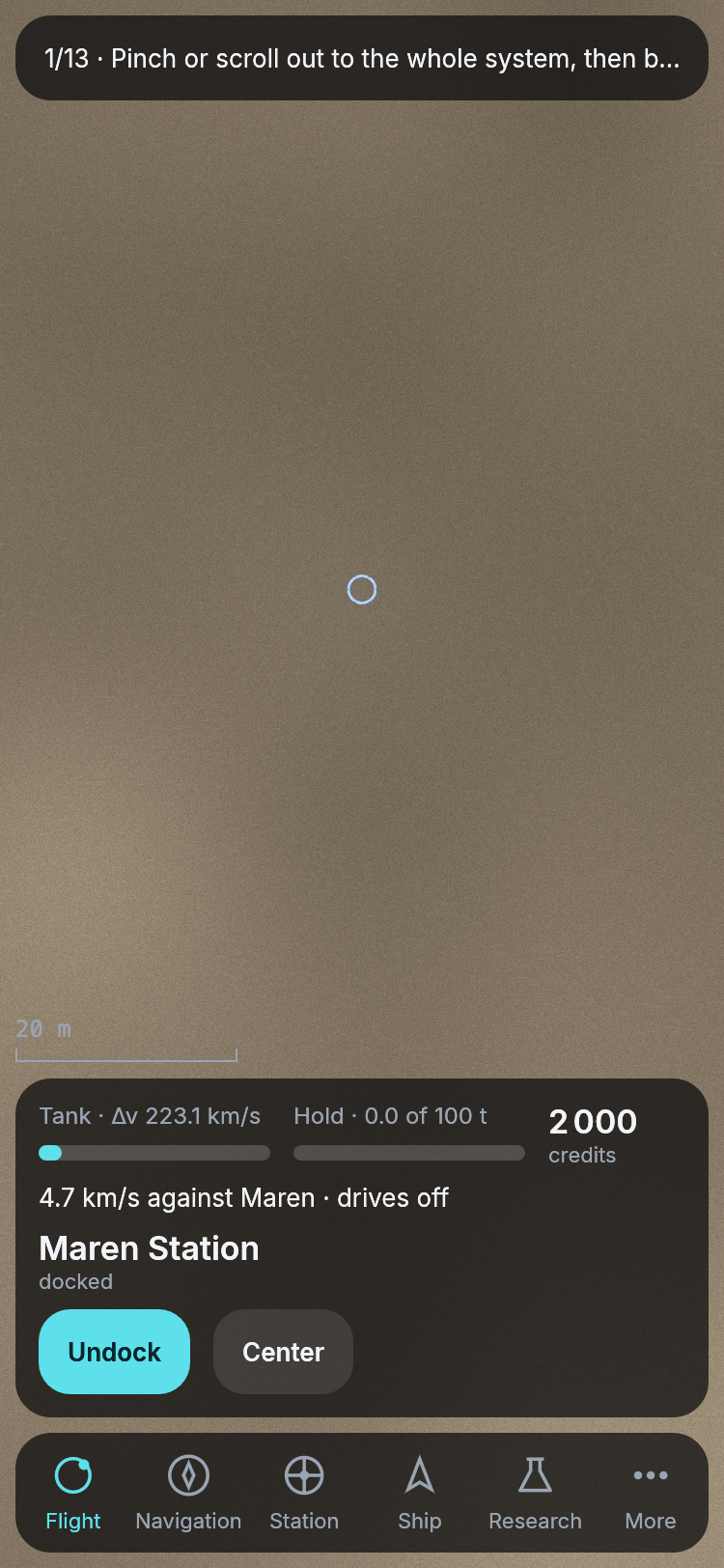
The card at Maren Station on a phone, its buttons a thumb’s size.
Stations are solid
Flying by hand, a ship could pass straight through Maren Station. Now every stretch a ship flies by hand, or coasts on after a cancelled flight, is checked against the stations, and a ship that runs into one stops beside it. Drifting against it at a walking pace does no harm, which is how docking feels anyway. Ramming it costs hull points, more the faster the ship was going, and at a hundred meters a second the ship is lost.
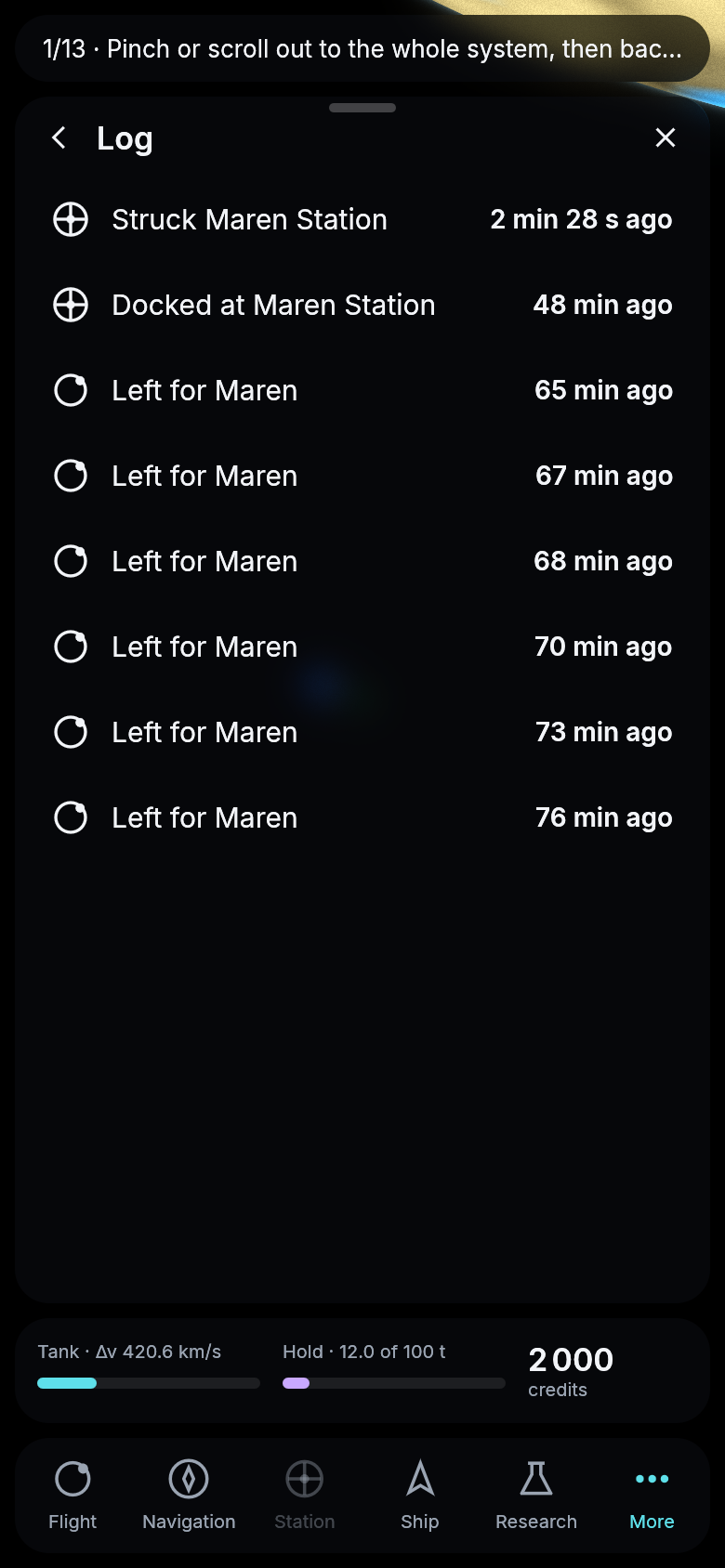
A ship that drifted into Maren Station: the log says so, and the ship lies beside it unharmed.
A tug for the stranded
A pilot whose ship is stuck, its tank spent far from home or its drive out of order, can now call for help from the Ship page. Two minutes later the authority’s tug has towed the ship to the nearest of the authority’s stations and docked it there, repaired, for 500 credits, or for whatever the pilot has if that is less, so nobody stays stuck. The card counts the tug down while it comes.
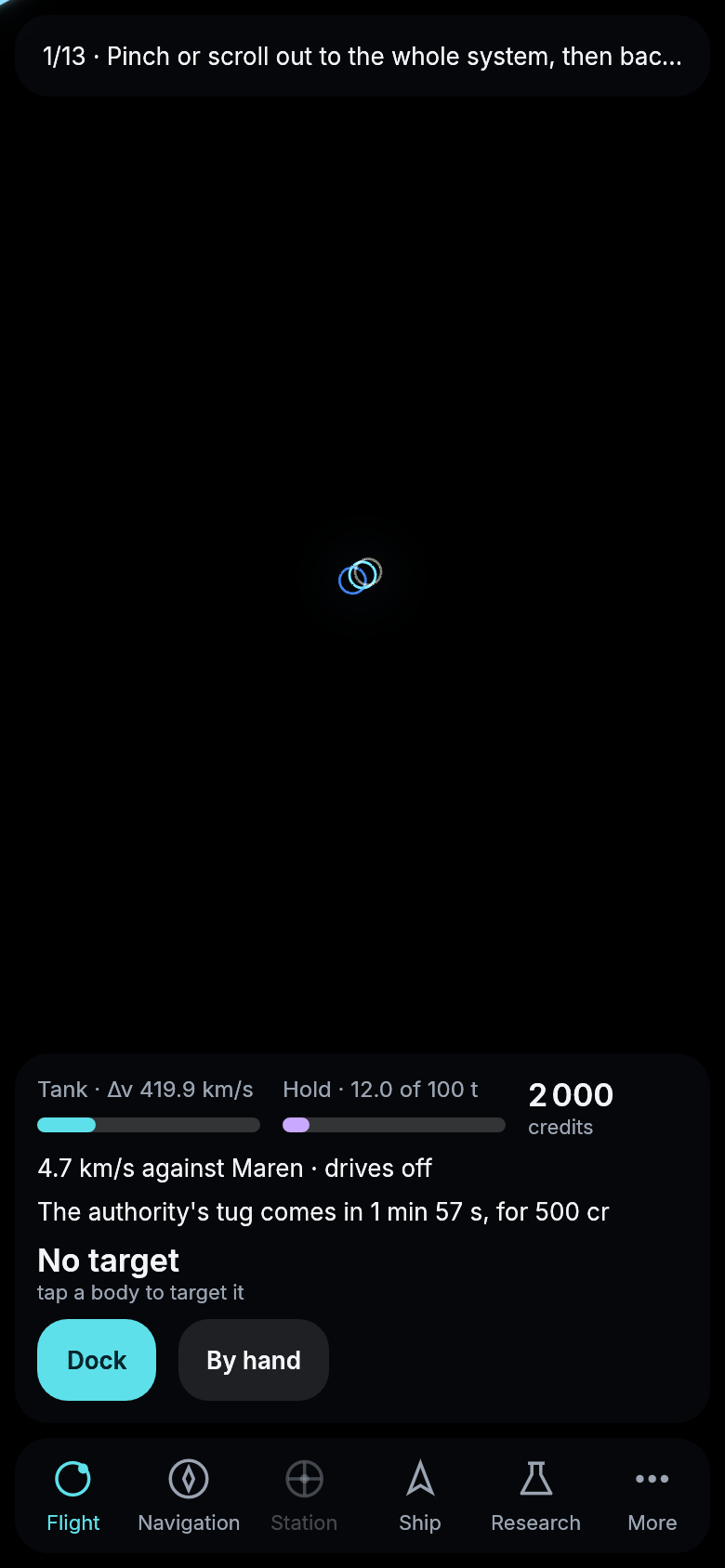
Help called for: the tug is on its way.
Room to spare on a tablet
On a tablet or a computer, a row you tap no longer replaces its list: its page opens beside it. A material’s page at the market stands next to the market, which is now a table of what is bought and sold there at what price and how much your hold has of each, with the material you are trading lit. The yard does the same, its blueprints in three tables, what can be built now, what is short of materials and what needs research, the blueprint you look at beside them. On a phone the market is the same table, and a tap still opens the material’s page in its place.
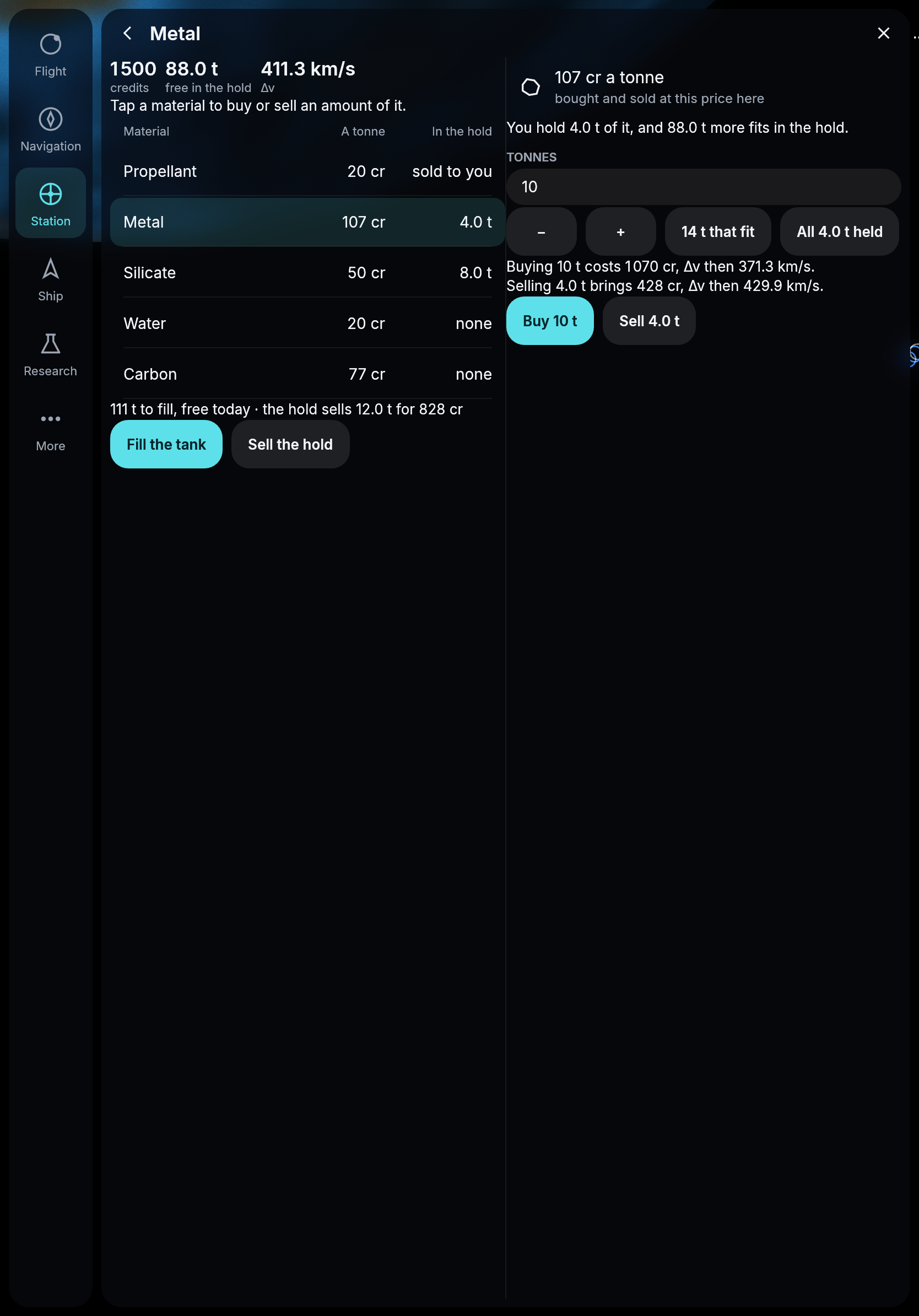
Maren’s market on a tablet: the table and the material’s page side by side.
A body’s card only where the body is
On a tablet or a computer, the card that names a chosen body and offers its buttons used to stay on screen when the body itself went off it, parked at the edge of the map and naming something you could not see. It also showed faintly through the research tree. Now the card is there only while its body is on the map, a thin line leads from the body to it, and it steps away while the research tree is open.
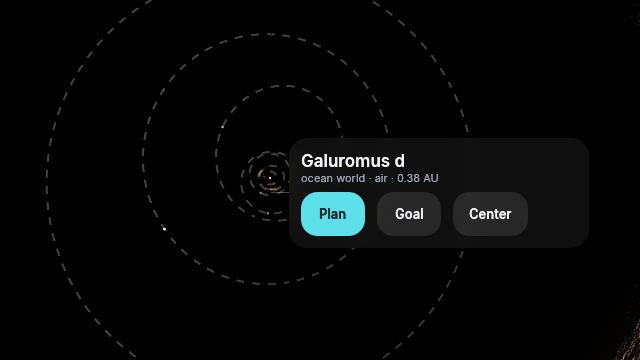
Galuromus d and its card, drawn by the engine offscreen at a computer’s size.
The target as a chip
The target on the card is now a magenta chip with its name, how far it is and a small cross to drop it, instead of a large button holding a single character. The card’s buttons follow one rule: on a phone the button to press stands full width at the bottom, the others above it. And a route you were offered is no longer lost to a stray tap: it stays on the card until you ask for another.
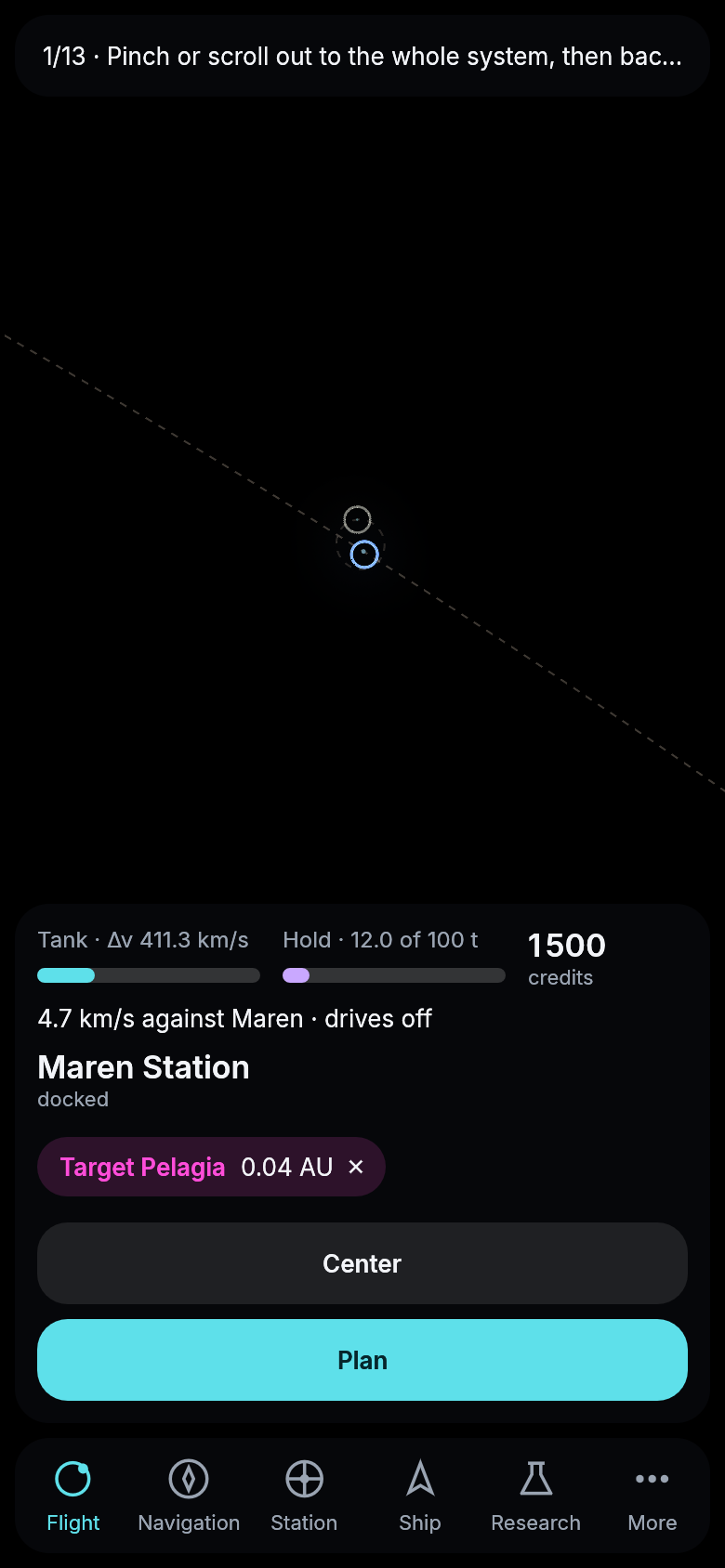
Pelagia targeted from Maren Station: the chip, and Plan full width.
One type for the whole screen
The scale bar at the foot of the map was written in a typewriter face of its own and sat on the very edge of an open page, as if it belonged to neither the map nor the page. It now uses the same type as the rest of the screen and stands in the map’s own room, clear of the page and the card, moving with them as they open and close.
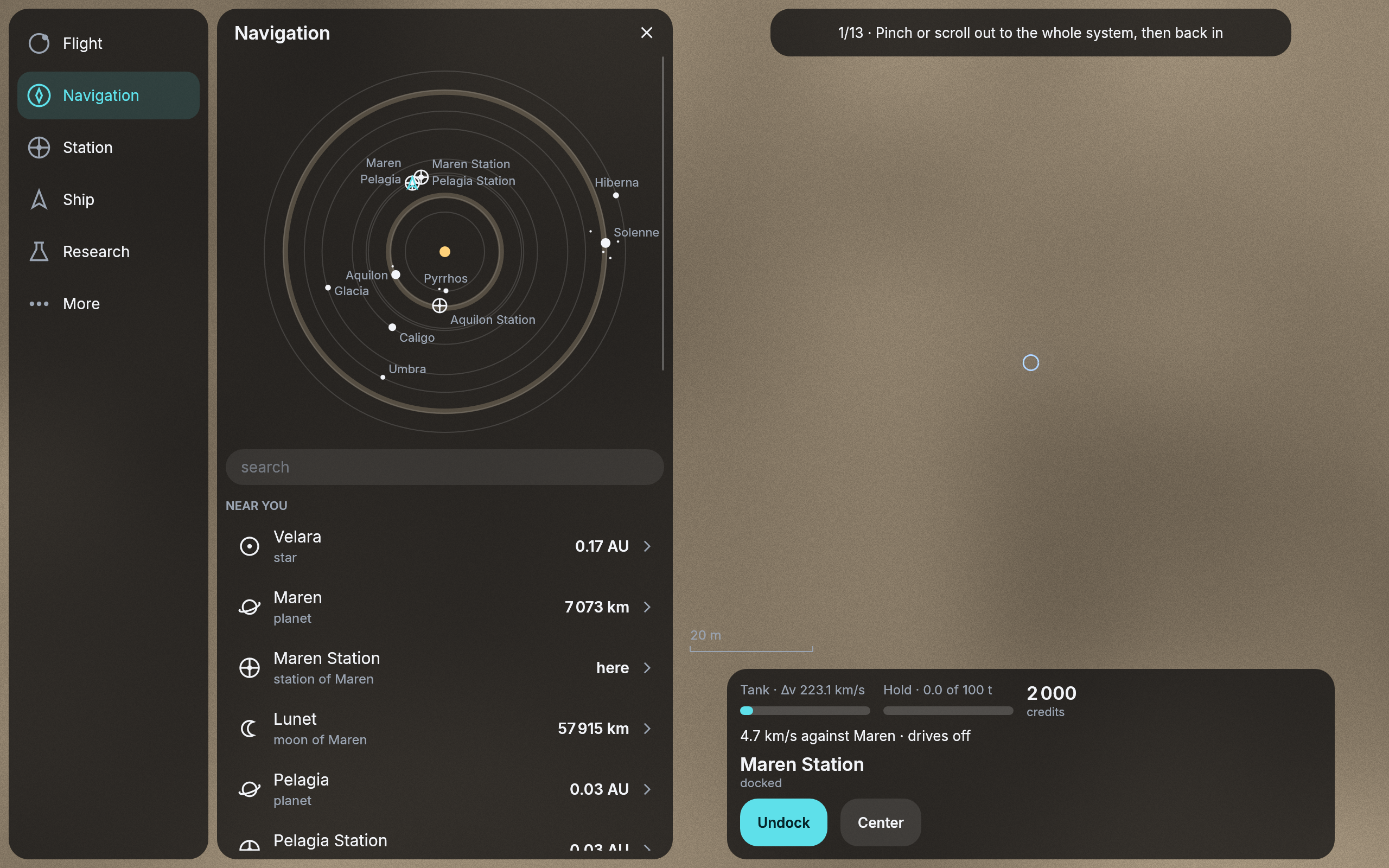
The scale bar beside Navigation on a computer, in the screen’s own type.
Red for what cannot be taken back
Three buttons do something no later press undoes: selling the whole hold, cancelling a flight and starting over as a new pilot. They were drawn like any other button, and Restart now was even the bright one, the color that everywhere else means “the next step”. Each now stands in red, and where the game asks first, the bright button is the one that keeps things as they are: Keep it under Sell the hold, Keep flying under Cancel the flight. The restart’s arrow in the More list is its own now, an arrow going round, rather than the back arrow.
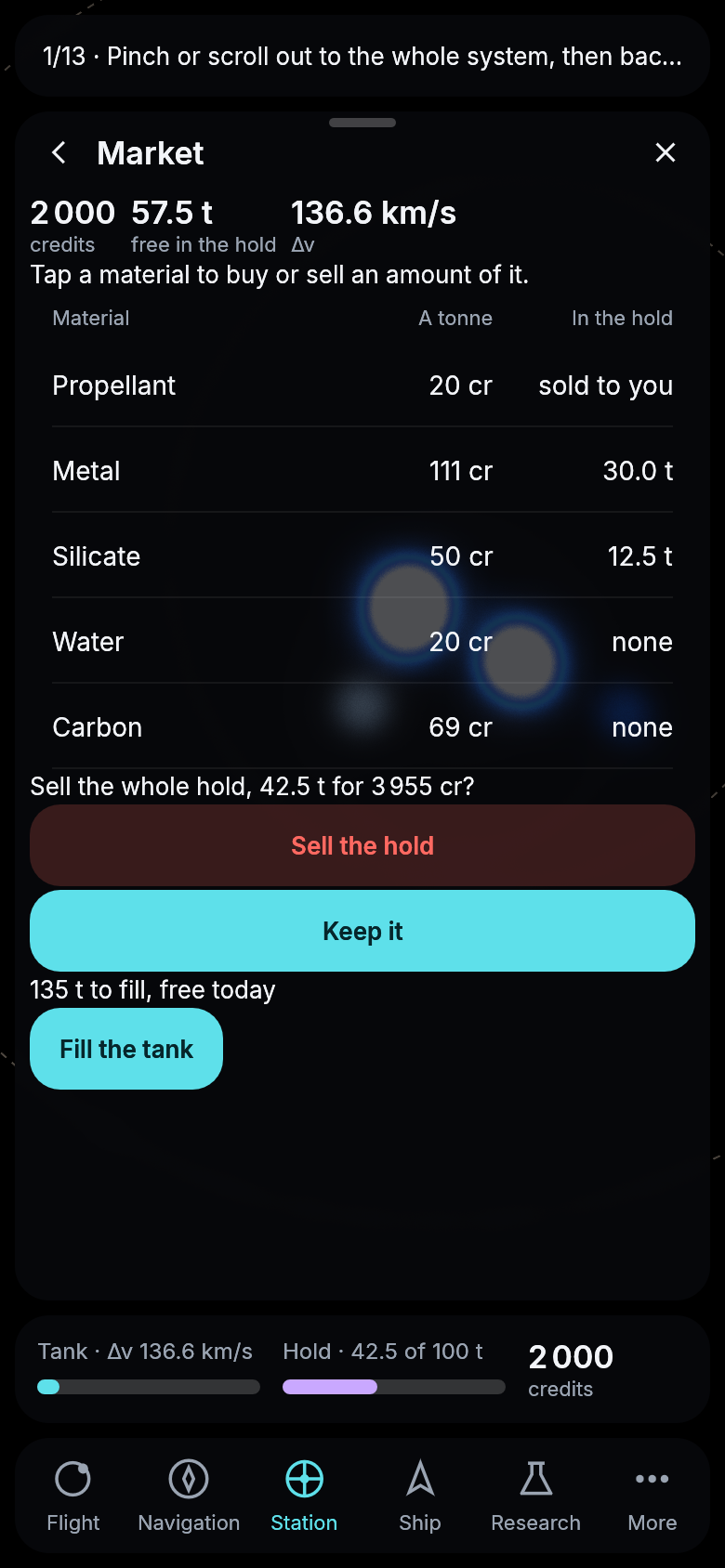
Selling the hold asked first, the sale in red and keeping it bright.
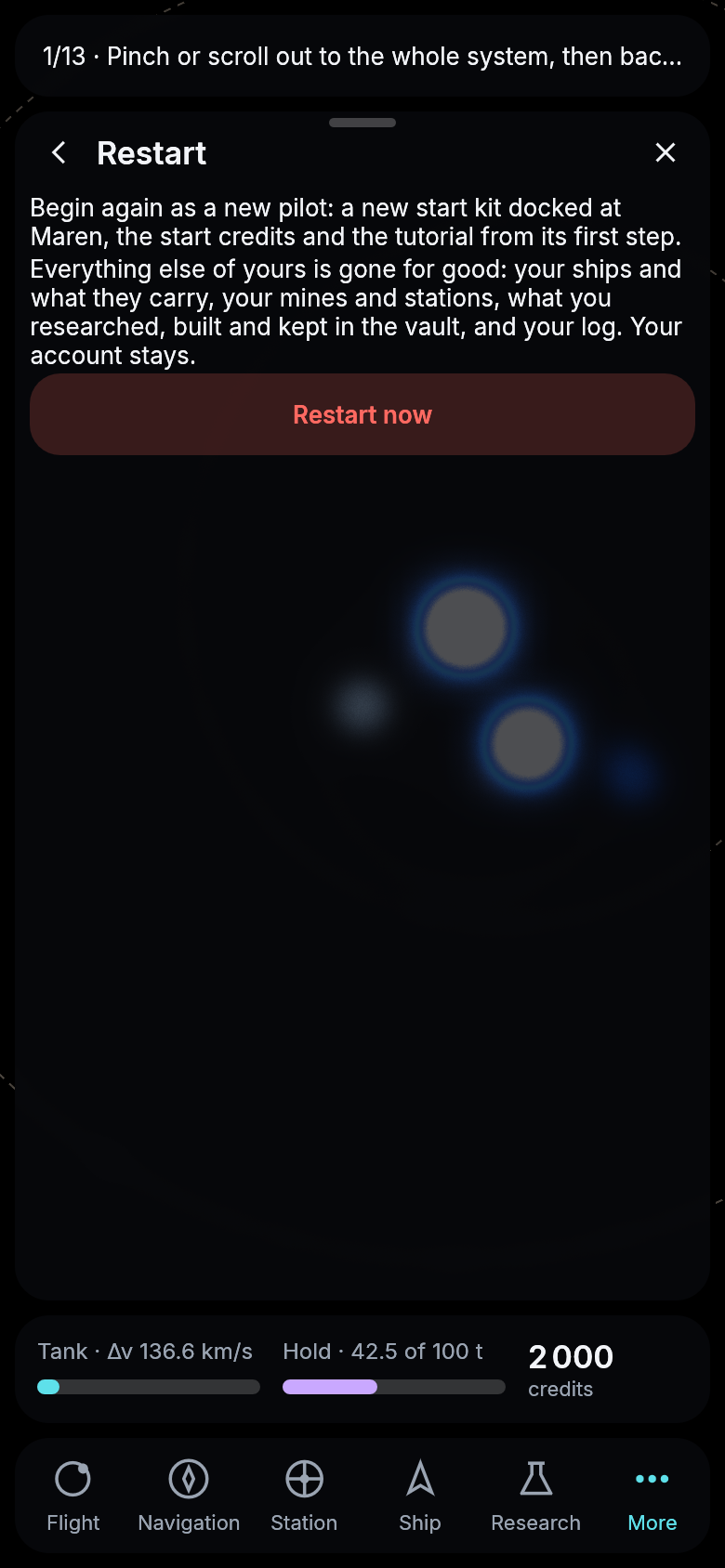
Starting over, in red.
No two ships alike
Until now every ship of one design was drawn exactly alike, lamp for lamp. Now a ship has soot around its main drive, and the engine can give each ship a look of its own. Its seed decides how dark that soot is and which of its windows are lit, about three in four. As a ship wears, its lights go out one patch at a time, in an order of its own, until a worn-out ship shows none. A lamp that catches the sun no longer outshines everything around it. A burning drive is still the one thing brighter than white. Each ship gets its own look once the game hands in which ship it is.
The engine can now also draw modules on a hull, each where its slot is and turned with the ship. That waits on the first modules being painted.
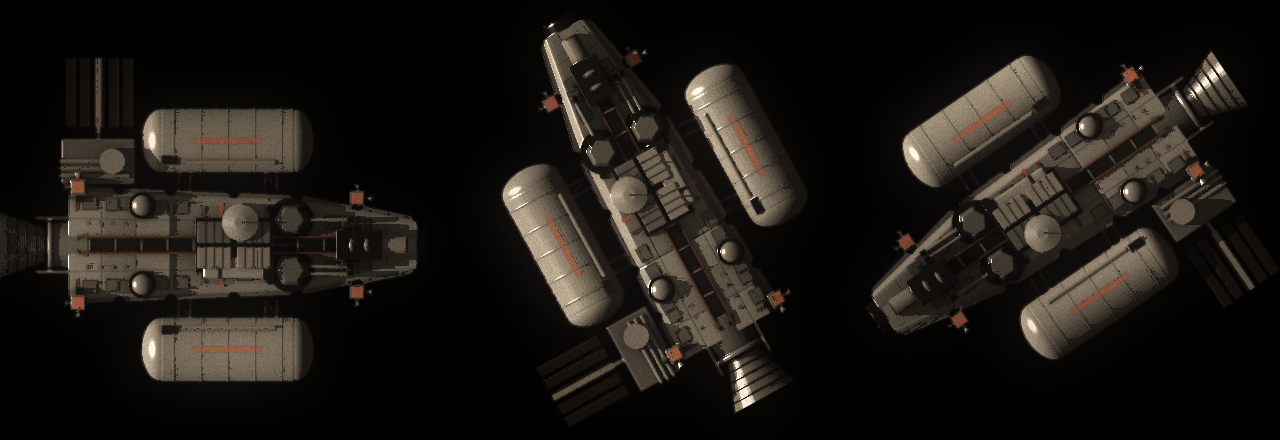
The start kit three times, each with a seed of its own, drawn by the engine offscreen from the game’s real artwork.
Hits that show
A ship that has lost hull points now shows it. The game hands the engine how much of its hull is gone, and the engine chars a patch of the hull for each sixth of it, the earlier ones growing, until a hull with nothing left looks like the wreck it is about to be. Running into a station too fast is enough to see it today. Docking at a station mends the hull, and the marks go with it.
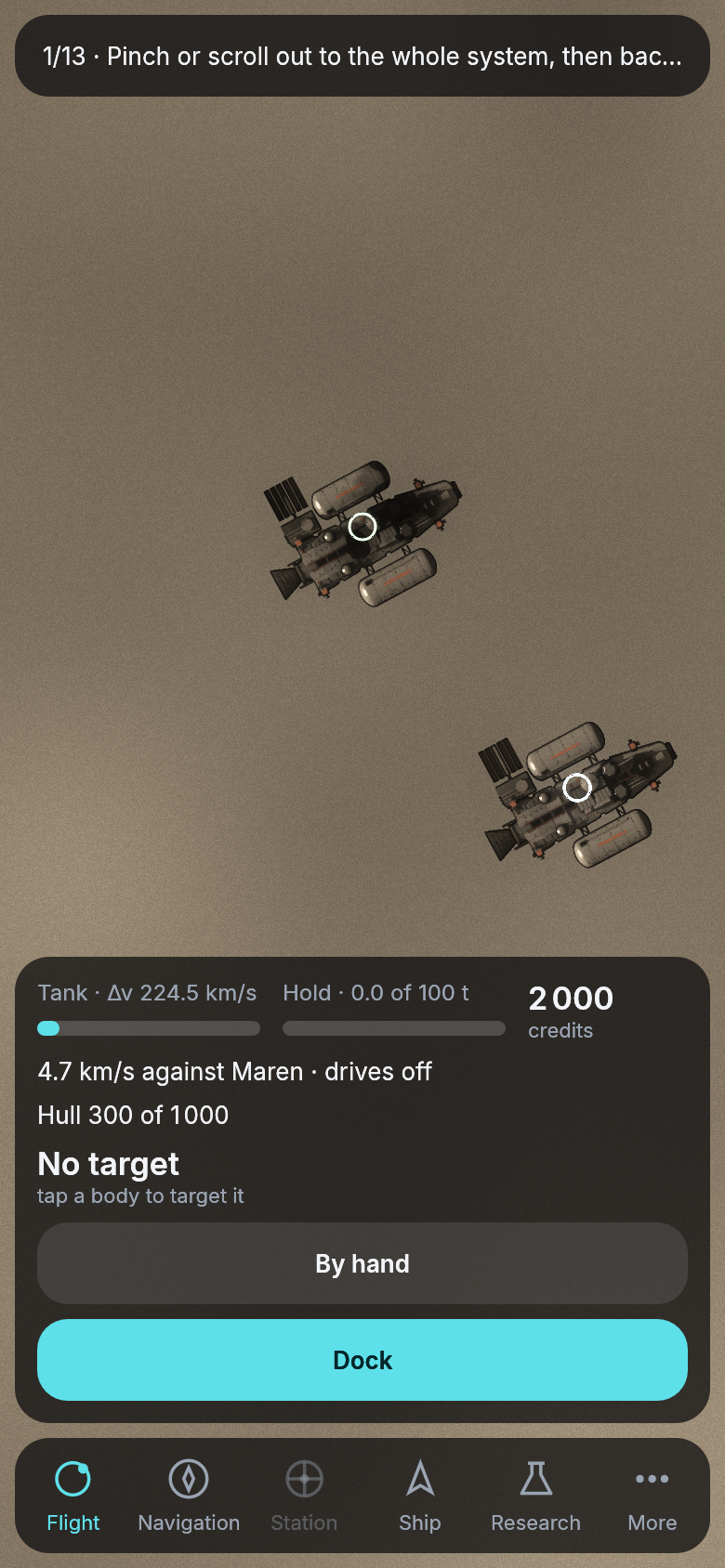
A ship at 300 of its 1 000 hull points beside a whole one, drawn by the game against a local server.
Five sections that stay where they are
The bar at the foot of the screen held a sixth tab, Flight, which opened nothing: it was the way back to the map dressed as a section. It is gone. The bar now holds the same five sections in the same places at all times, Navigation, Station, Ship, Research and More, and the map with its card is home. While nothing is open no tab is lit; closing a section, or pressing its tab again, brings you back to the map.
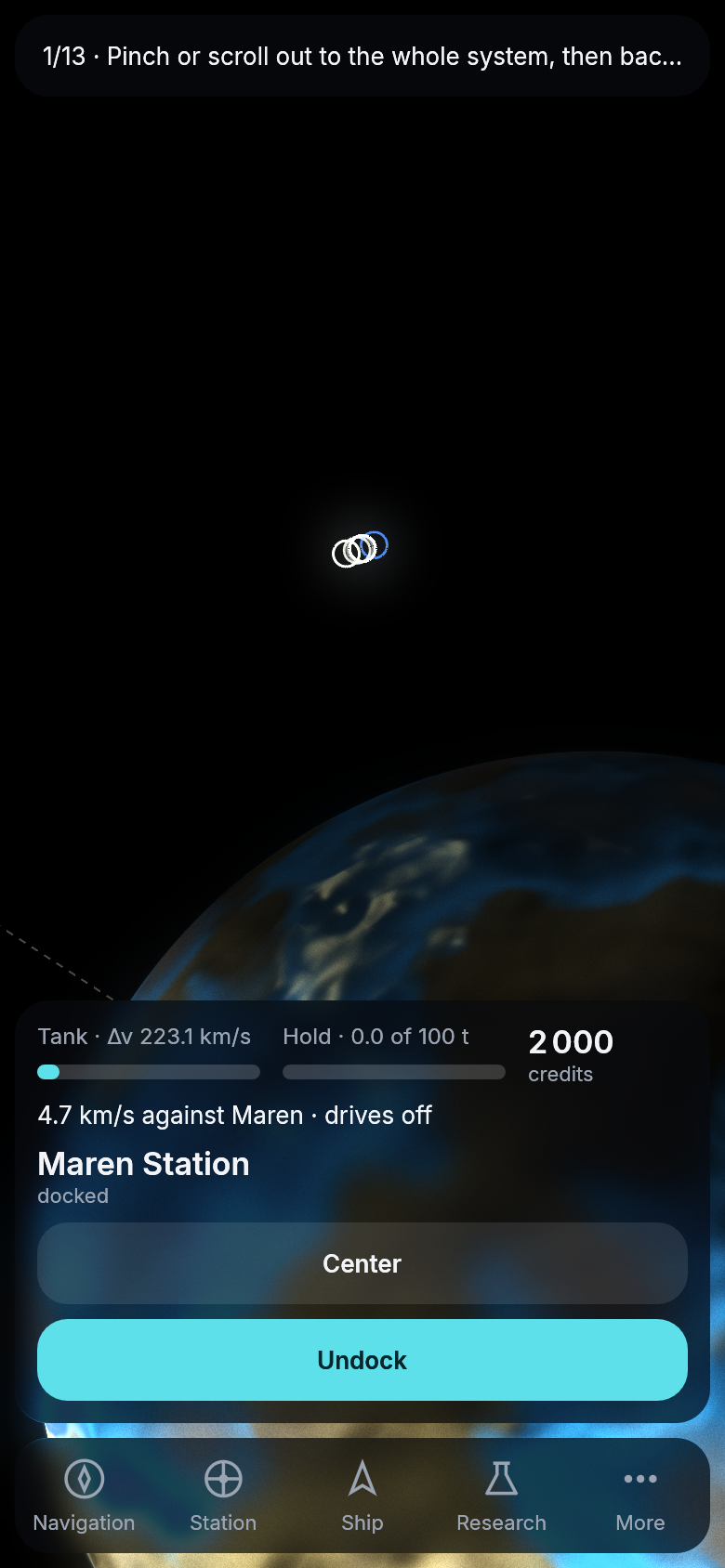
Home: the map and the card, the bar’s five sections, nothing open.
One name and one road for the yard and the vault
The yard could be opened from the station and from More, and its back arrow went to one or the other depending on whether the ship was docked; the vault sat among the station’s rows though it is the same at every station. Each now has one home. The yard is the ship’s, the first row under Ship, since your ship builds wherever it is and fits a part when it is docked. The vault is yours, under More, and shows what is in it wherever you are; you fill and empty it at any station. The station’s own section now lists only what the station does, its market and any charts offered there, and Undock stays on the card, where the action of the moment always is.
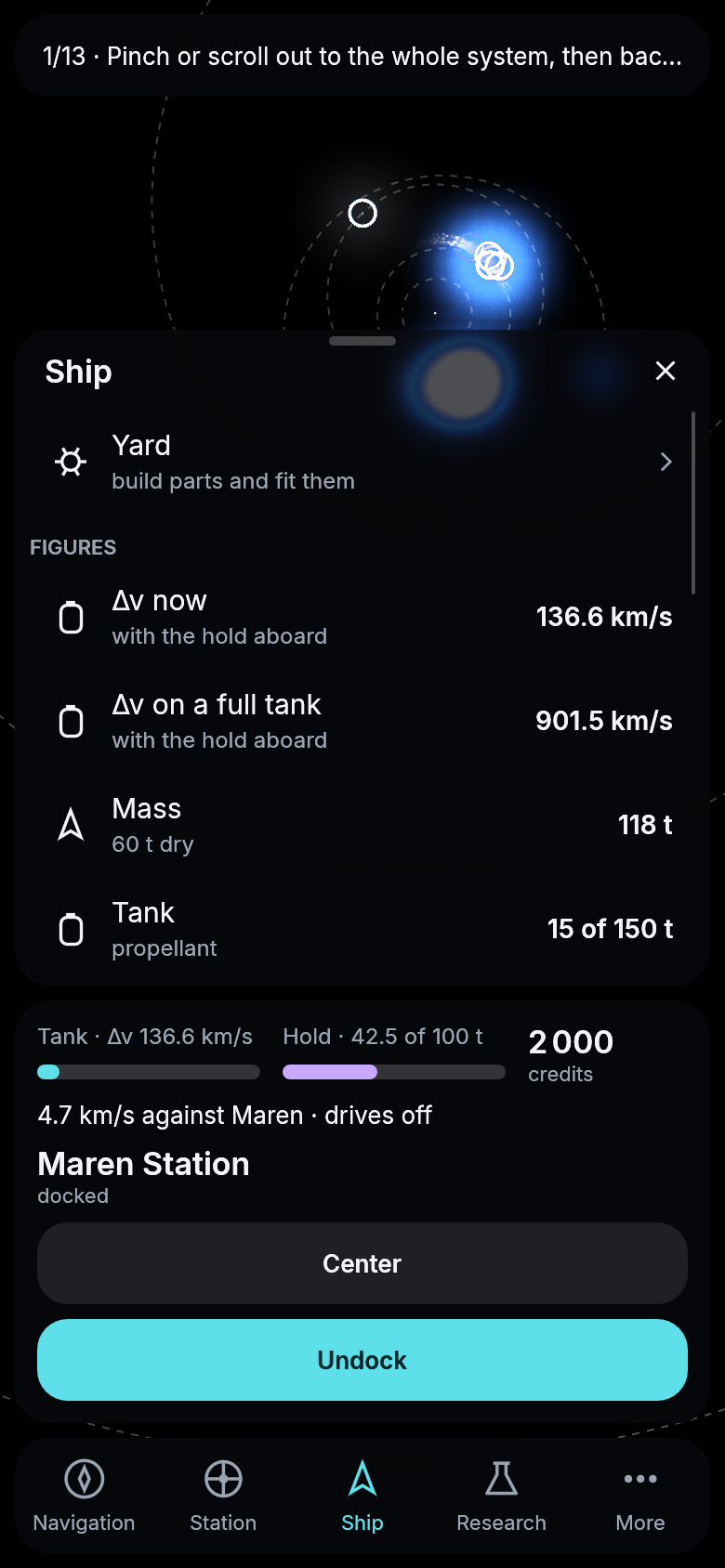
The yard, now the first row of Ship.
A dock on a computer
On a computer the sections used to stand in a column down the left edge, with an open page beside them. They now sit in a dock at the bottom’s middle, as they do along the bottom of a phone. The dock is only as wide as its sections need. The one you are in is lit, and the one under your mouse brightens. An open page stands at the left, and the card stands above the dock in the middle of what is left of the map. The tablet keeps its column.
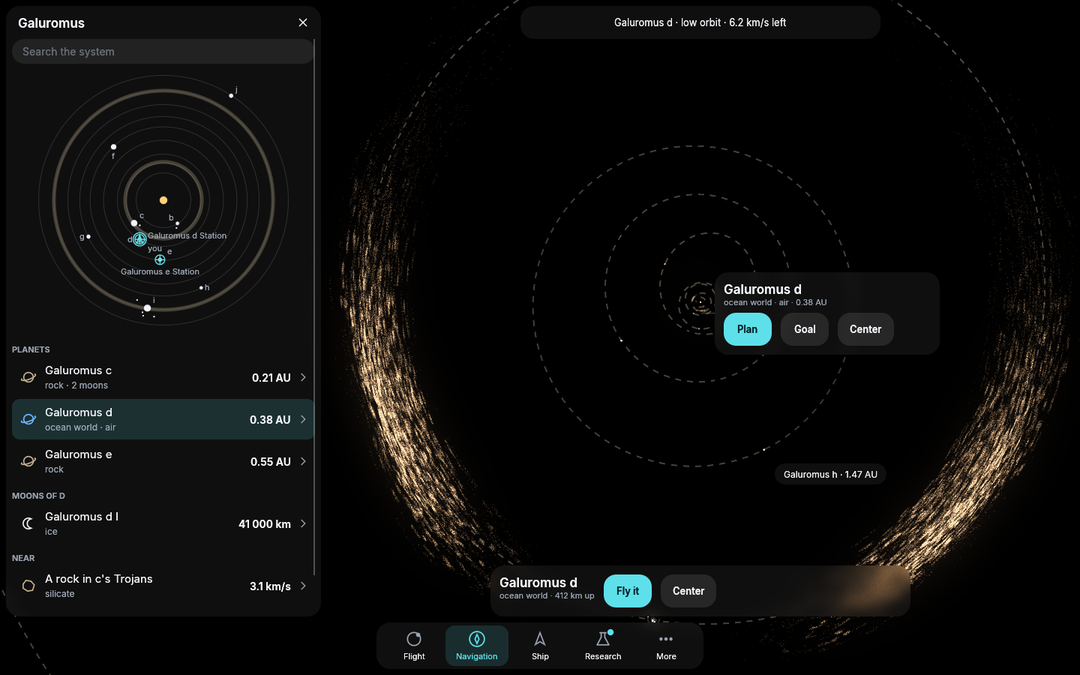
The engine’s own cockpit example on a computer, with Navigation open.
Sell as much as you like
Selling part of a cargo was possible, but only on a page you had to know was there: the market’s materials sat in a table that did not look as if it could be tapped, and the one button in sight sold the whole hold. Each material is now a row that shows what a tonne fetches and how much is aboard, with an arrow that says it opens. Its page starts at all you carry of it, ready to sell, and a slider sets any amount by dragging; quarter, half and all are a press, the tonnes can still be typed, and the line above the buttons says what the sale brings and what your Δv will be after it.
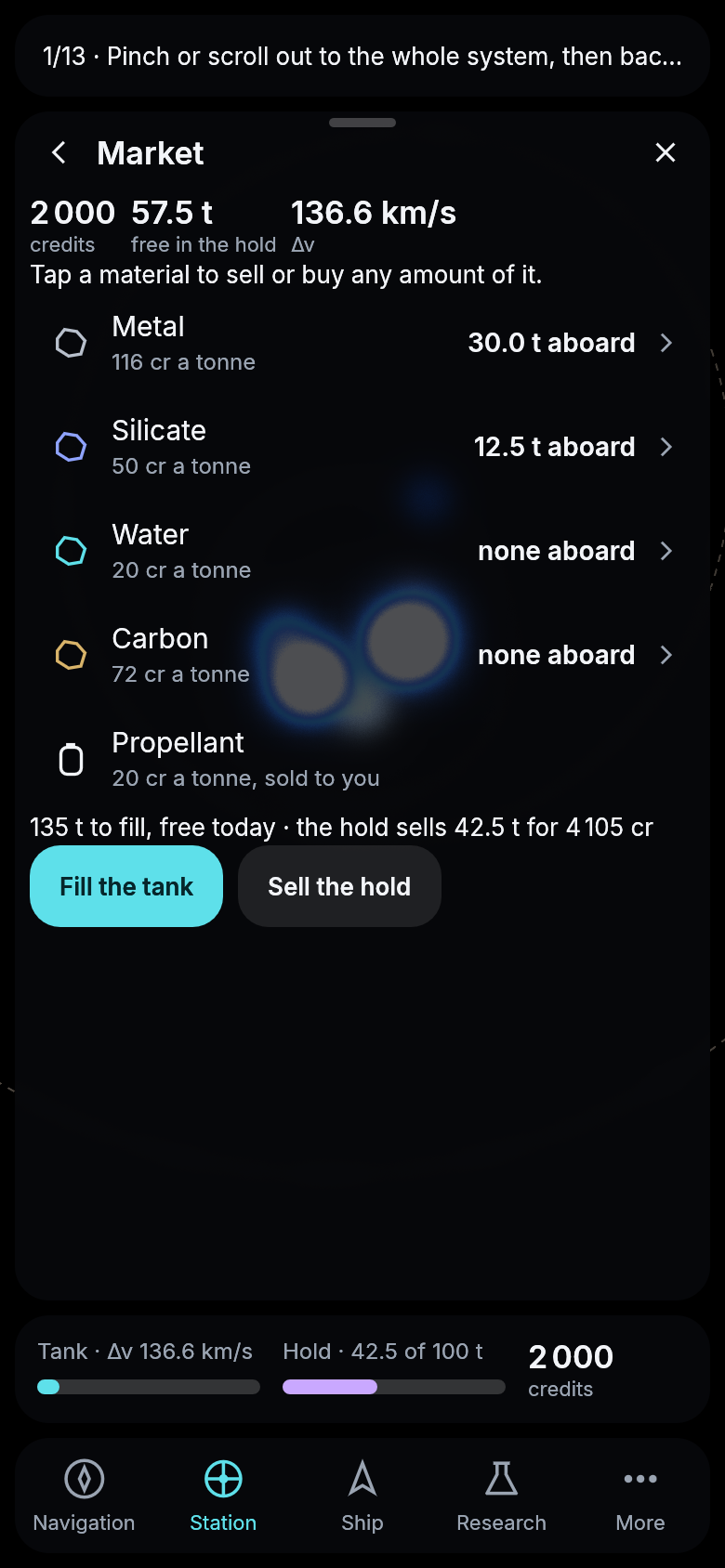
The market’s materials, each a row that opens its trade.
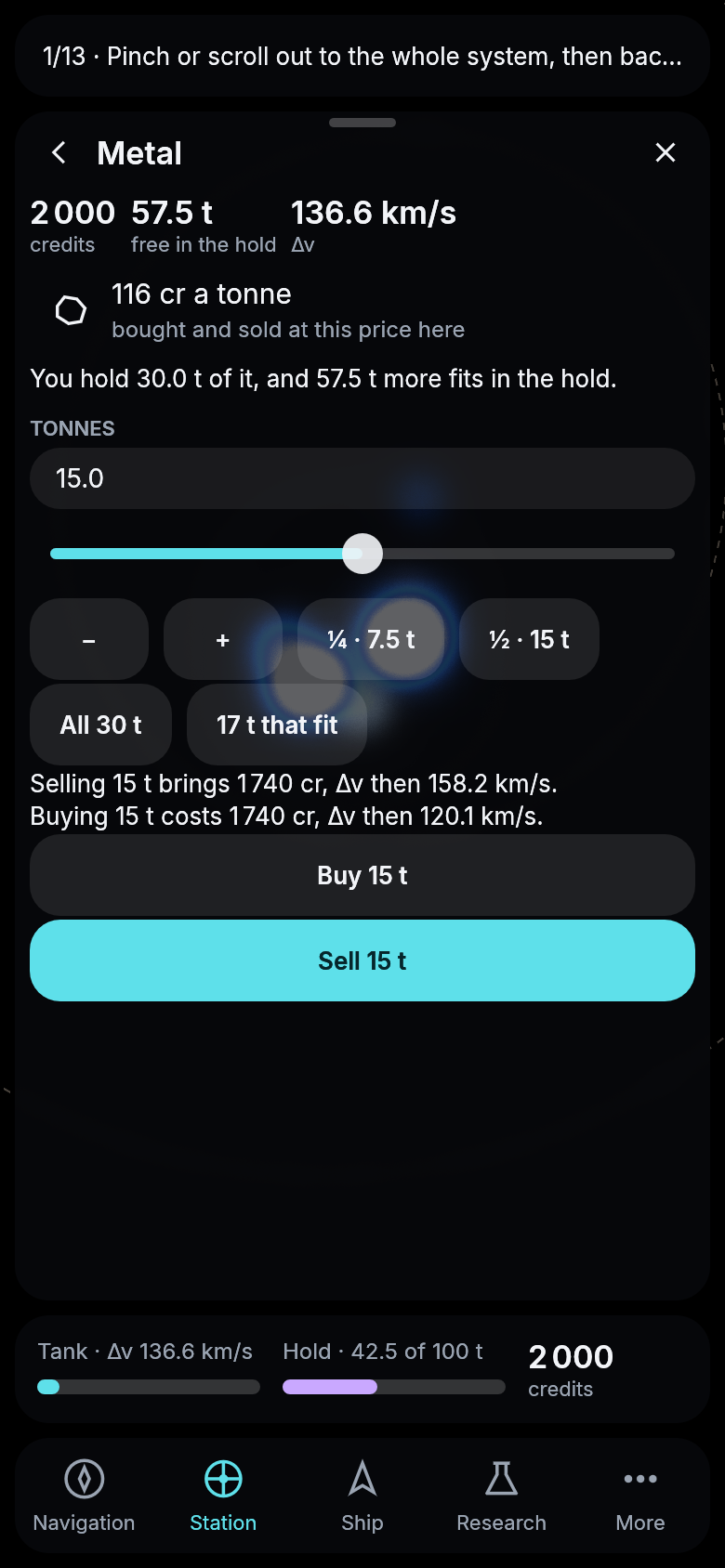
Selling half of the metal aboard with the slider.
Hits that tear a ship open
A damaged ship used to show a few dark patches, which were easy to miss on a dark hull. Now every hit tears the hull open. You see straight through the hole to the stars, a thin rim of glowing metal runs around it, and soot is spread around that. A badly hit ship is full of holes and charred all over, plainly a wreck. For now the hits fall at places each ship’s own seed picks. Once the game says where they landed, they will be shown exactly there, on the hull or on a module.
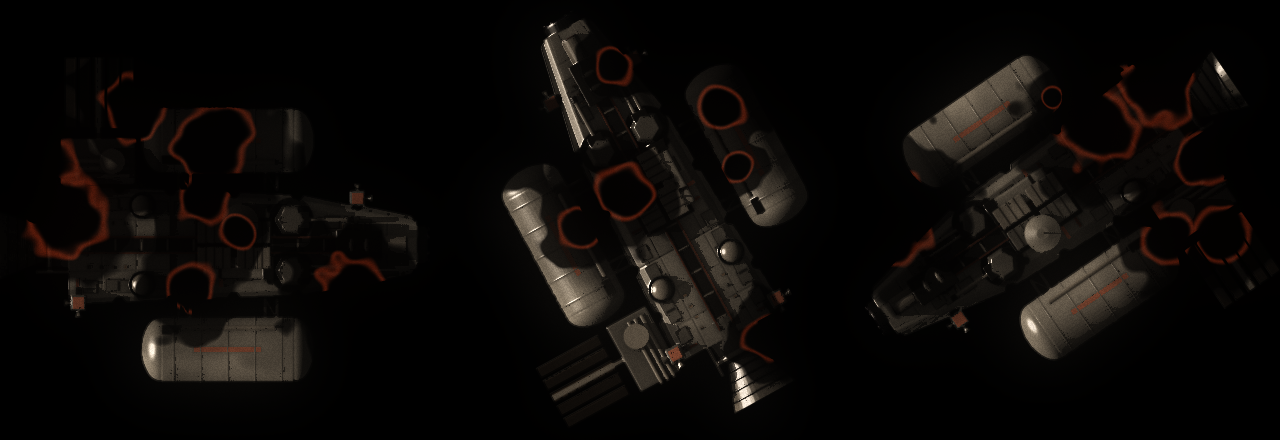
The start kit at nine tenths damage, three times, drawn by the engine offscreen from the game’s real artwork.
Hits where they landed
A hit now lands somewhere. The side of the ship that faced what struck it, the shooter, the missiles coming in or the station it ran into, takes the crater, and the part that sits there is the one knocked out: a ship shot from ahead loses its mining head first, one shot from behind its drive. Every pilot sees each hit where it landed, torn open with a glowing rim, as the engine now draws them, until a station mends the ship.
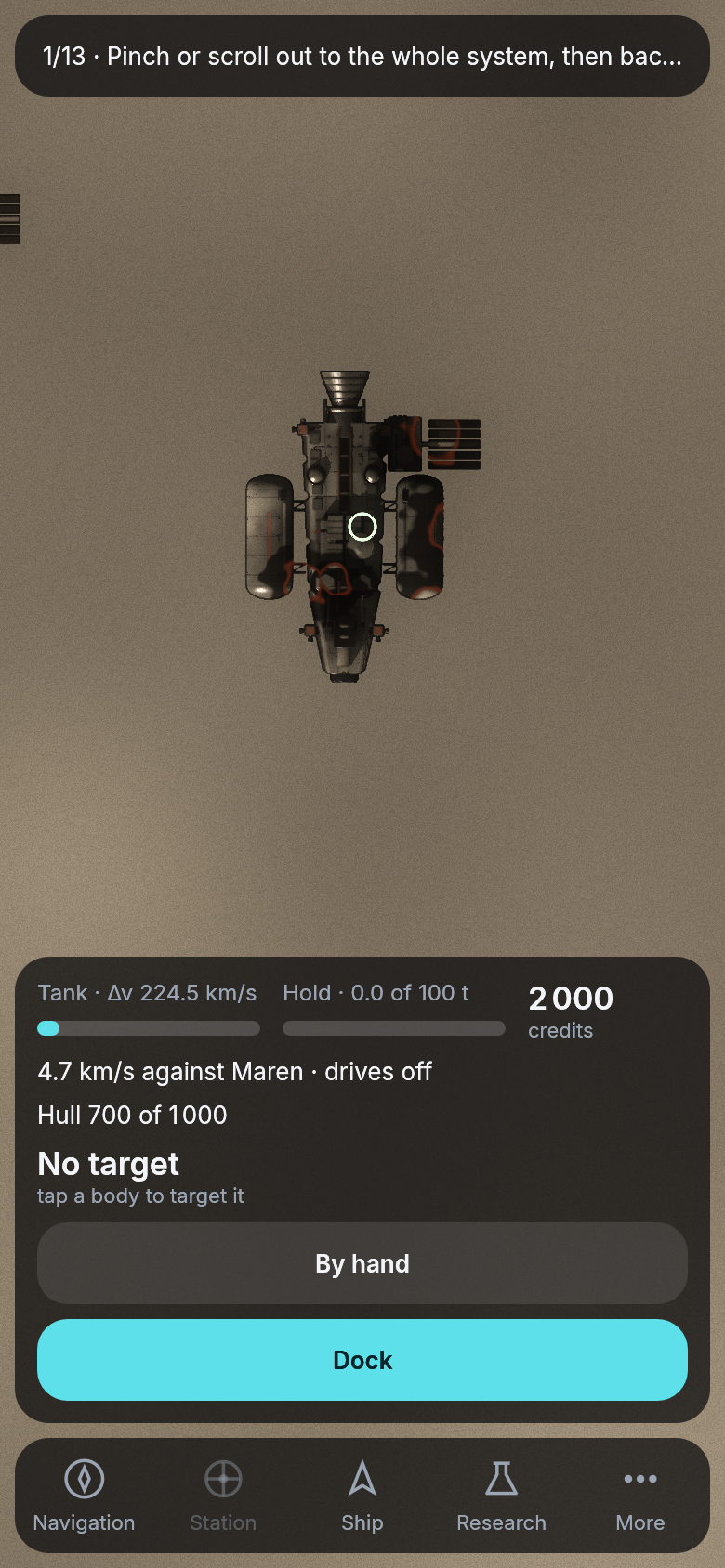
Two hits, one at the bow and one to port, drawn where they landed.
A wreck that looks like one
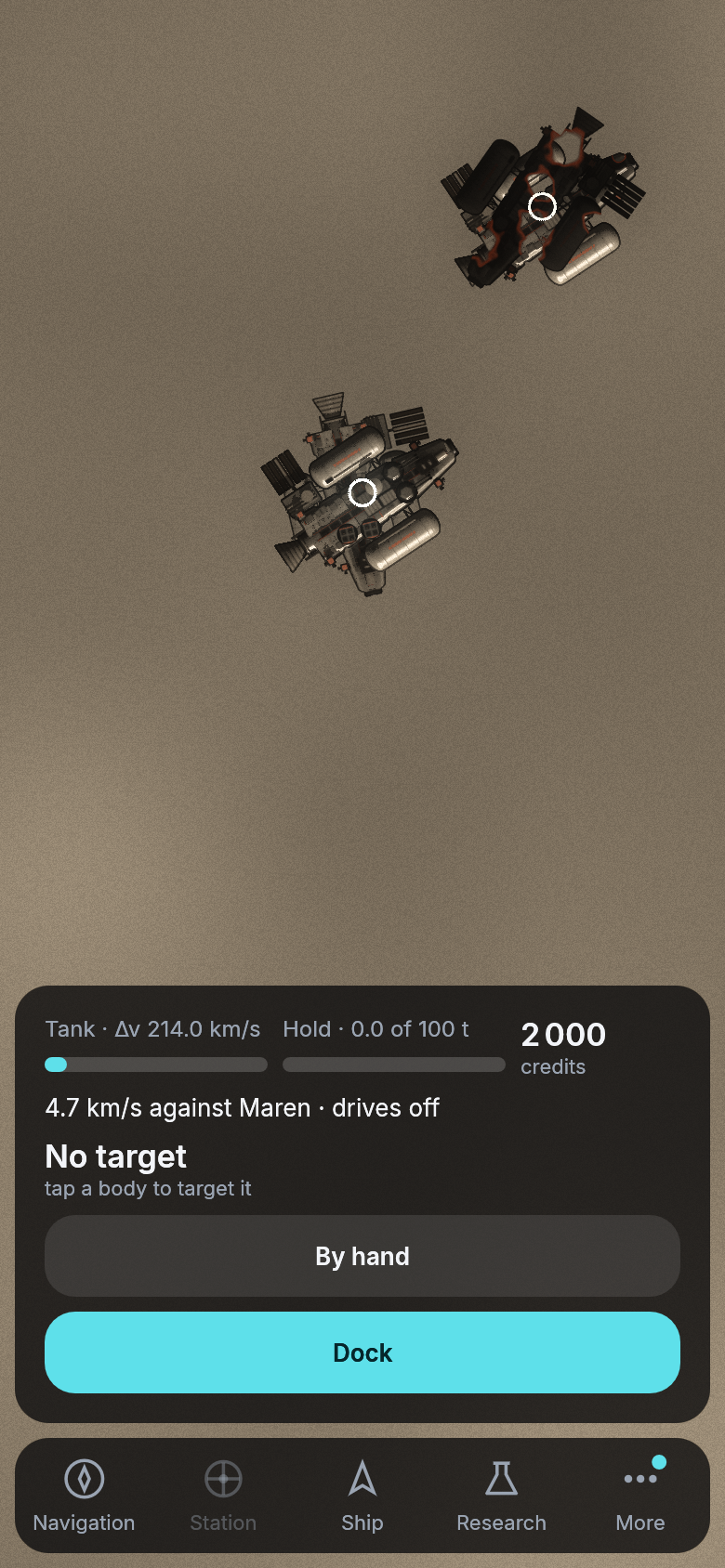
A ship shot to pieces used to leave nothing to see but a ring on the map where its wreck went round. The wreck is now the ship it was, torn open and charred all over, tumbling slowly on the orbit the ship had, and a ship that crashed lies broken on the ground where it came down. Up close you see what you are about to collect.
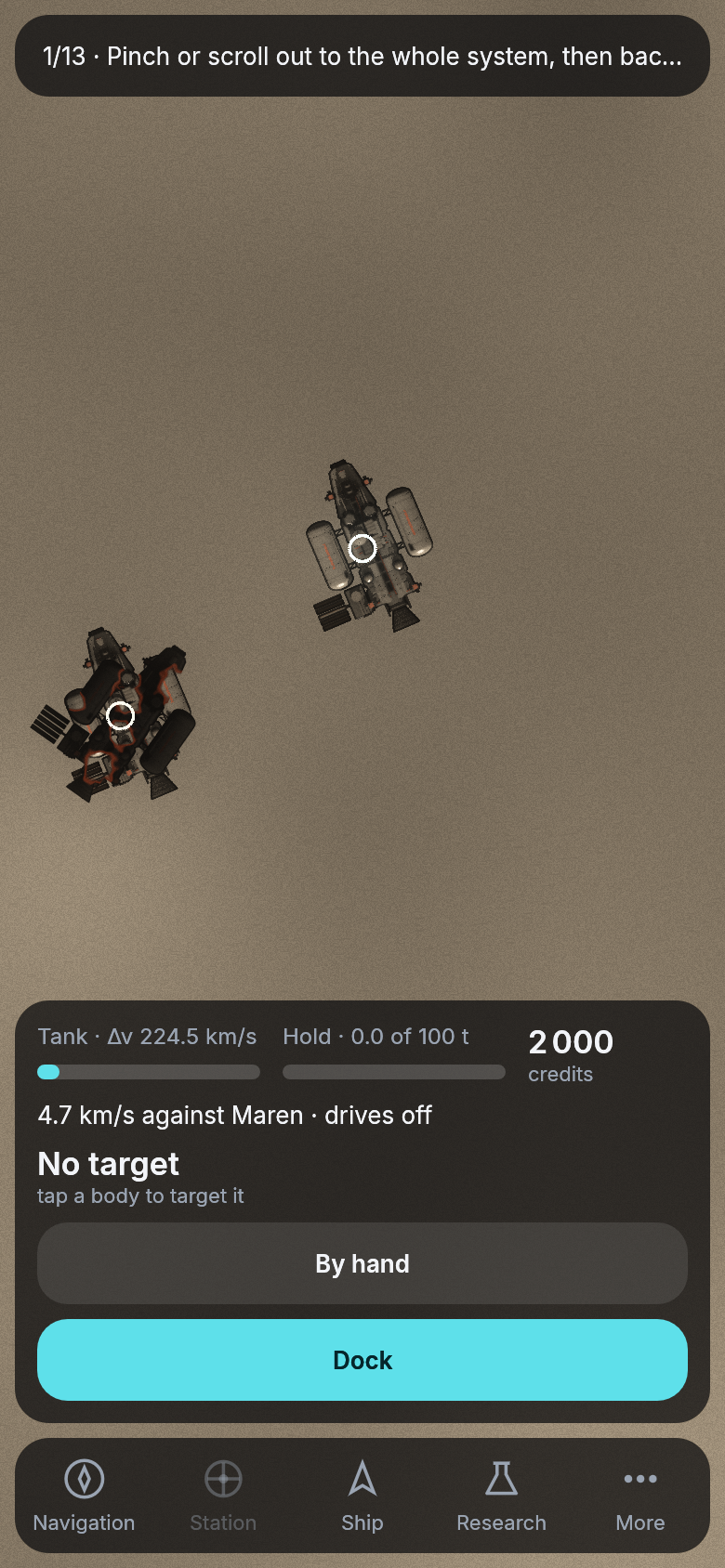
A wreck in orbit beside a whole ship.
Even spacing
The cockpit’s gaps used to be whatever each part had been given: a card twelve points in from its edge and a page’s list ten, buttons twelve apart, a heading two points over its rows. They now come from one scale of four steps. Rows that belong together stand four apart, one item stands eight from the next, everything sits sixteen in from the edge of its card, its field or its button, and a new section starts twenty-four below the last. The cards breathe a little more, and nothing sits a point or two off from its neighbor.
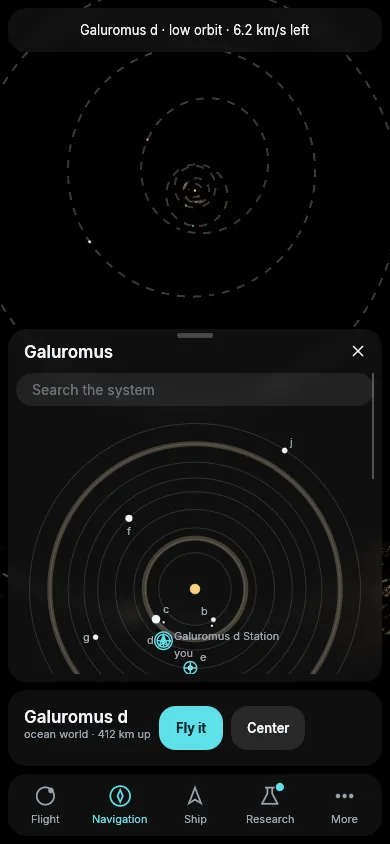
The engine’s own cockpit example on a phone, with Navigation open.
The fastest way to another planet’s moon
A pilot who asked for the fastest way to a moon of another planet was told there was none, though the cheapest way was right there. The ship’s computer plans such a trip in two legs: across to the planet, then down to its moon. The fastest first leg is a torch that burns the whole tank, so the leg to the moon had nothing left to fly on. Each leg now keeps back what the legs after it need. From Galuromus d to a moon of c, the fastest way takes ten days, against sixteen for the cheapest, and from d’s moon it takes eighteen days, against thirty.
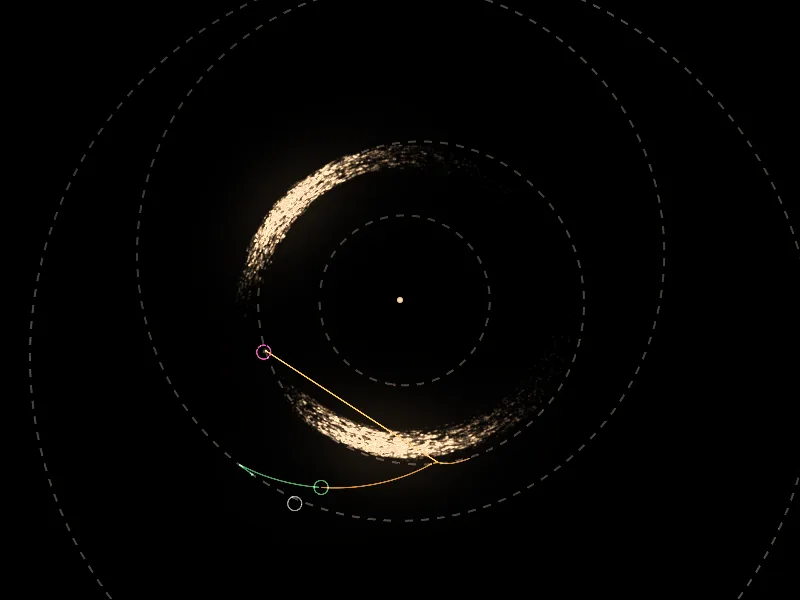
The engine’s own course example, set up for this trip: the fastest course from Galuromus d’s low orbit to c’s first moon.
The last kilometer of a hop
A miner hopping from one rock of a cloud to its neighbor often paid as much for the last kilometer as for the whole trip. The ship’s computer ends a meeting with a match that leaves the ship at rest beside the rock, a little off where it should be, and then closes that gap. It used to close a kilometer at up to a hundred meters a second, braking hard at the end, which cost between 80 and 200 m/s. Now it takes up to a quarter of an hour, at about a meter a second for a kilometer, and the gap costs almost nothing. Measured on twelve hops between rocks of one family in Aquilon’s leading cloud, the start kit spends a fifth less overall, and the worst hops far less: 82 m/s instead of 207, 101 instead of 178. Nothing changes on screen except the cost the card offers.
The cheapest hop waits for its moment
Asked for the cheapest hop to a neighboring rock, the ship’s computer sometimes offered one that left at once for ten times what the same hop would cost a few days later. From one rock of Aquilon’s leading cloud to its neighbor it offered 210 m/s, where leaving five days later costs 20 m/s and arrives only a day later. The computer judges every departure with a rough sketch that ignores how the giant planet swings its Trojan rocks, and to that sketch every departure looked alike. Now, when the hop it flies turns out far dearer than the sketch promised, it also flies the next few departures and offers the cheapest. Planning such a hop takes a second longer.
Clear glass over bright lights
The cockpit’s panels are frosted glass: the sky behind them shows through, blurred. At the system’s zoom, the lights of the authority’s stations behind a panel turned into gray discs with a blue rim, as wide as a finger and right over the Market’s figures and the Ship’s rows. A station that small is a single pixel carrying all of its light, and the glass spread all of it, then laid the lens’s glow over it a second time. Now the glass takes no point brighter than white, and the glow stops at the glass. What is left is a faint blue blur under the words, which reads as frosted glass should.
A warning before a costly way
The fastest way somewhere is the fastest whatever it costs, and on some days the rock reached soonest is half a tank away. The card now says so before you press. Wherever a way offered would use half of what your tank gives or more, a warning above the buttons says how much of it. And when the next rock’s fastest way would cost more than 2.5 km/s, the card offers the soonest rock within 2.5 km/s beside it, so that a short hop does not eat the tank you need to get home. With today’s cheaper hops that is rare, since the rocks of a cloud are mostly one or two kilometers a second apart.
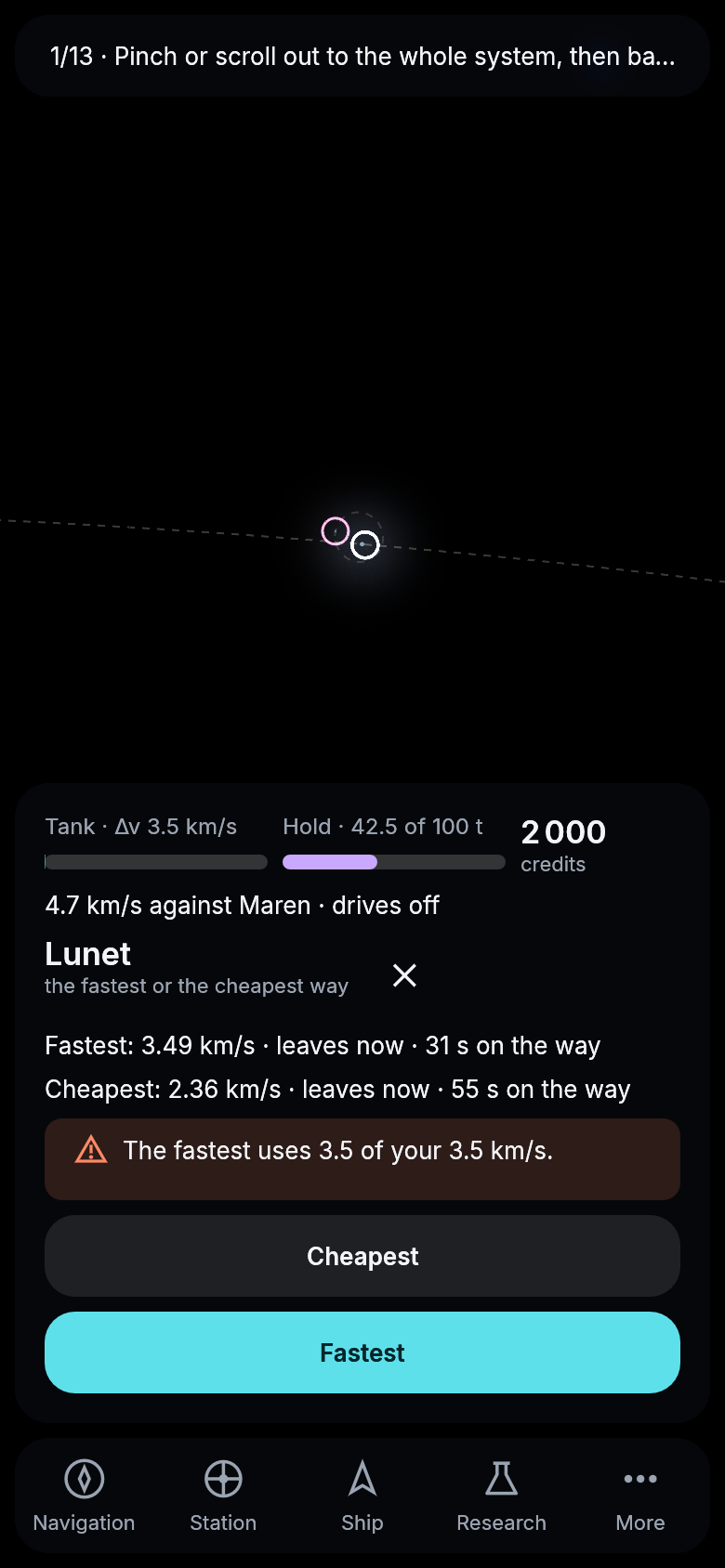
Lunet on a nearly empty tank, the fastest way using all of it.
Every ship in view
The ship’s computer drew at most 64 ships at a time, and the rest went missing without a word. Zoomed out over the inner system, where the authority’s six hundred traders and miners fly with its stations and mines, most of them were never drawn, and your own ship could have been among the missing. Now up to 1 024 ships are drawn together, your own first, and they are drawn in a handful of batches instead of one at a time, so the frame costs no more than 64 ships did before. A ship that far out is a single point of light, and a trader burning toward a station is a brighter one.
From moon to moon
A pilot at one moon who asked for a way to another moon of the same planet was told there was none. The ship’s computer knew how to reach a moon from its planet, and from a moon of another planet, but not from a sibling. It now flies one arc around the planet, out of the one moon’s pull and into the other’s. Galuromus i has four moons, and going from the first to the next costs 3.8 km/s, under half of what a detour down to the planet’s orbit and back out would have cost.
Panels that line up and slide out smoothly
The panel beside the map had its title a little further in than everything under it: the search field, the headings and the highlighted row stood out to the left. They now share one line with the title, on a computer, a tablet and a phone. Sliding a panel out also stuttered. The panel and the frosted glass behind it were drawn a few milliseconds apart, so the glass trailed the panel’s edge by a different amount every frame. Both are now drawn at the same moment.
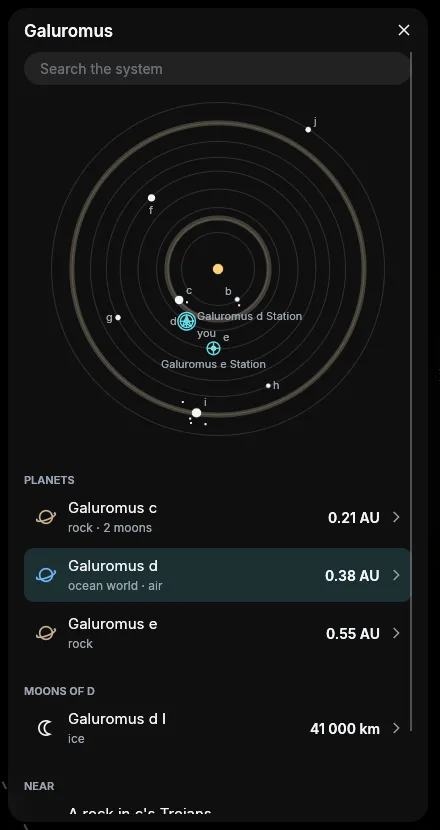
The engine’s own cockpit example on a computer, with Navigation open.
Weapons for everyone, and a patrol that answers
Ships can now fight on the live server too. Weapons I, II and III in the lab open railguns, missile launchers and point defense, and Defense I to III open shields, built at the yard and fitted on a weapon or a shield mount. A ship’s weapons start safe. You arm them on another ship’s page, a red tag on your card says they are armed, and its cross makes them safe again. When someone fires on you, they arm by themselves.
The start system stays a peaceful place. No weapon fires within 100 km of a station or a mine, and nobody can shoot at a pilot who is still in the tutorial. Arming brings a radio warning from the authority’s security patrol, and its ship comes out beside yours ten seconds later. Fire on a ship that did not fire on you first, and the patrol fires back with two heavy railguns every second until you make your weapons safe. A minute later it leaves. Firing back at a ship that shot at you is self-defense, and the patrol leaves you alone.
Maren Range
To try your guns there is Maren Range, on Maren Station’s orbit half a turn ahead of it. Five target drones coast there in a line, five kilometers apart, and within 50 km of the range you can arm and shoot them without a word from the patrol. A drone shot to pieces is replaced ten seconds later. The guide has a new page on fighting with the rest.
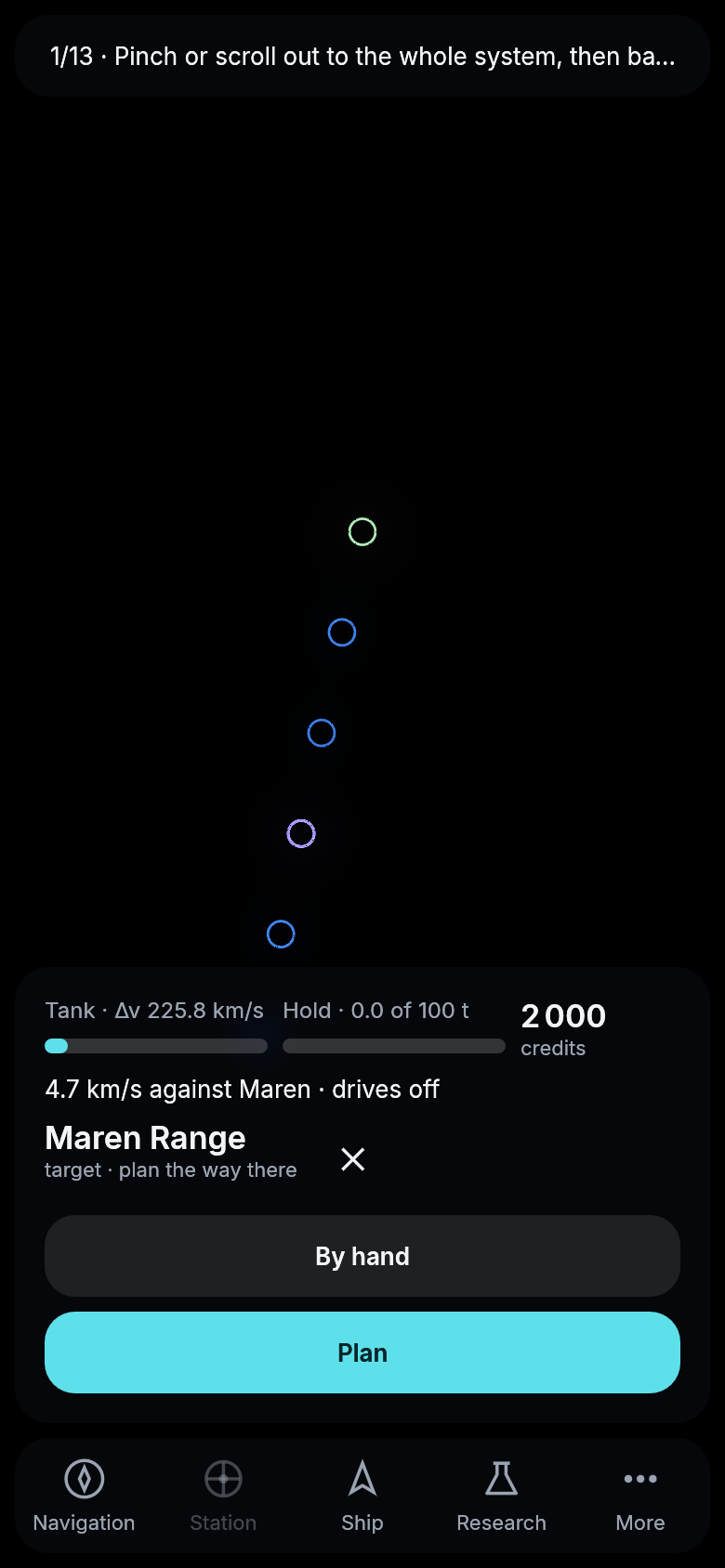
The five drones of Maren Range seen from a ship on its way in, drawn by the game against a local server.
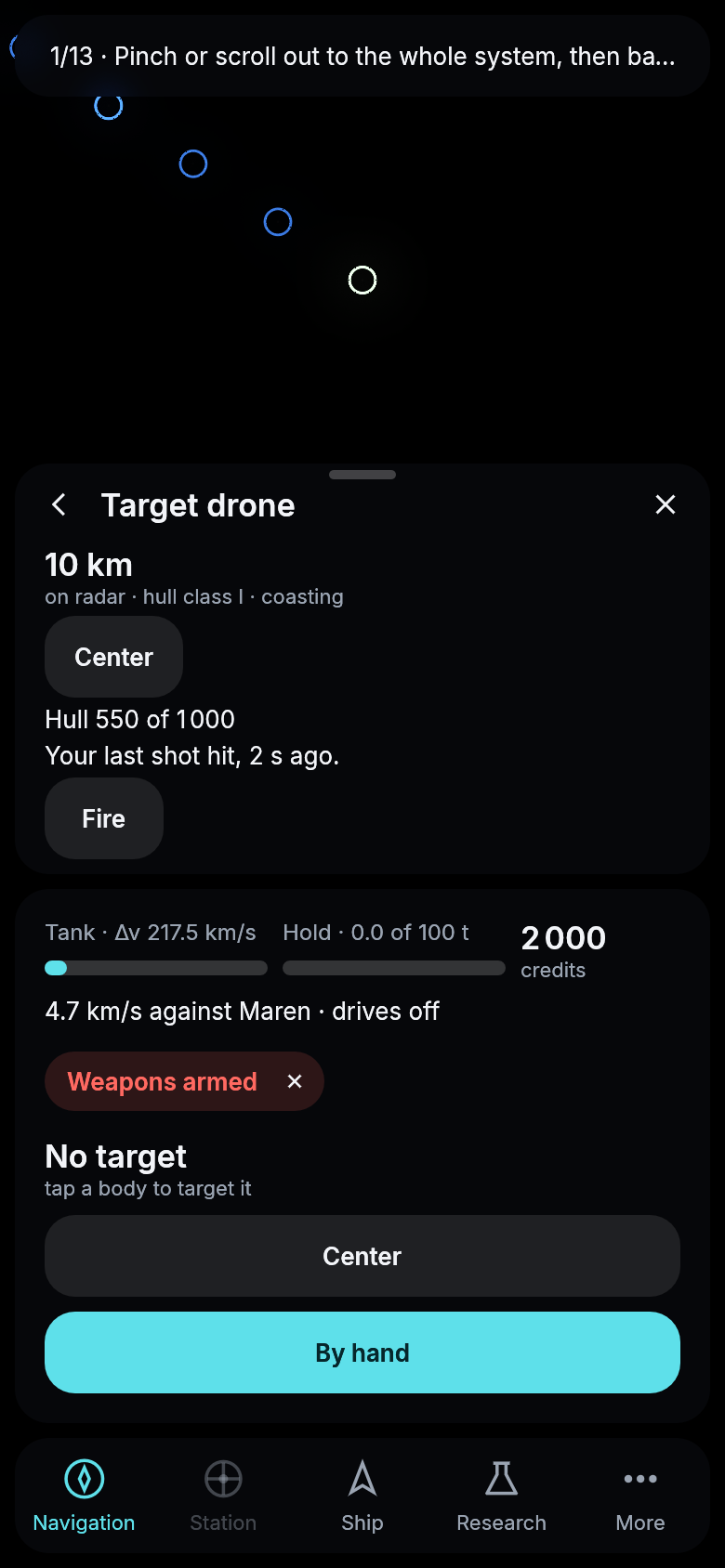
A drone after a few volleys of a Railgun I.
Ships show what they carry
Until today every ship had two railgun turrets, a pair of shield emitters and a telescope painted on, whatever it carried. Now a hull is bare, with empty rings where weapons go, and each part you fit shows up on it. A railgun puts a turret on each side, a launcher an armored box with four hatches for its missiles, point defense a white dome over its barrels, a shield an emitter on each side of the stern, and a telescope a long box near the bow. Every pilot sees them, so you can tell what a ship is armed with before it fires.
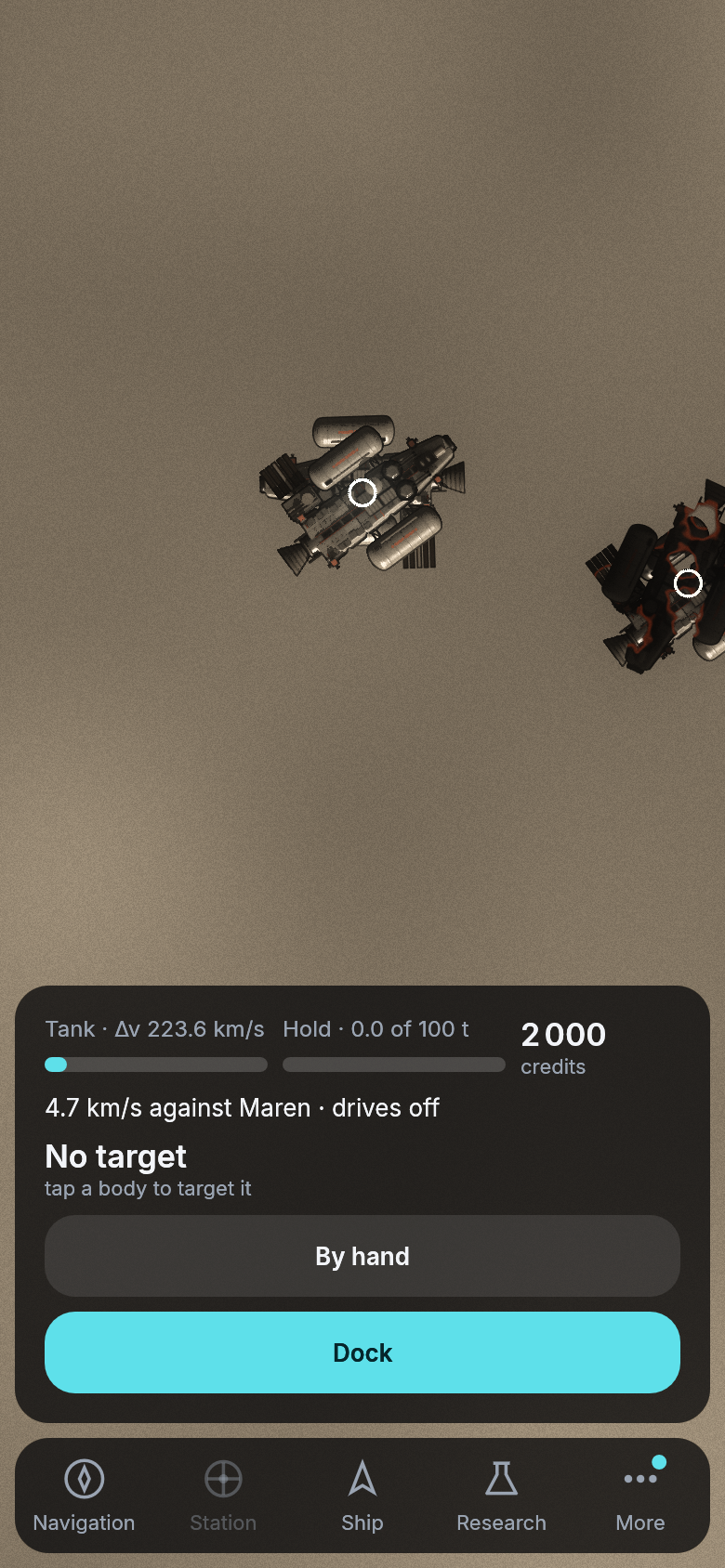
A start kit as it comes, its weapon mounts bare.
The same kit with a Launcher I fitted at the yard, drawn by the game against a local server.