Your own station
After the research Construction II you can build a station of your own and set it up in orbit around a planet. It goes round the planet with the station of the Charter, a little higher than the orbit your ship parks in, and any pilot can dock there.
Two types
The yard builds two types of station.
| Type | Store | Weight | Crates | Strength |
|---|---|---|---|---|
| Wheel | 10 000 t | 400 t | 20 | its ring is a market where other pilots trade at your prices |
| Spine | 30 000 t | 450 t | 23 | three times the store, and berths for the modules that come later |
Both take six hours to build.
Getting it to its planet
A finished station waits at the yard under Built and waiting, with the number of its crates still there. While you are docked there are two ways to take it.
- Load crates puts as many crates into your hold as it has room for. A crate weighs about 20 tonnes, so a ship with a 100 t hold takes five at a time and the rest wait at the yard for the next flight. The hold’s bar on the card counts the crates aboard. In a planet’s orbit, press Unload crates. The first crates found a site where your ship is. Later flights dock at the site and unload the rest there. Once all the crates are at the site, robots assemble the station in an hour. From anywhere, the site’s page in Navigation says how many of its crates are there.
- Tow hangs the whole station on your ship. It costs no room in the hold, but 400 tonnes weigh a lot, so your range drops sharply while you tow. It is enough to set the station up around the planet of the yard. In a planet’s orbit, Set up station puts it there at once.
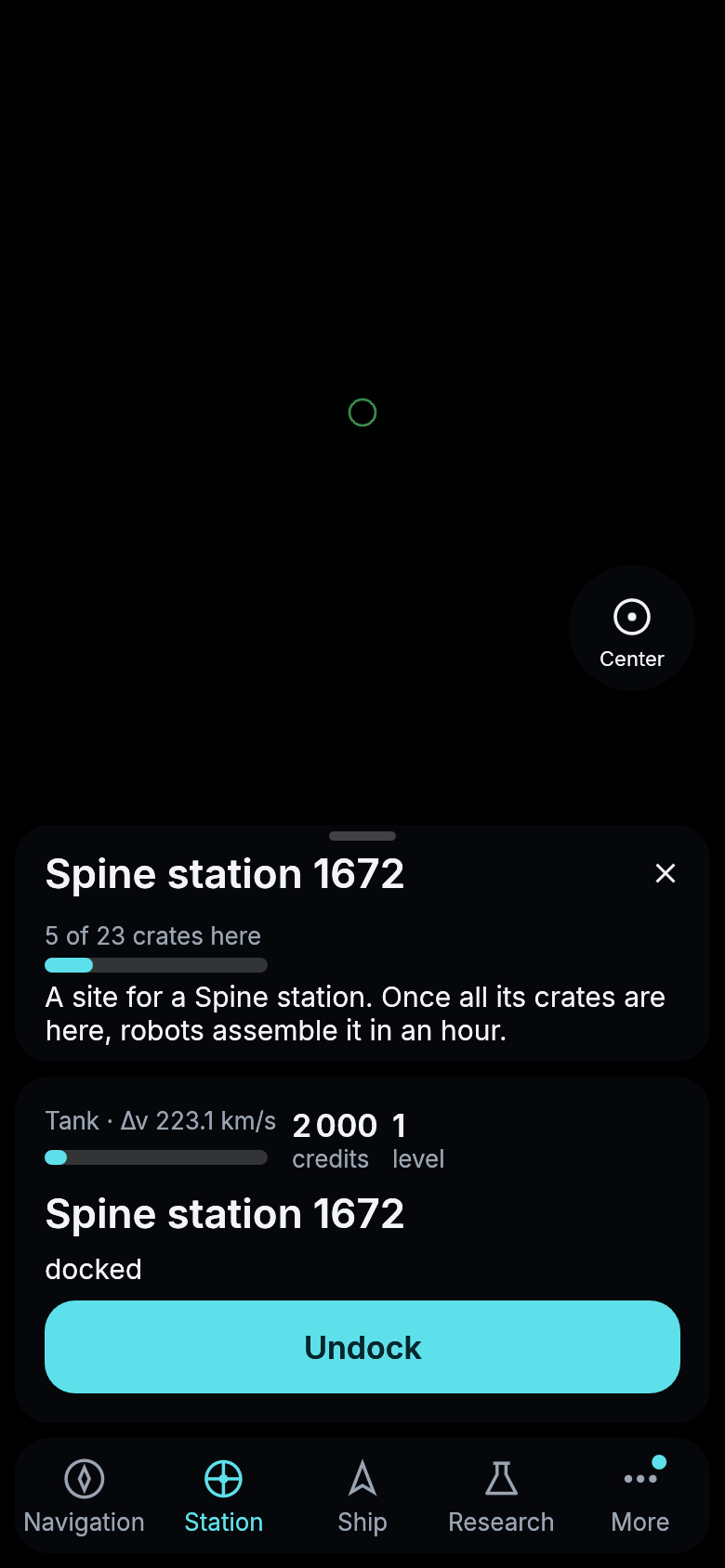
A site for a spine station after the first flight, five of its 23 crates delivered.
Stations keep their distance. A new one has to be at least 1 000 km along the orbit from every other station around the same planet, the Charter’s included. If yours is too close, the card says so. Fly on a little and try again.
The store
Docked at your own station, the station sheet shows its Store. It works like the vault, with Store to move your hold into it and Take to move it back, but it is far larger and you reach it only at that station. Other pilots can dock at your station, but they cannot reach its store.
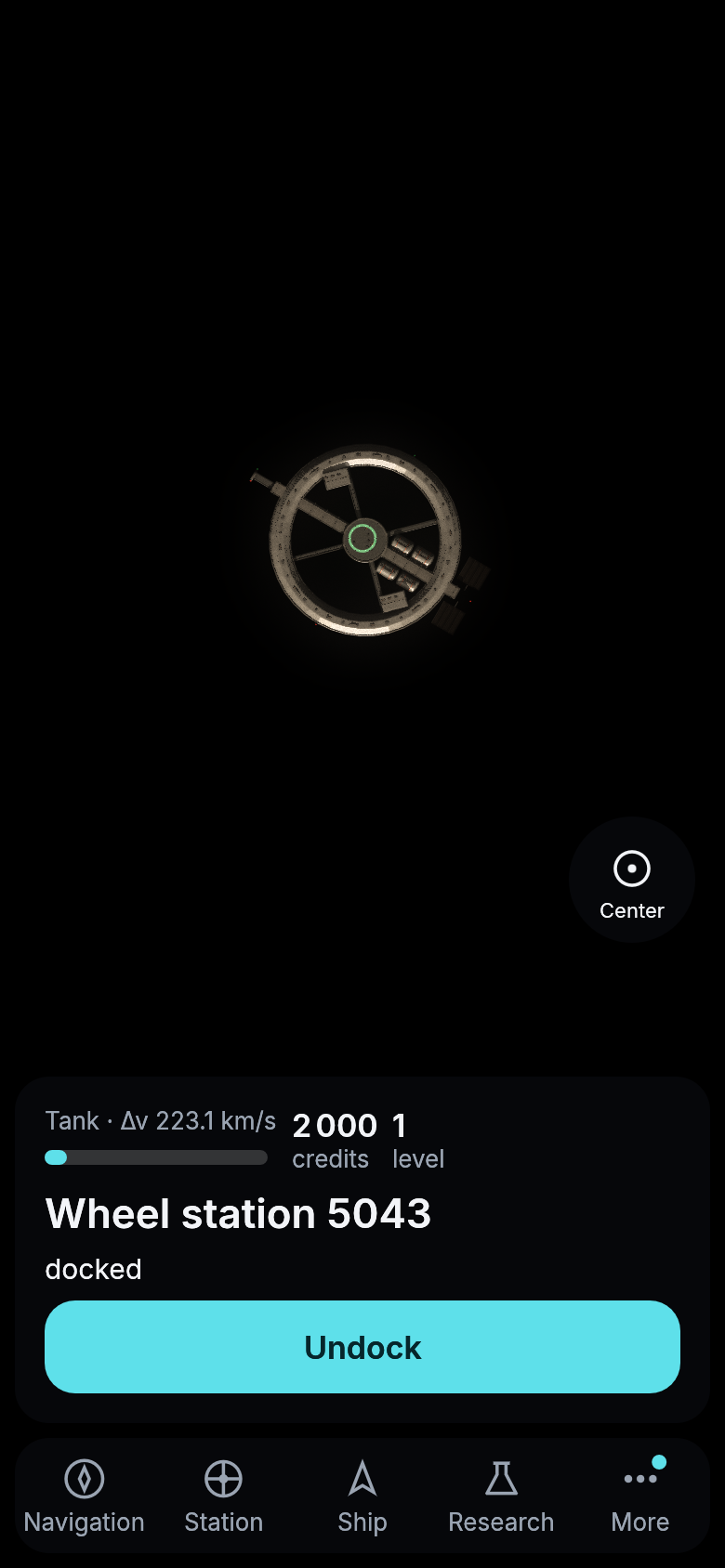
A wheel station above Maren, seen from a start kit docked at it.
The wheel’s market
Docked at your own wheel, Prices lets you set for each material what the wheel pays for a tonne and what it asks for one. Leave a field empty and the wheel does not trade that material. You can change them whenever you are docked there.
Other pilots docked at your wheel see its Market. They can sell their hold into its store, and you pay for it from your credits, as long as your credits and the store’s room last. They can also buy what the store holds at your price, and the credits are yours. The log tells you each trade. Your prices pay no tax, so what you earn is the difference between what you pay and what you ask.
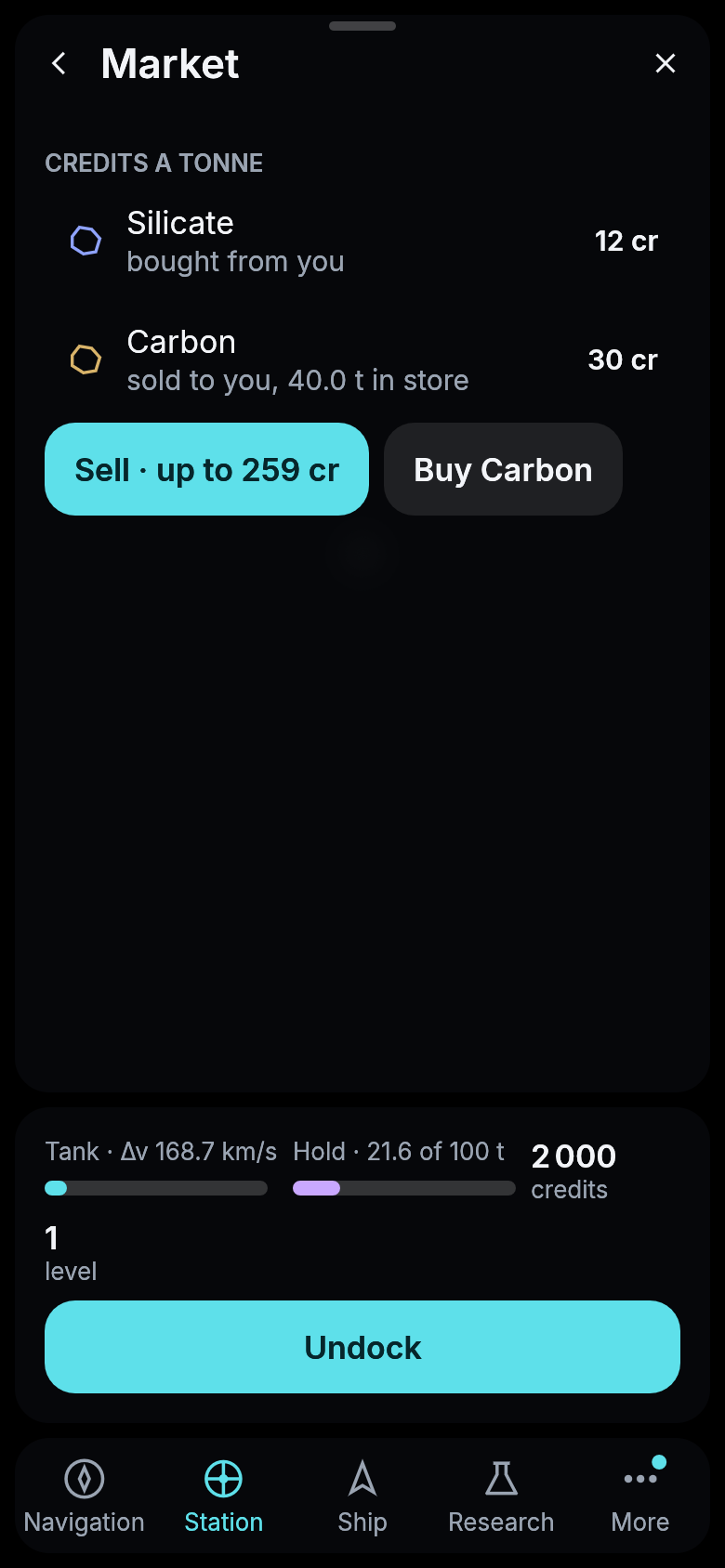
Another pilot’s view of a wheel that buys silicate and sells carbon.
Orders at a wheel
Any pilot docked at a wheel can open Orders and place an order there, to buy or to sell so many tonnes of one material at a price they choose. A buy order takes its credits from you when you place it, and you get back what it does not spend when it is filled or cancelled. A sell order takes its tonnes from your hold. You can keep five orders open at one wheel.
Whoever docks at the wheel later sees the open orders and can sell into a buy order from the hold, or buy from a sell order into it. Each button says how many tonnes it trades and the credits it brings or costs. You cannot trade with an order of your own, but you can cancel it from the list.
Goods only move in a hold. What your buy order bought at someone else’s wheel, and what your cancelled sell order did not sell, wait at that wheel until you dock there and press Take.
The wheel’s owner keeps a tax on every sale at it, 5 % by default. It comes out of what the seller is paid, and the owner’s own sales pay none. If the wheel is yours, set the tax on its Orders page, anywhere from 0 to 50 %. Your own orders trade with the wheel’s store, so a buy order fills it and a sell order sells from it. The log tells you when an order of yours is filled and what the tax brought you.
Next: The vault